
FeaturesWorkspaces and projects
Room for the team, and every repo.
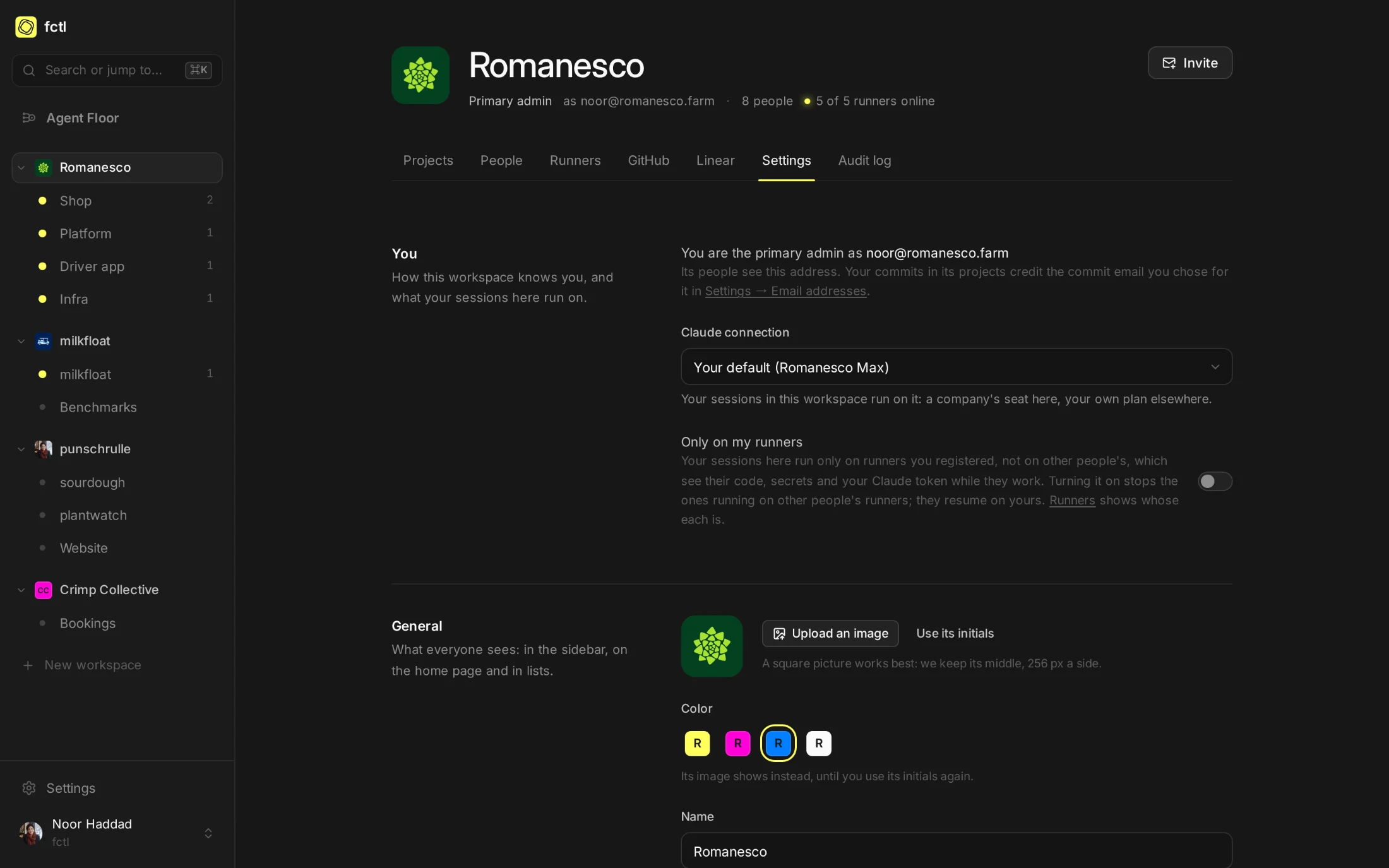
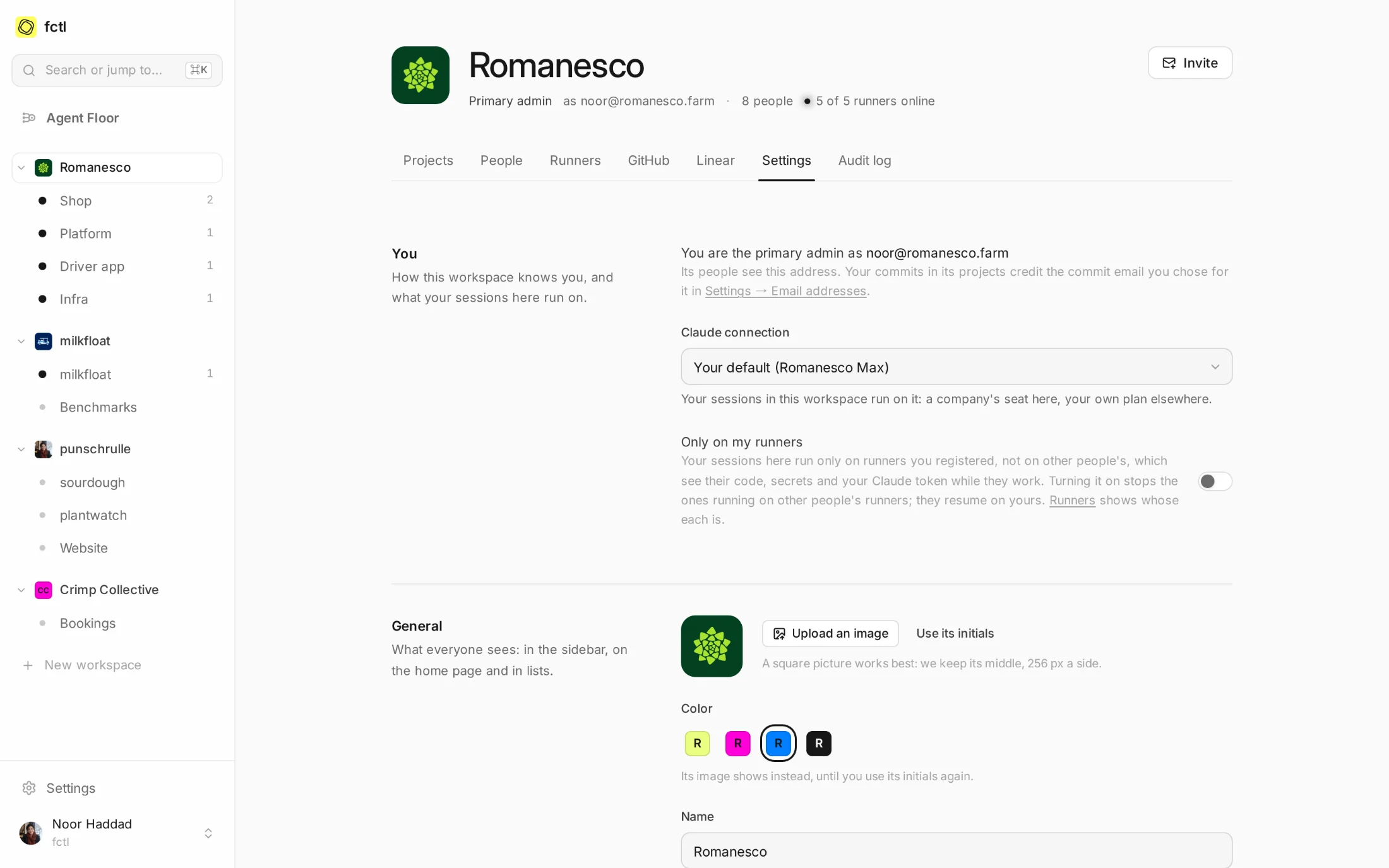
A workspace is the people who work together: their projects, the machines their sessions run on and the GitHub accounts their code lives in. A project is one repository and everything its agents need to work on it, down to what they may do on GitHub and the secrets they get.
Open the app Create your first project
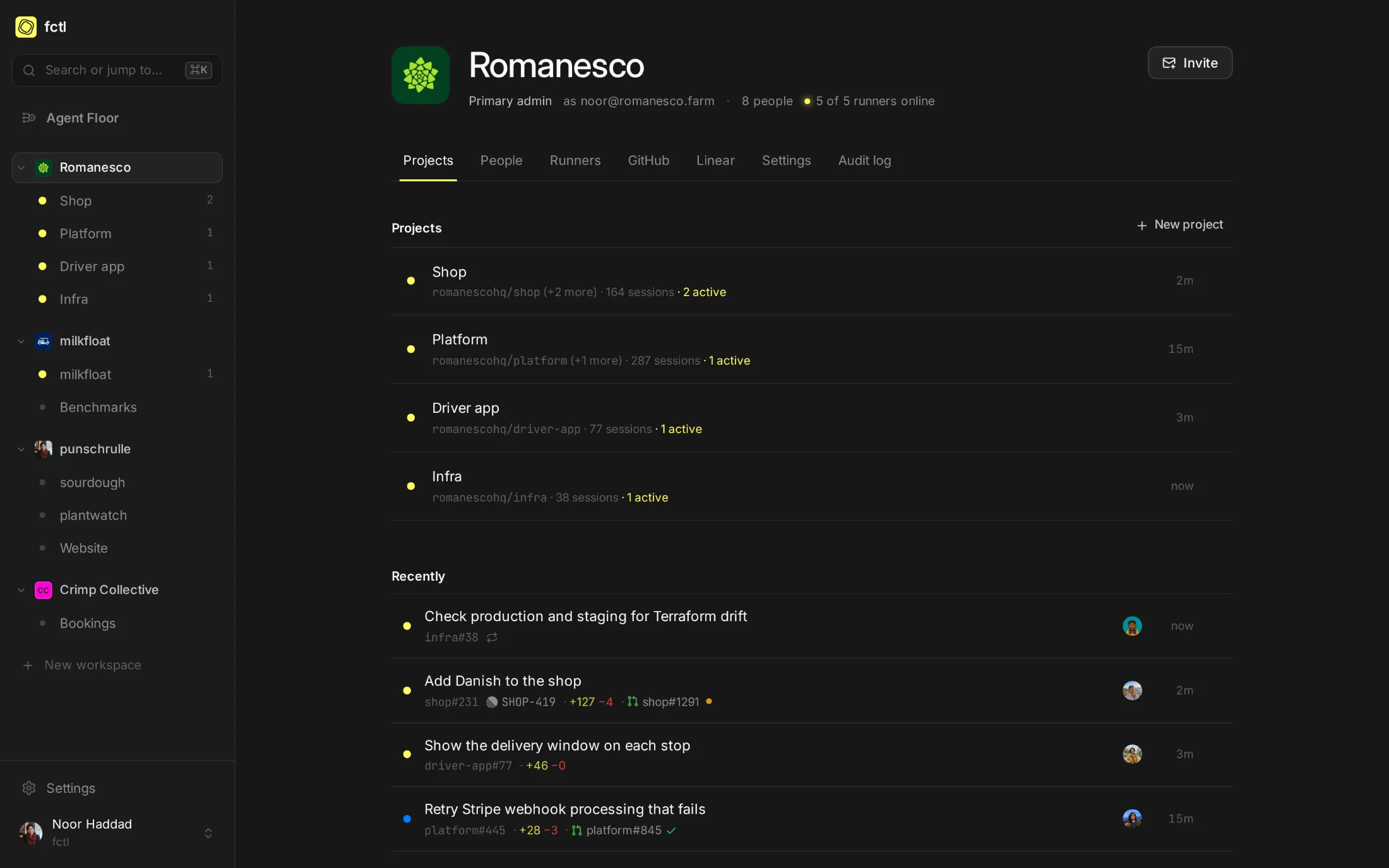
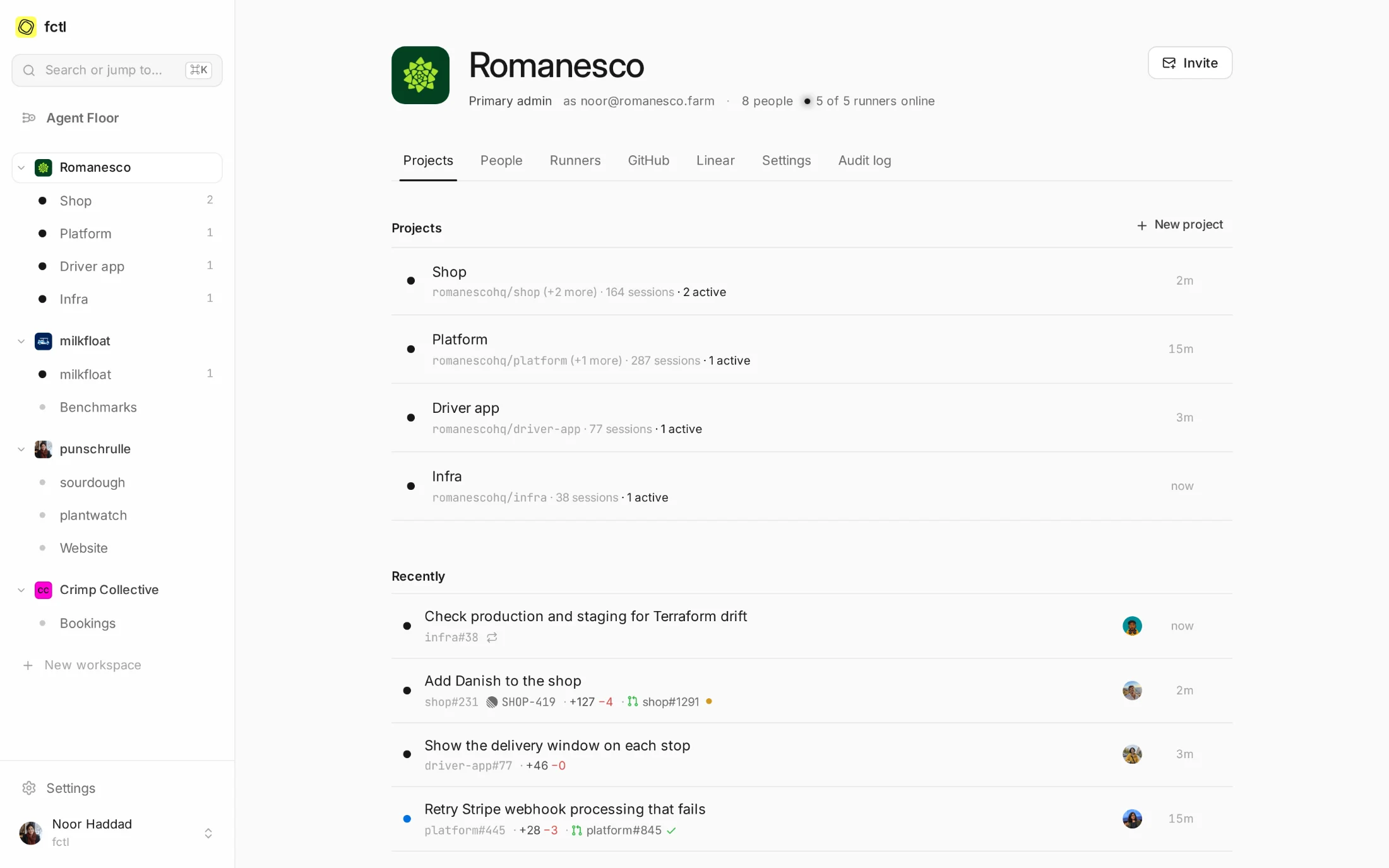
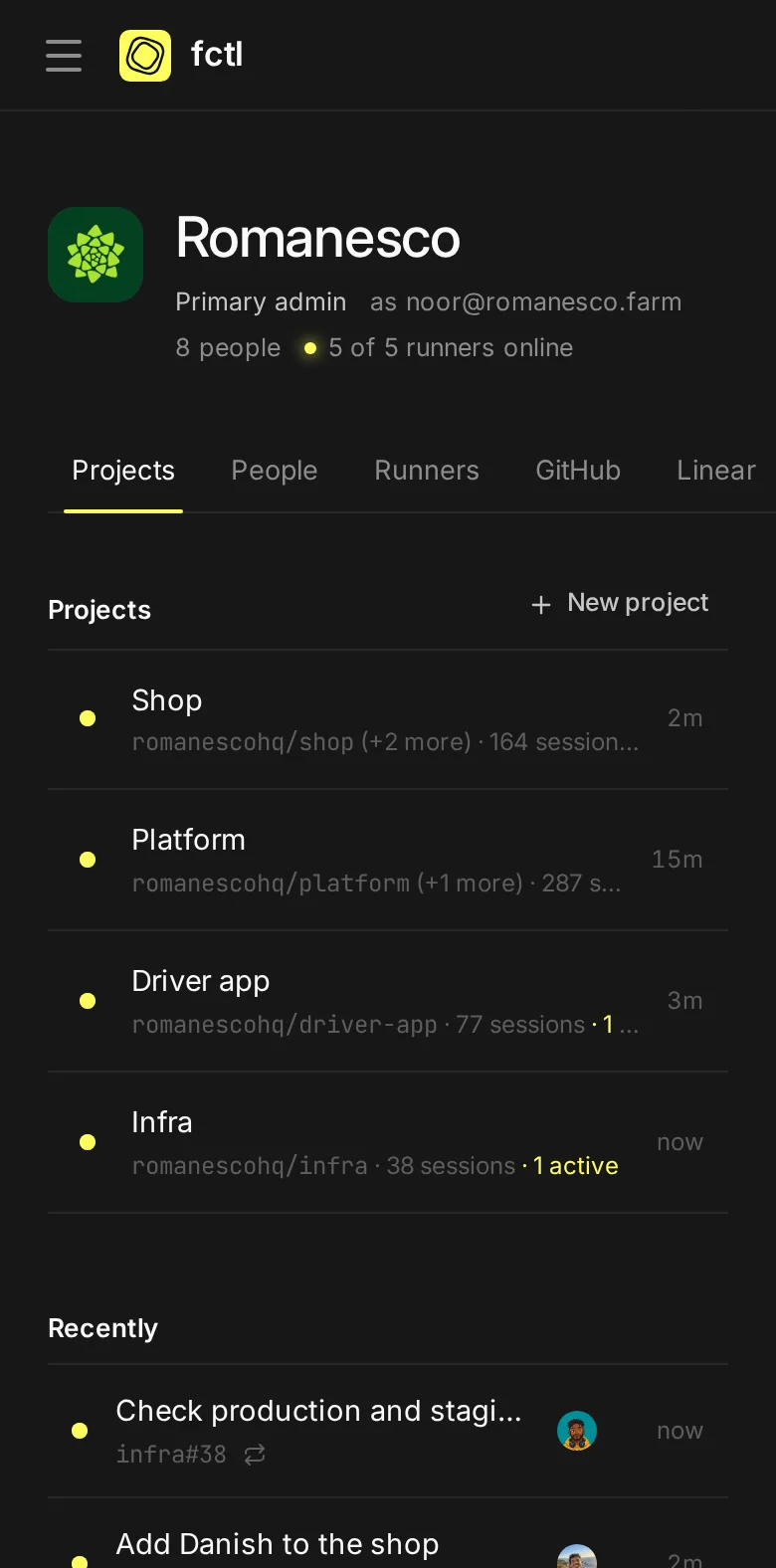
The company, the open-source project, the weekend one: each with its own people, runners and GitHub accounts.
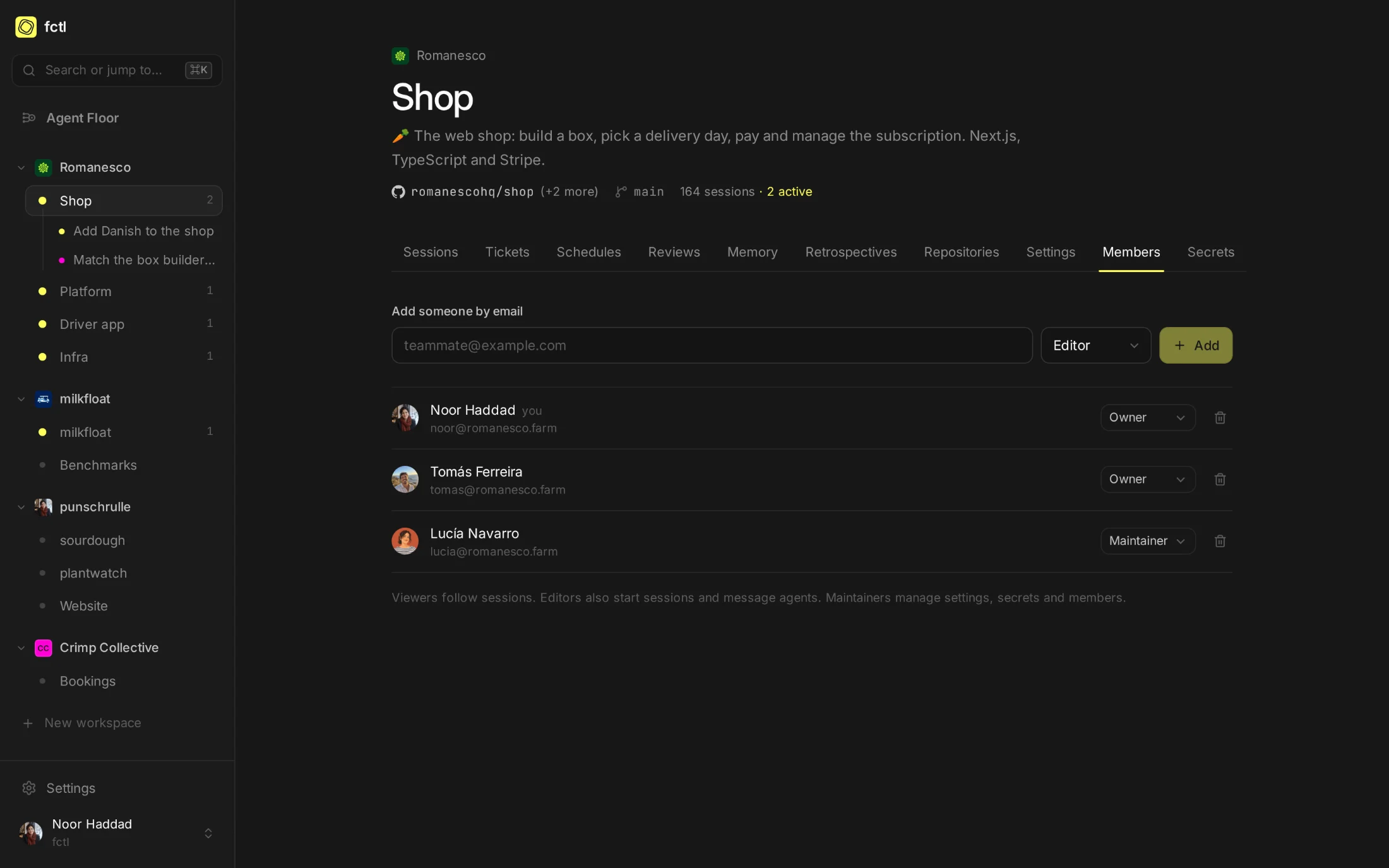
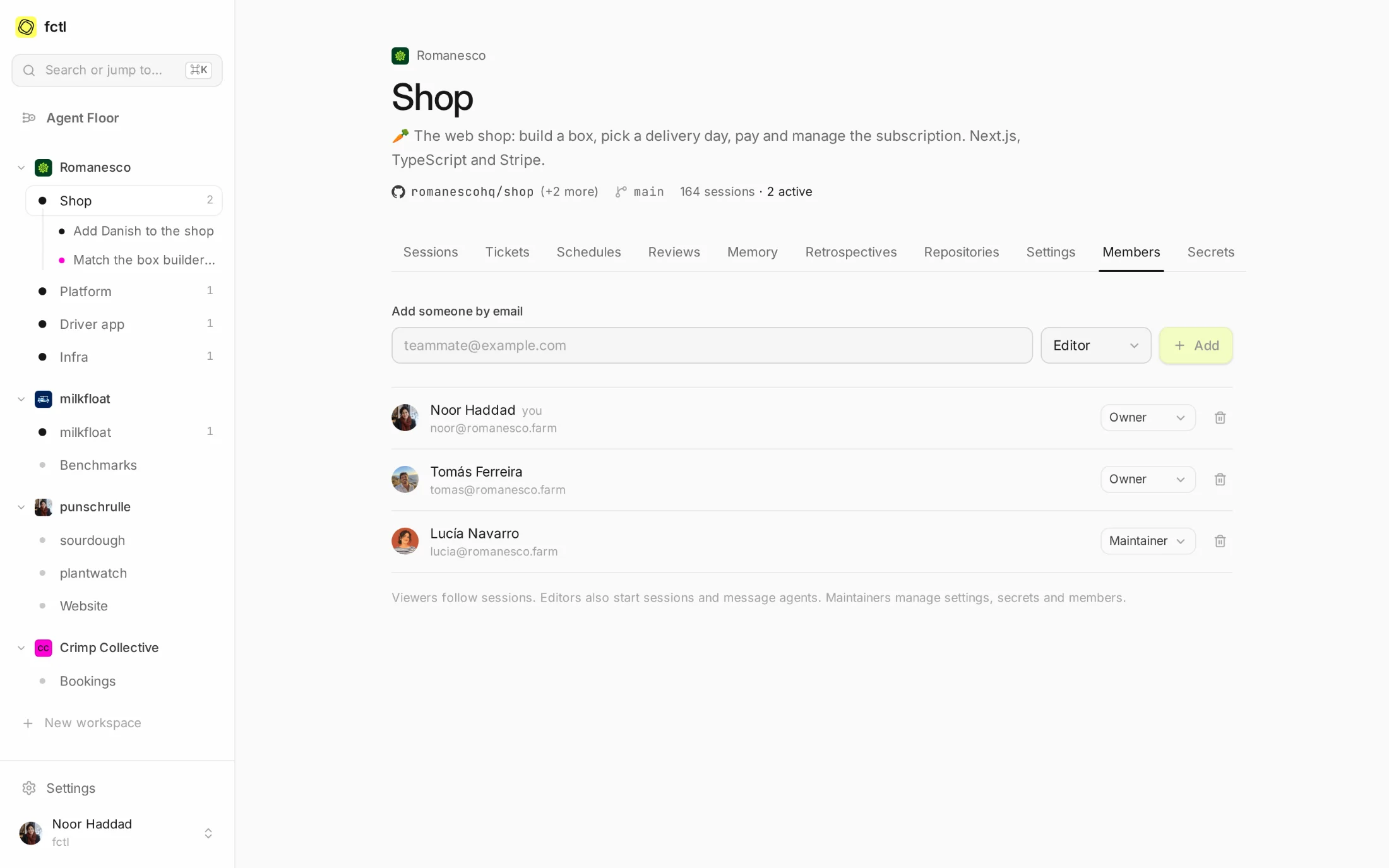
Viewers follow sessions, editors start and steer them, maintainers run the settings, and owners decide the rest.
Read, comment or push: a project says the most its agents may do on GitHub, and no session gets more.
Work runs on the company's Claude plan, side projects on yours. Each person picks one for each workspace.
A project is a repository, with a crew.
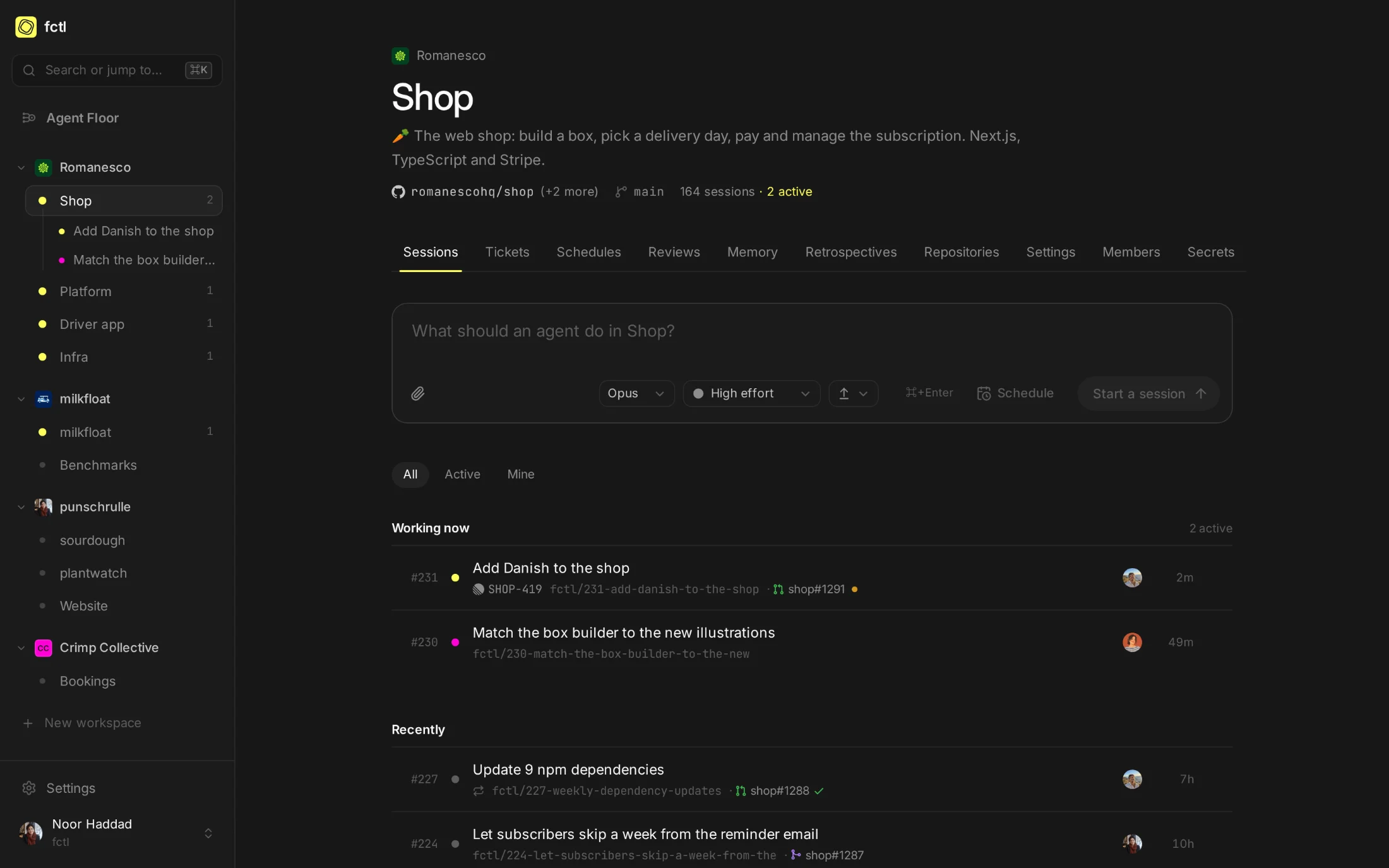
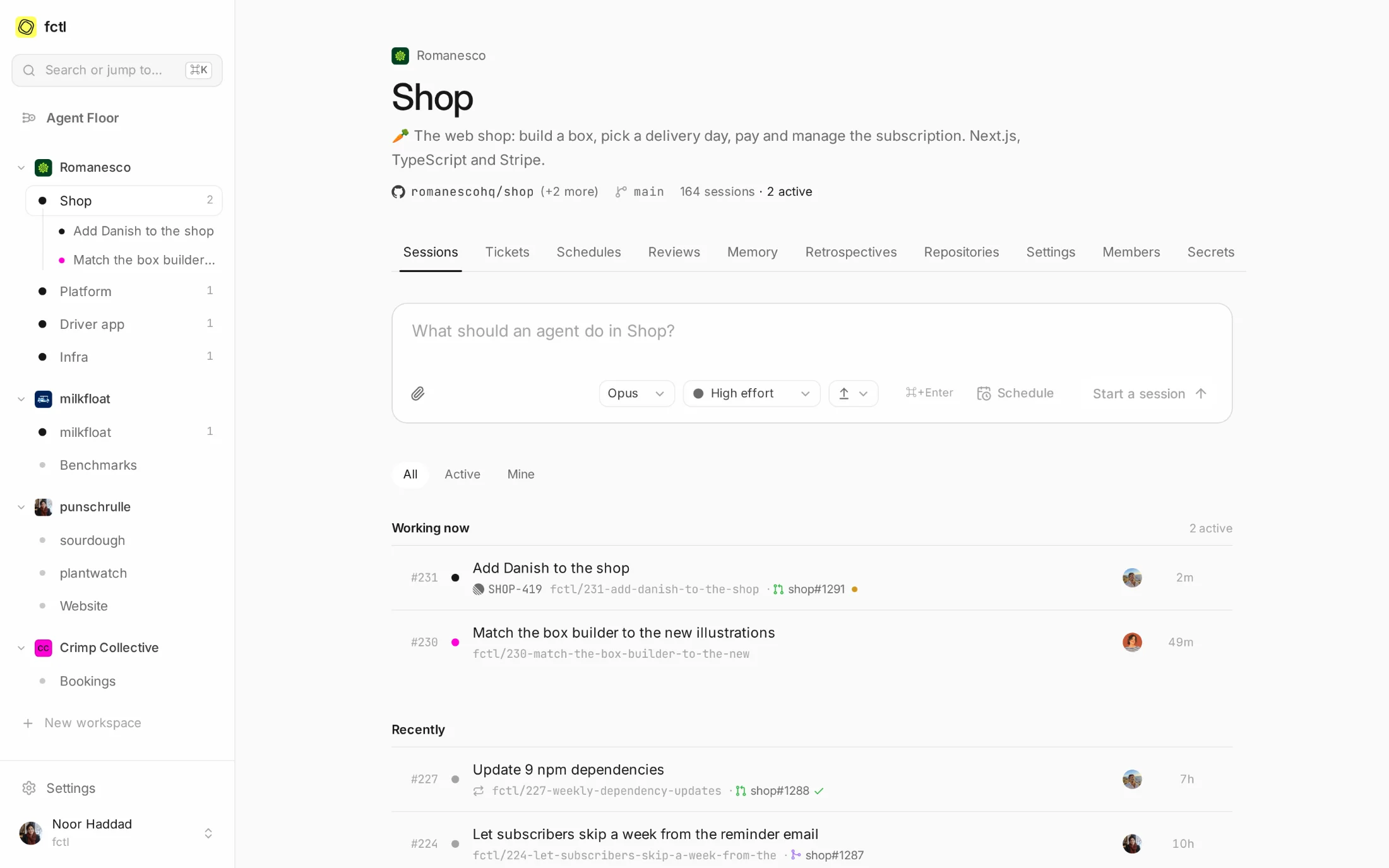
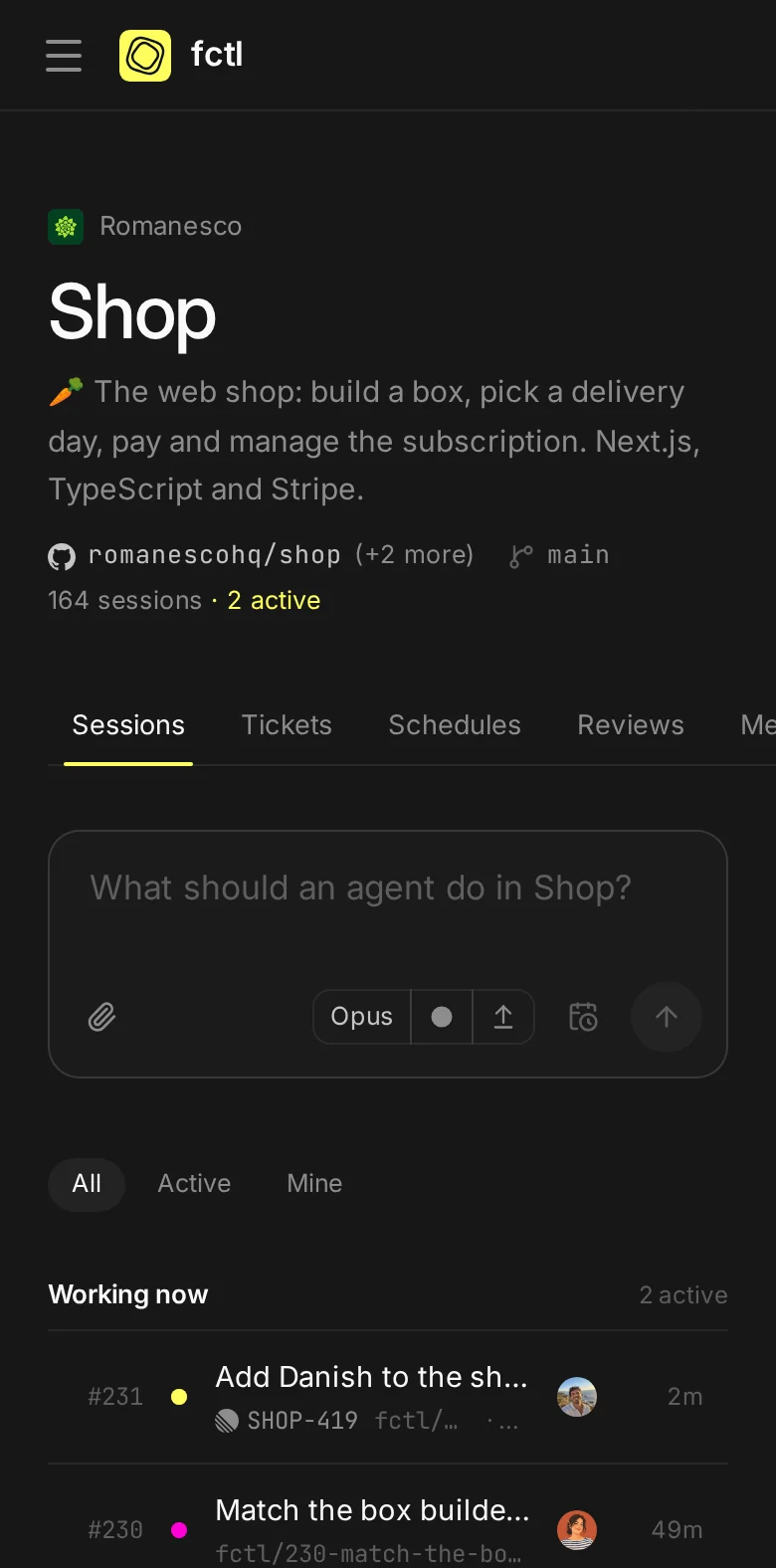
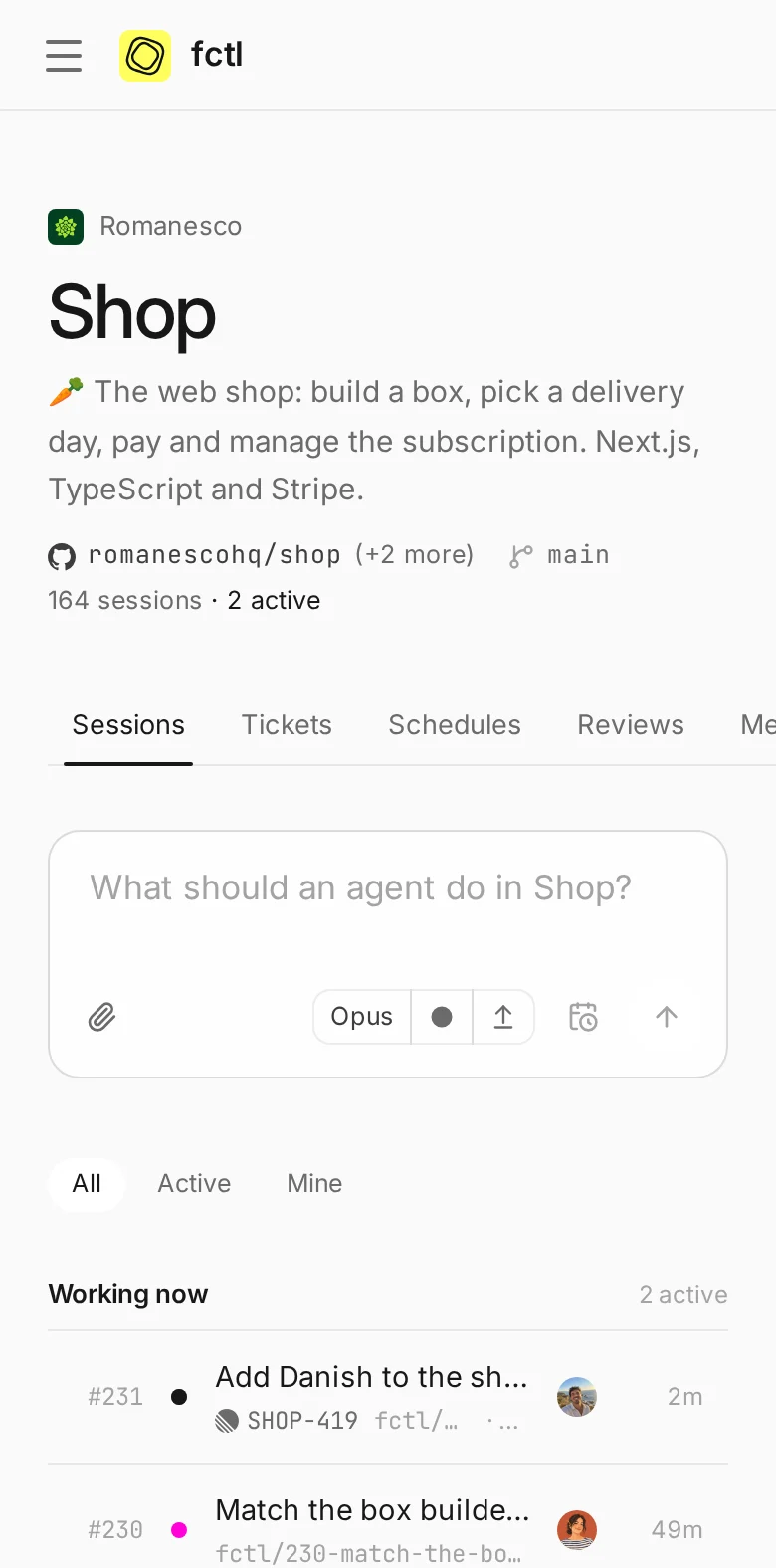
Each project has a page that holds what happens in it: the sessions at work and those that finished, the tickets they came from, the schedules that start them, what the review agents found, and what agents learned along the way. Start the next task from the box at the top of it.
- More than one repository. Let agents read a private library, or open pull requests in the design system too.
- Secrets, kept back. The project's keys reach its sandboxes as environment variables, and nothing else.
- A number for everything. Sessions count up per project, so
shop#231means one thing to everyone.
House rules, written down once.
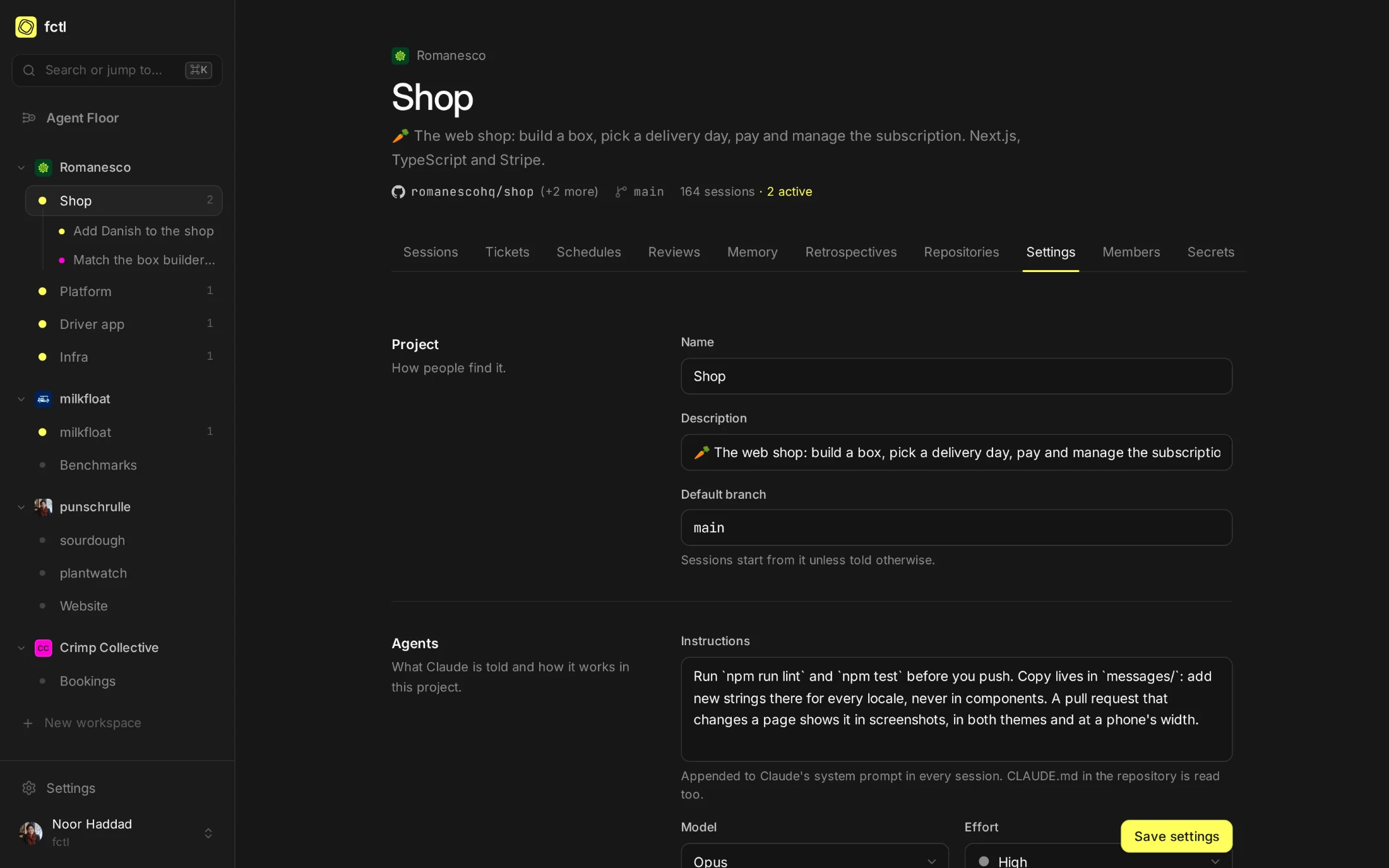
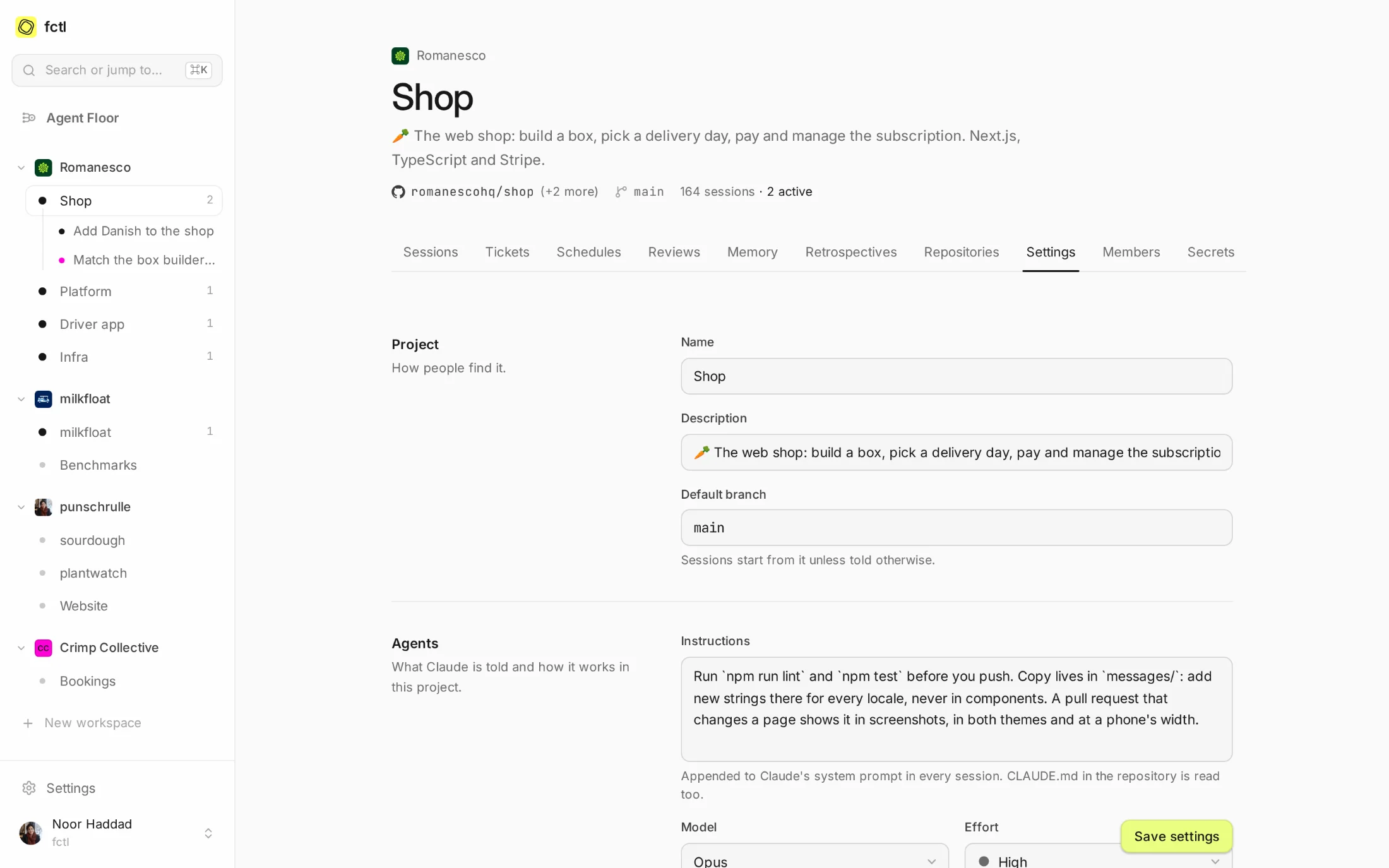
A project's settings are where its maintainers say how its agents work: the model and effort they start with, instructions that join Claude's system prompt in every session, whether they open a pull request when they finish, and how much they write in it.
- Credit where it's due. Commits can name the person who asked, and Claude, as co-authors.
- Called back, or not. Choose which events on a pull request bring its agent back: failed checks, comments, conflicts, the merge.
- Memory and retrospectives. On by default, and a switch away for projects that want neither.
Everyone in their place.
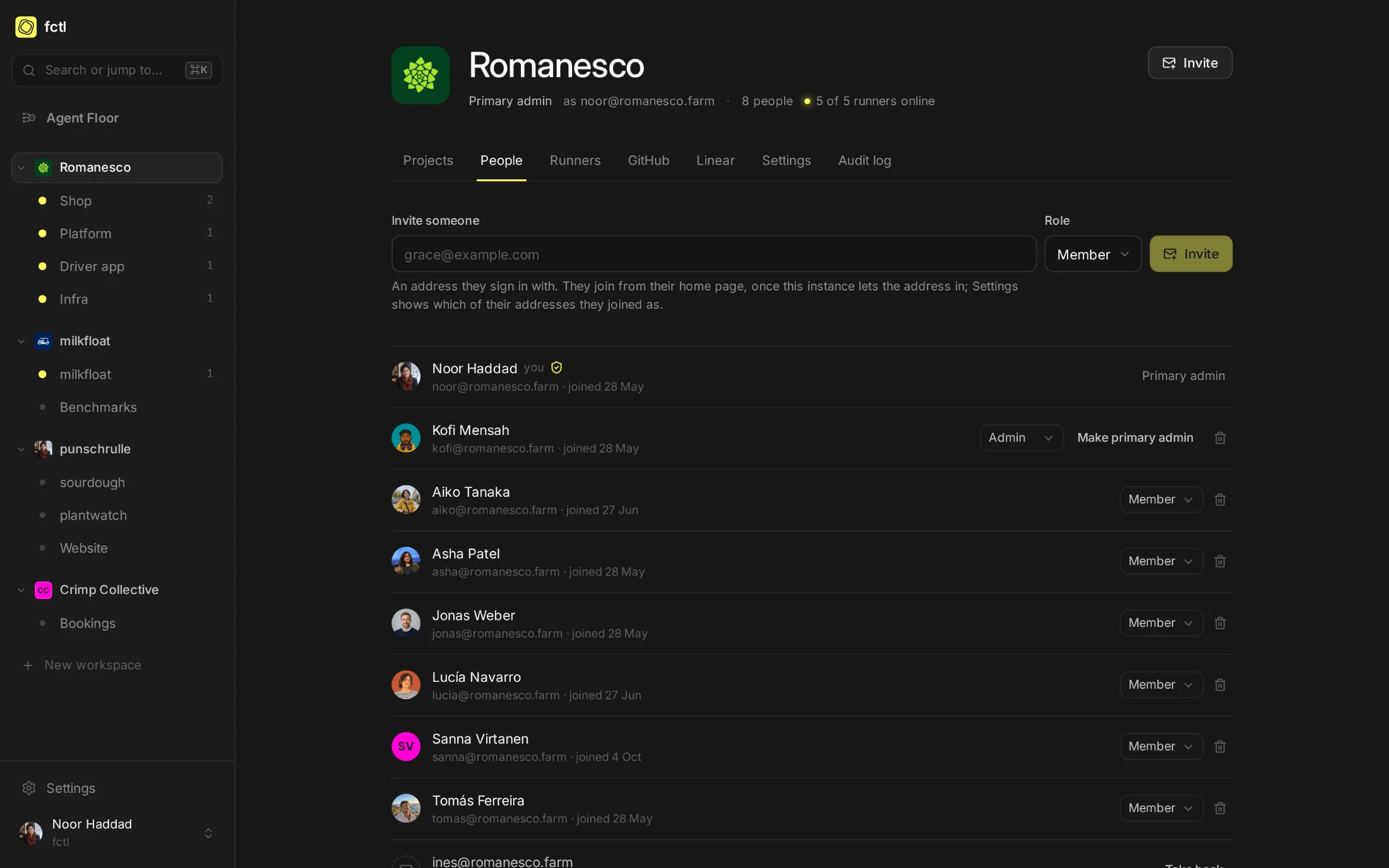
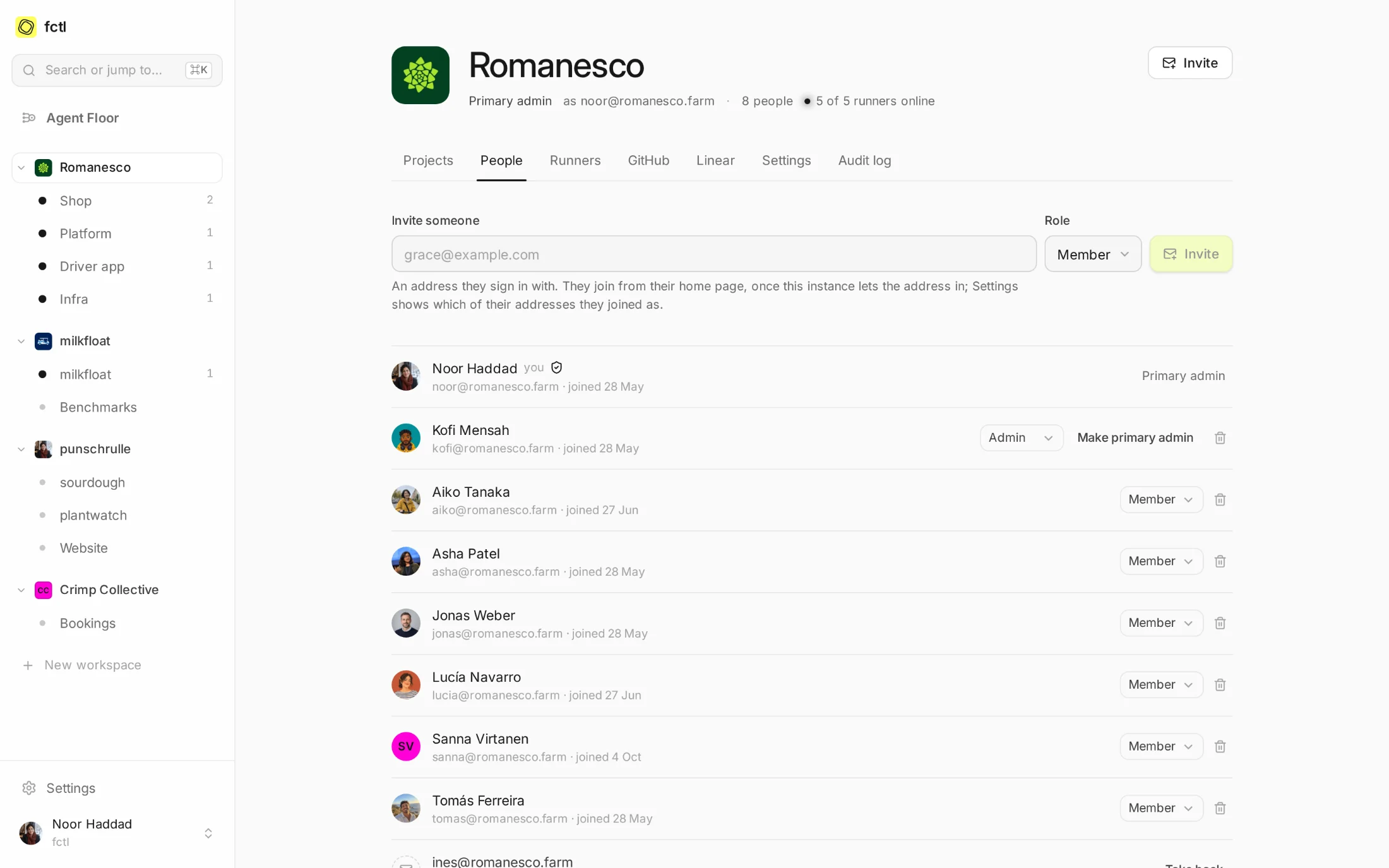
Invite people by the address they sign in with. The workspace's base role decides what everyone may do in its projects; a project's members get more where they need it. Admins can require two-factor sign-in of everyone, and the workspace's audit log keeps who changed what.
In the docs
Roles, invitations, GitHub accounts and every setting a project has.
Start a factory tonight.
curl -fsSL https://fctl.sh/install | sh