
FeaturesSessions
Agents at work, in plain sight.
A session is one agent on one task: a sandbox of its own, a branch of its own, and a transcript that streams as it thinks, runs commands and edits files. Follow it from your desk or your phone, steer it with a message, and let fctl call it back when its pull request needs it.
Open the app Start your first session
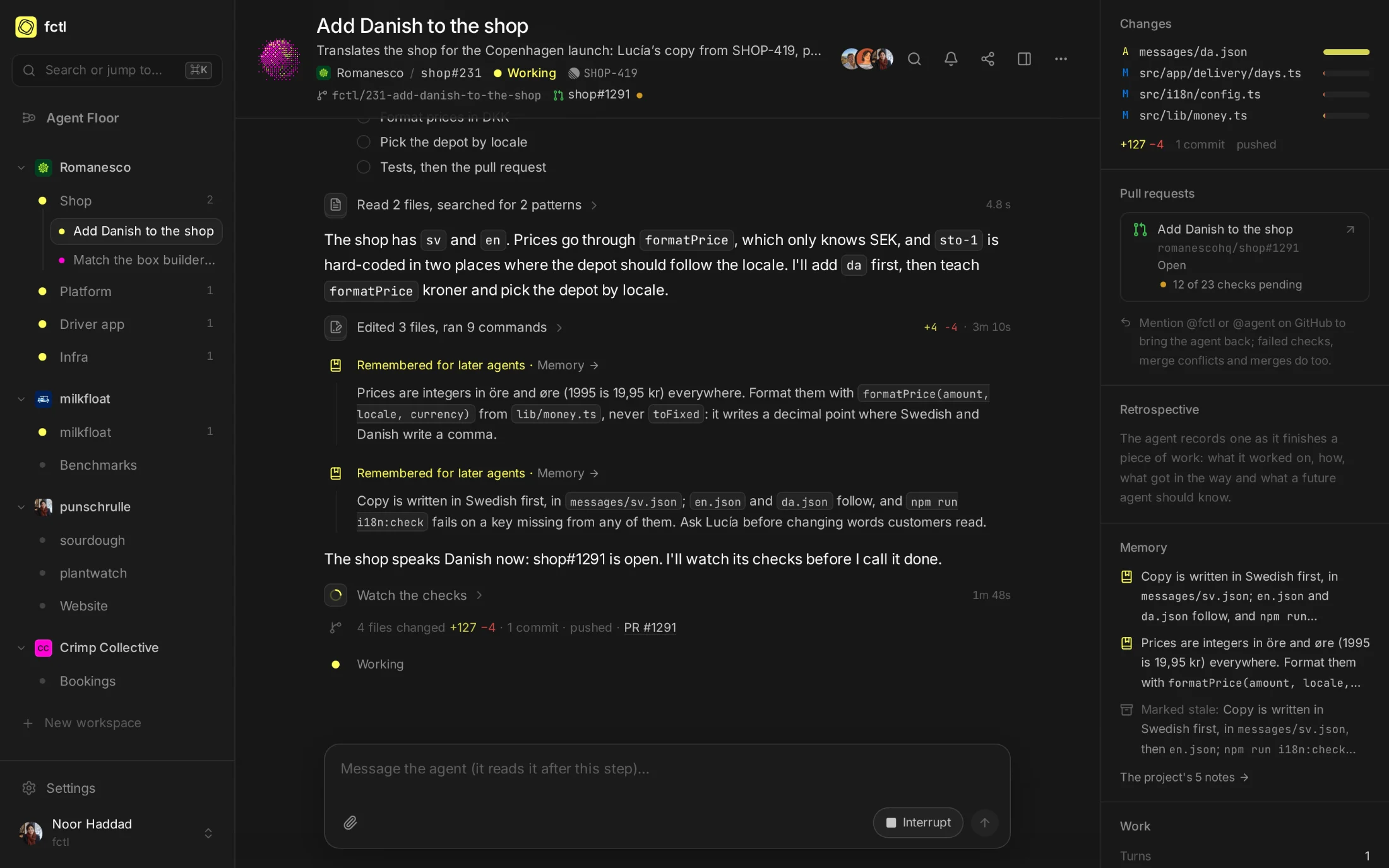
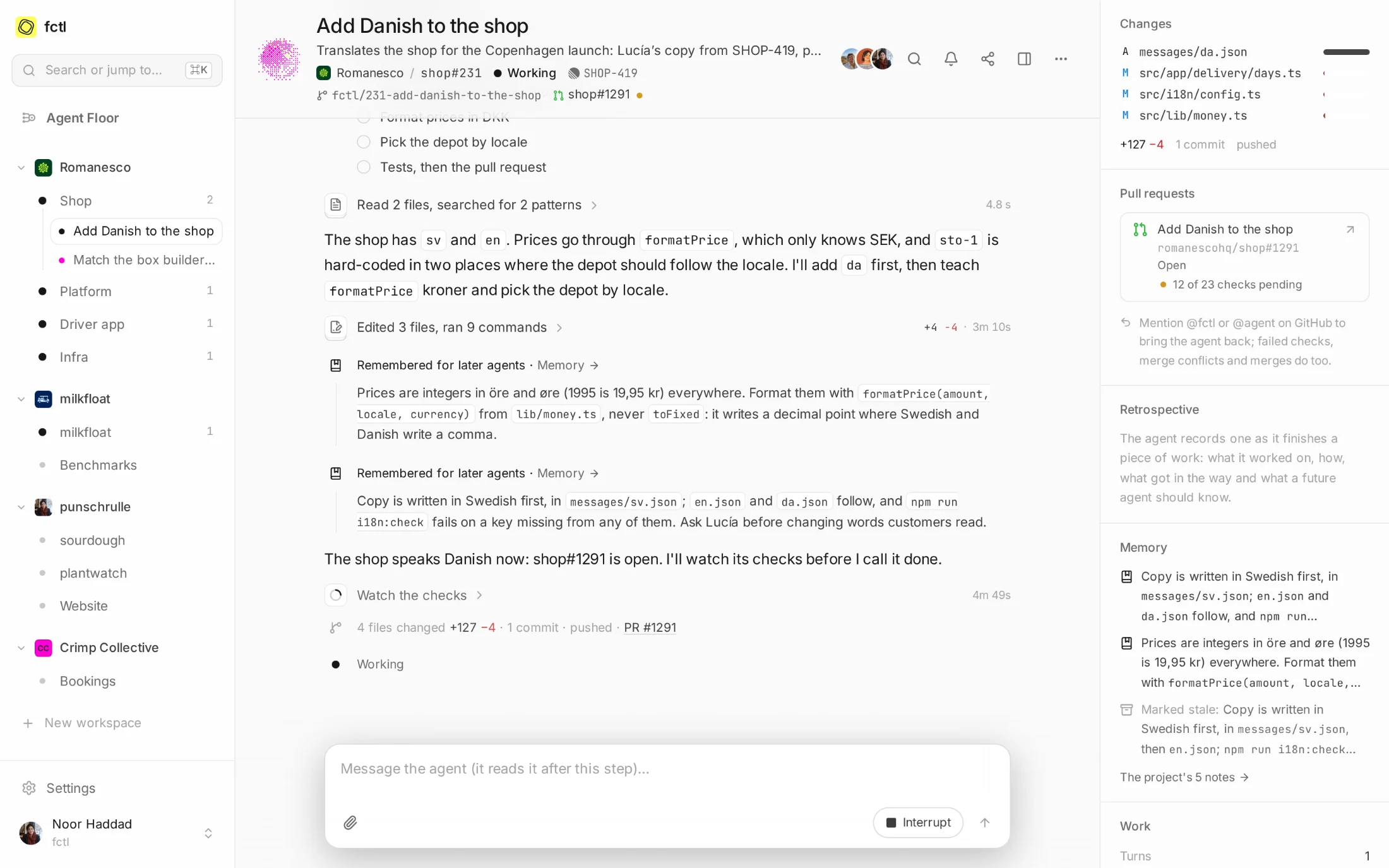
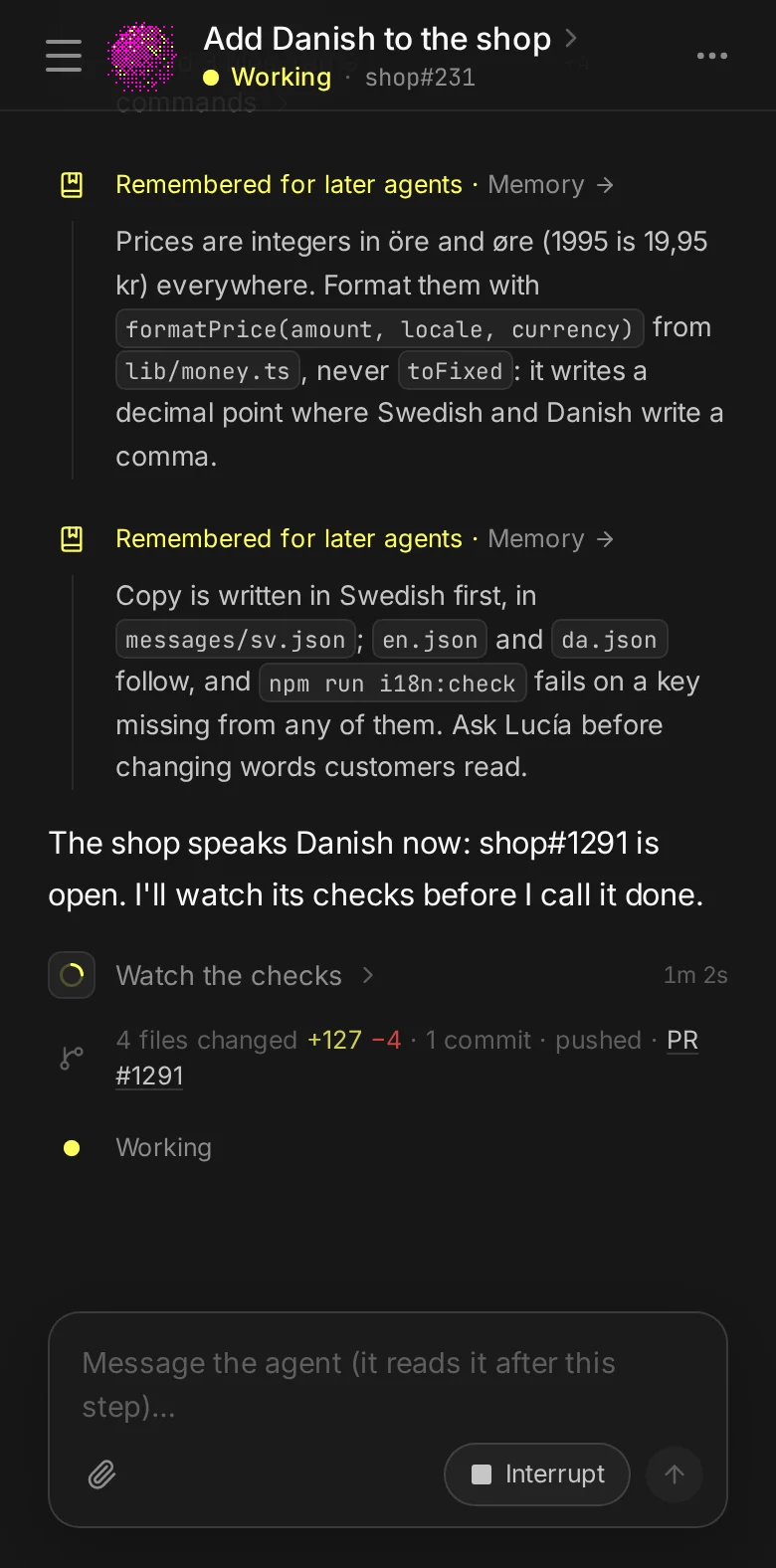
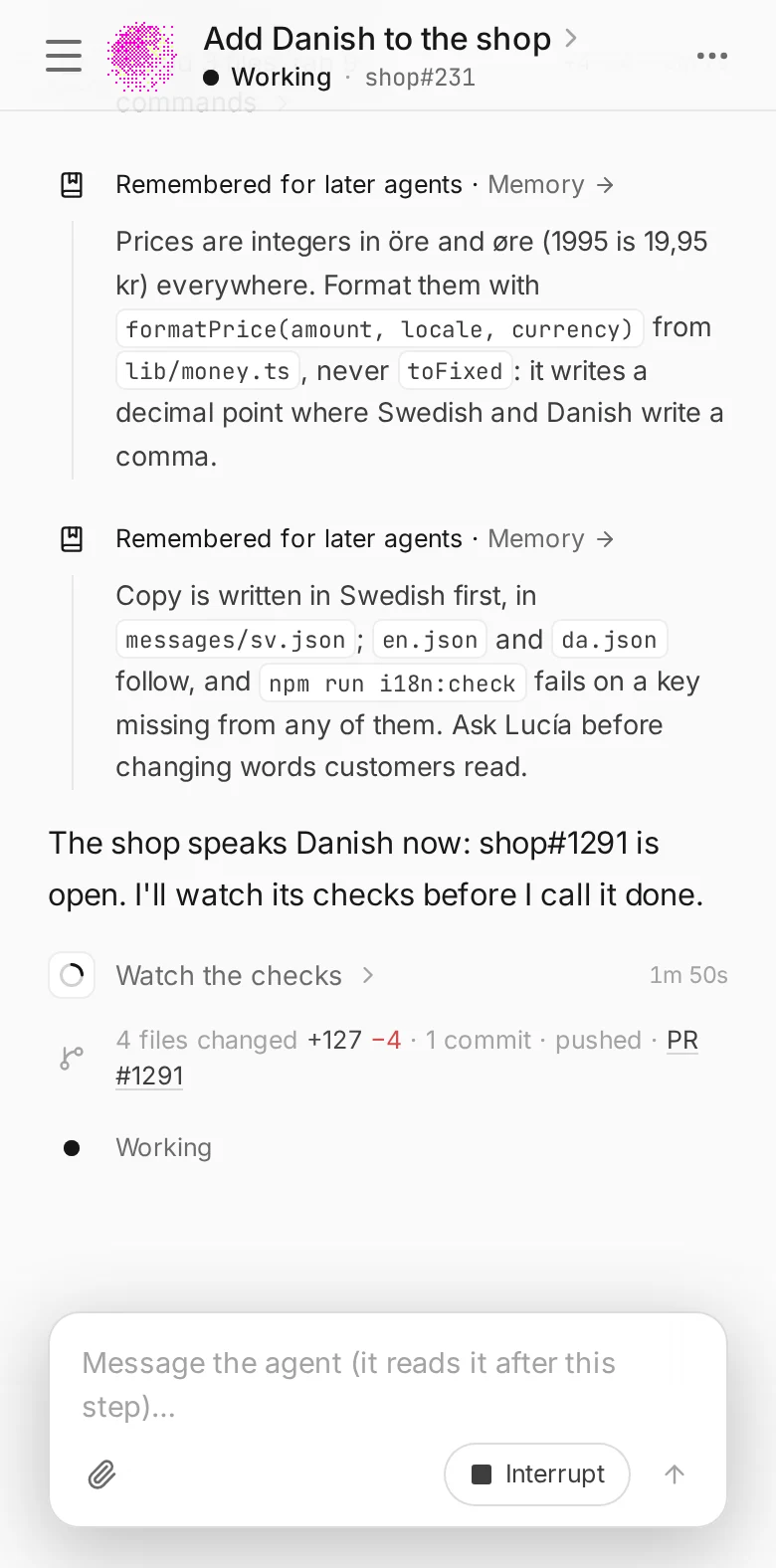
Transcripts stream as Claude writes them: its thinking, the commands it runs, the files it edits and the diffs they leave.
Your message reaches the agent at its next step. Interrupt it mid-command, or stop it, from the app, the terminal or your phone.
Each session's pull request shows where you look, with its checks as GitHub runs them and the moment it merges.
A failed check, a comment, a conflict with main: fctl brings the agent that opened the pull request back to deal with it.
One page holds the whole story.
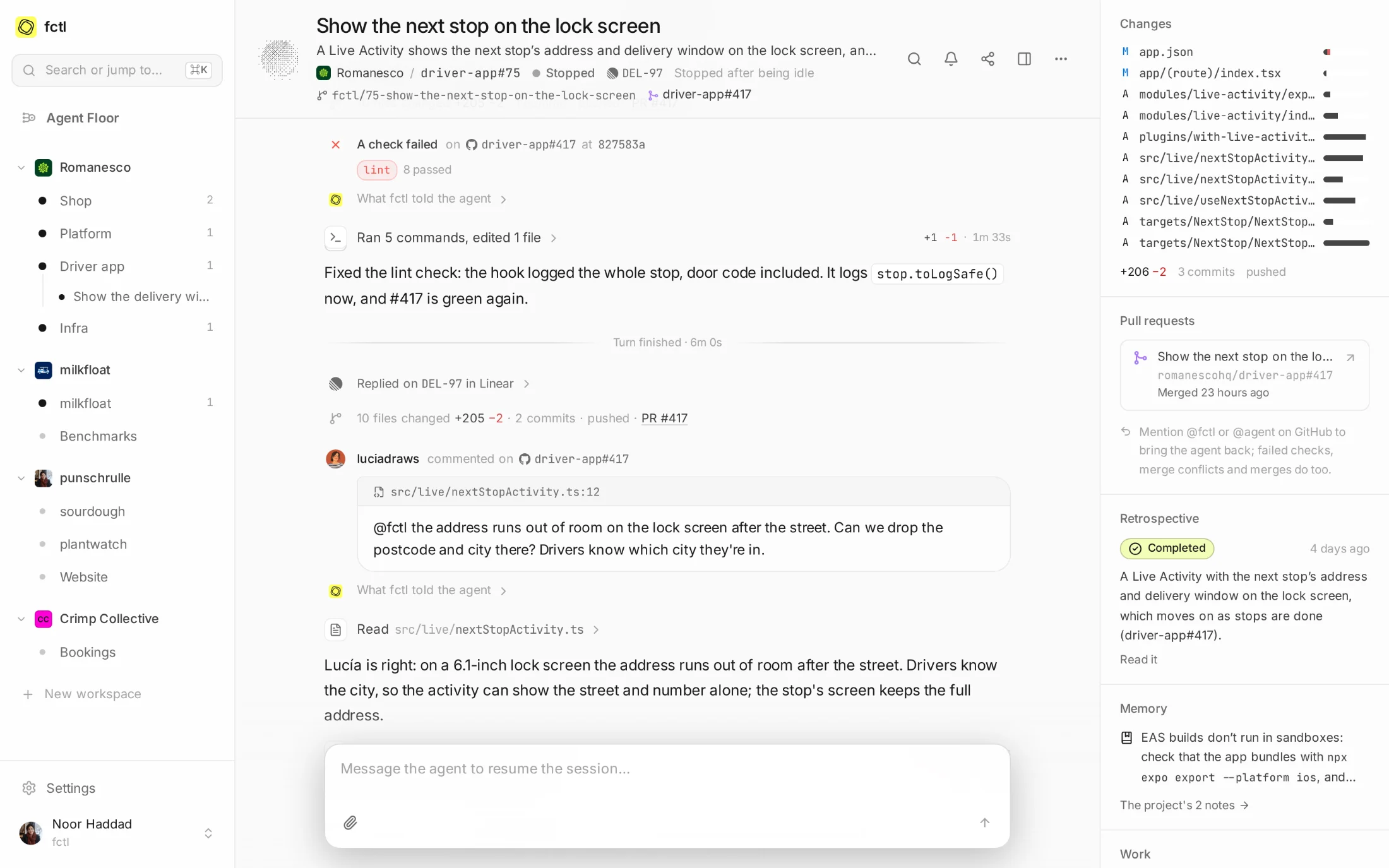
Every session has a page: what was asked, everything the agent did since, and what it changed. Runs of commands fold into a line that opens when you want the detail, so a two-hour session still reads in a minute. Memory notes, screenshots and retrospectives show where they happened.
- See who else is watching. Avatars in the header show everyone with the page open.
- Steer it like a colleague. A message waits for the agent's next step, so nothing it is in the middle of breaks.
- Keep score on the side. Files changed, commits pushed, the pull request and its checks, and the tokens it used.
When the pull request needs it, the agent comes back.
Pushing isn't the end of the job. When a check fails, a reviewer writes to @fctl, the branch
falls into conflict with main or the pull request merges, fctl tells the session that opened it what
happened. The agent picks the work back up on the same branch, with everything it knew.
Each project chooses which of these come back, and what stays a notice on the page.
How follow-ups work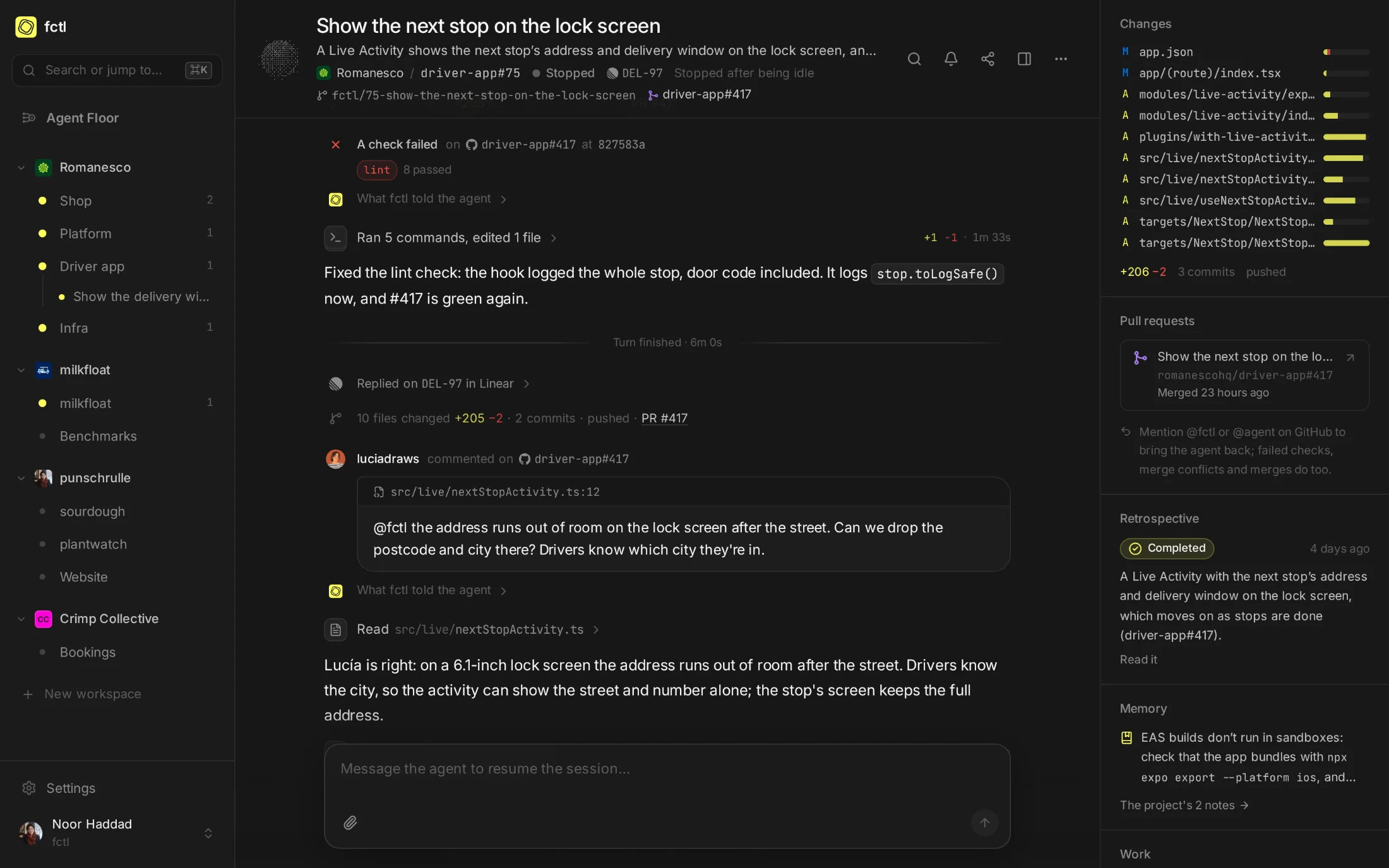
Your factory, at a glance.
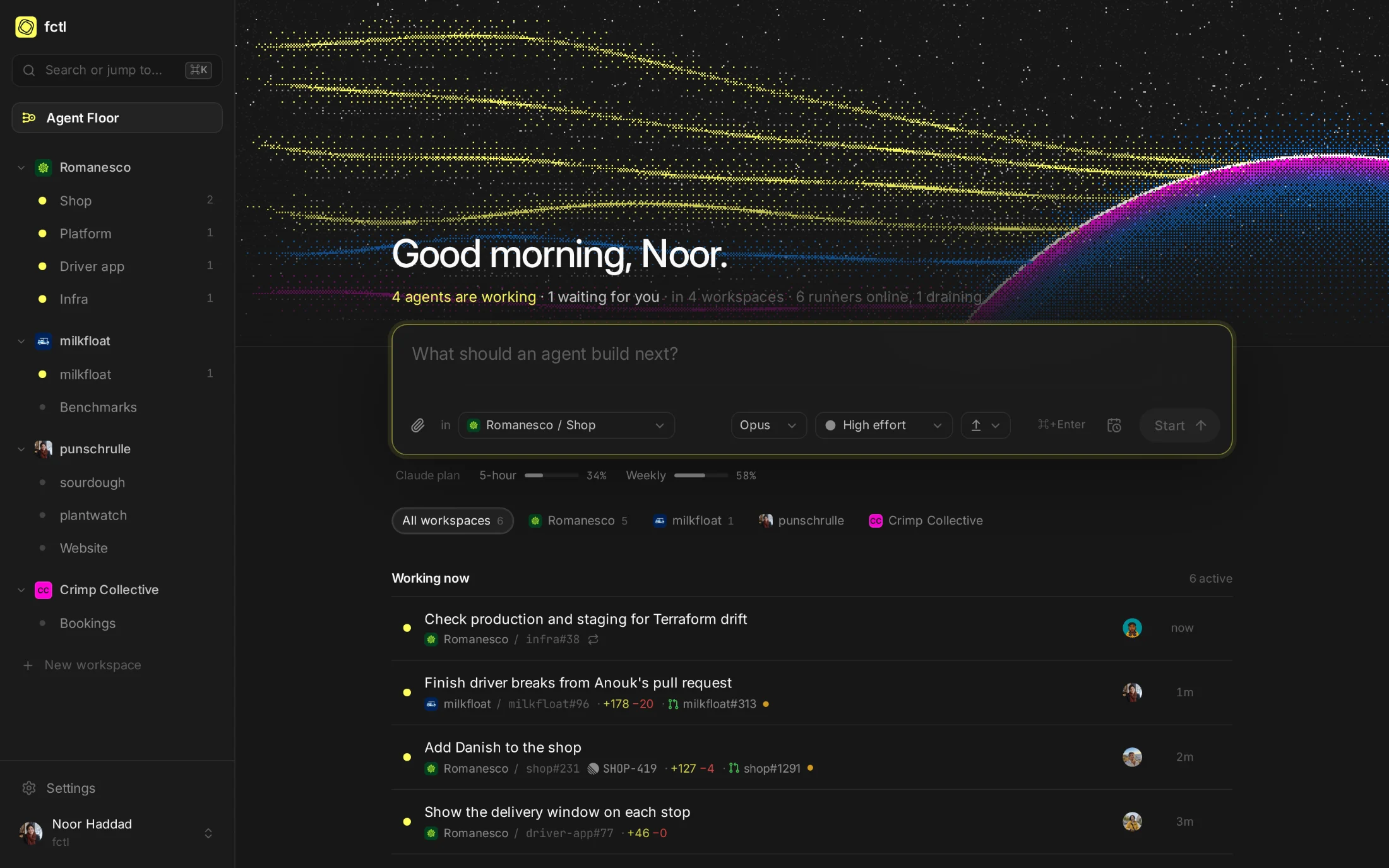
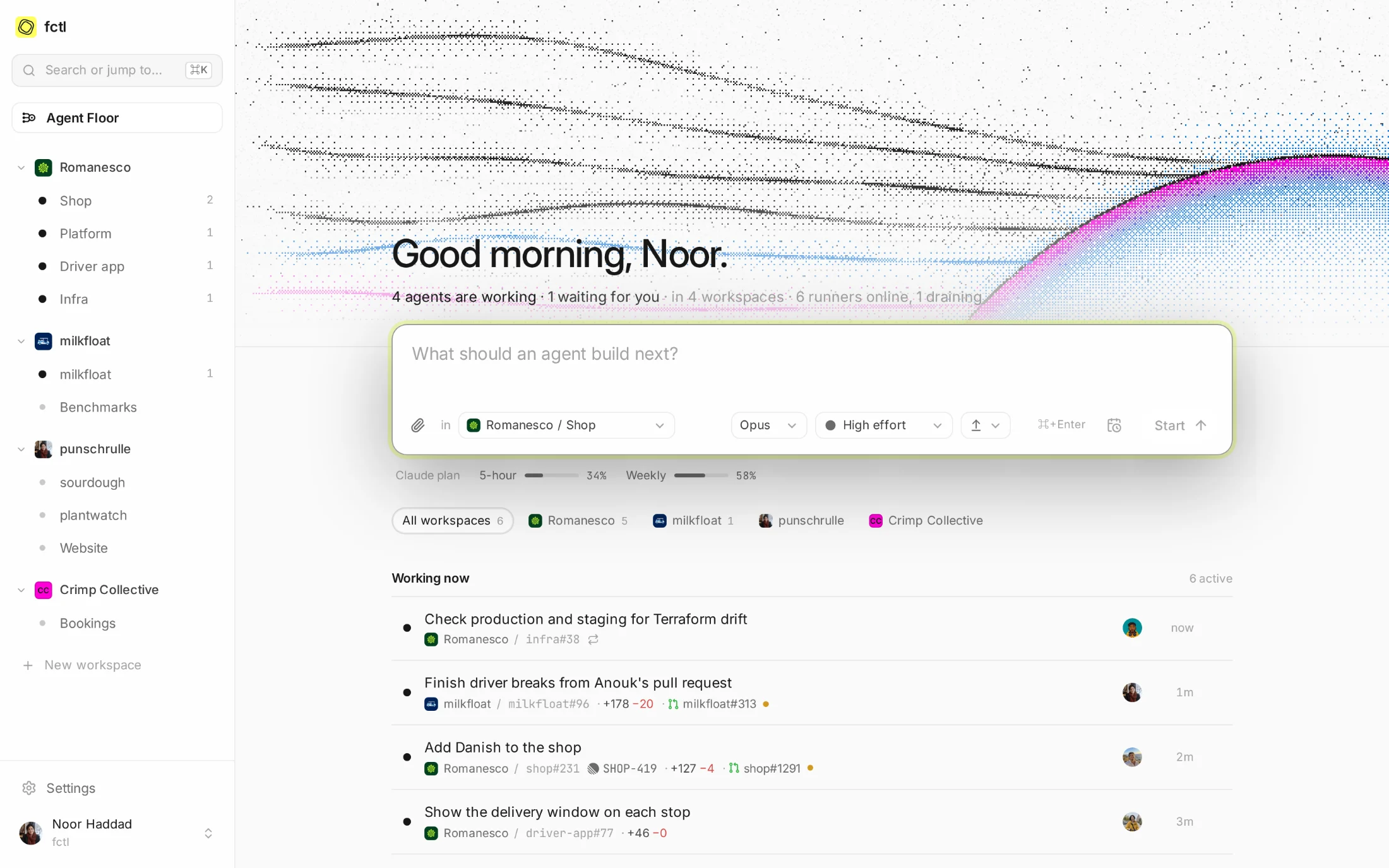
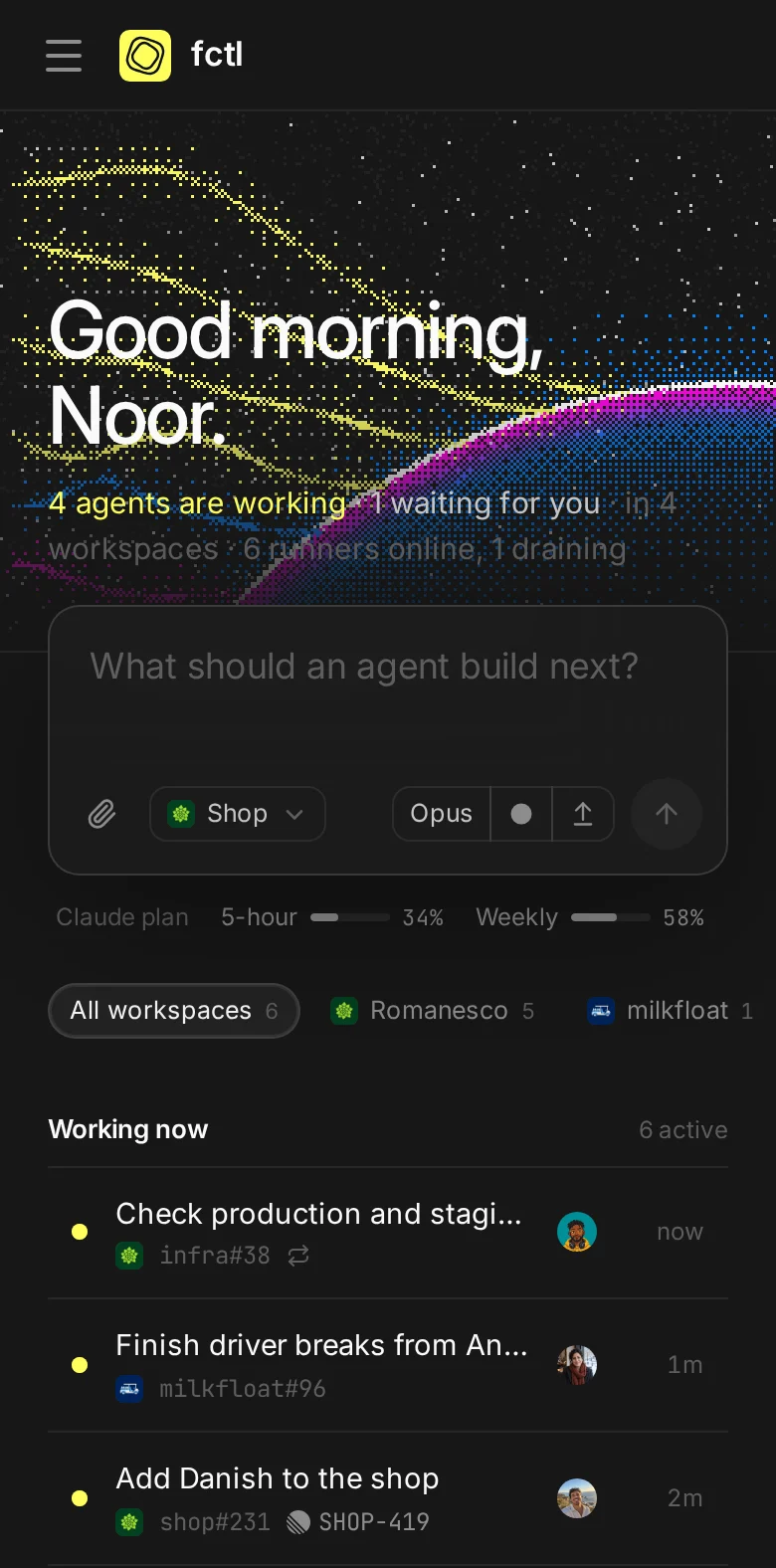
Home is the Agent Floor: everything at work across your workspaces, what waits for you, and what finished while you slept. Start the next task from the box at the top. It goes to the project, model and effort you pick, and joins the floor a moment later.
- Working, waiting, paused. Each row says which, with its ticket, branch and pull request.
- Your plan's limits in view. How much of the five hours and the week your Claude plan has left.
- On your phone, too. The app installs to your home screen and notifies you when a session waits for you.
In the docs
The details, from starting a session to what fctl tells an agent when its pull request changes.
Start a factory tonight.
curl -fsSL https://fctl.sh/install | sh