
FeaturesTeam management
Many hands, one project.
Bring your team into a workspace and work on the same projects together. Everyone sees the sessions as they happen, joins one to watch or steer its agent, and starts their own beside it. Roles decide who reads along, who starts work and who changes the settings, and people sign in with Google, a passkey or a password.
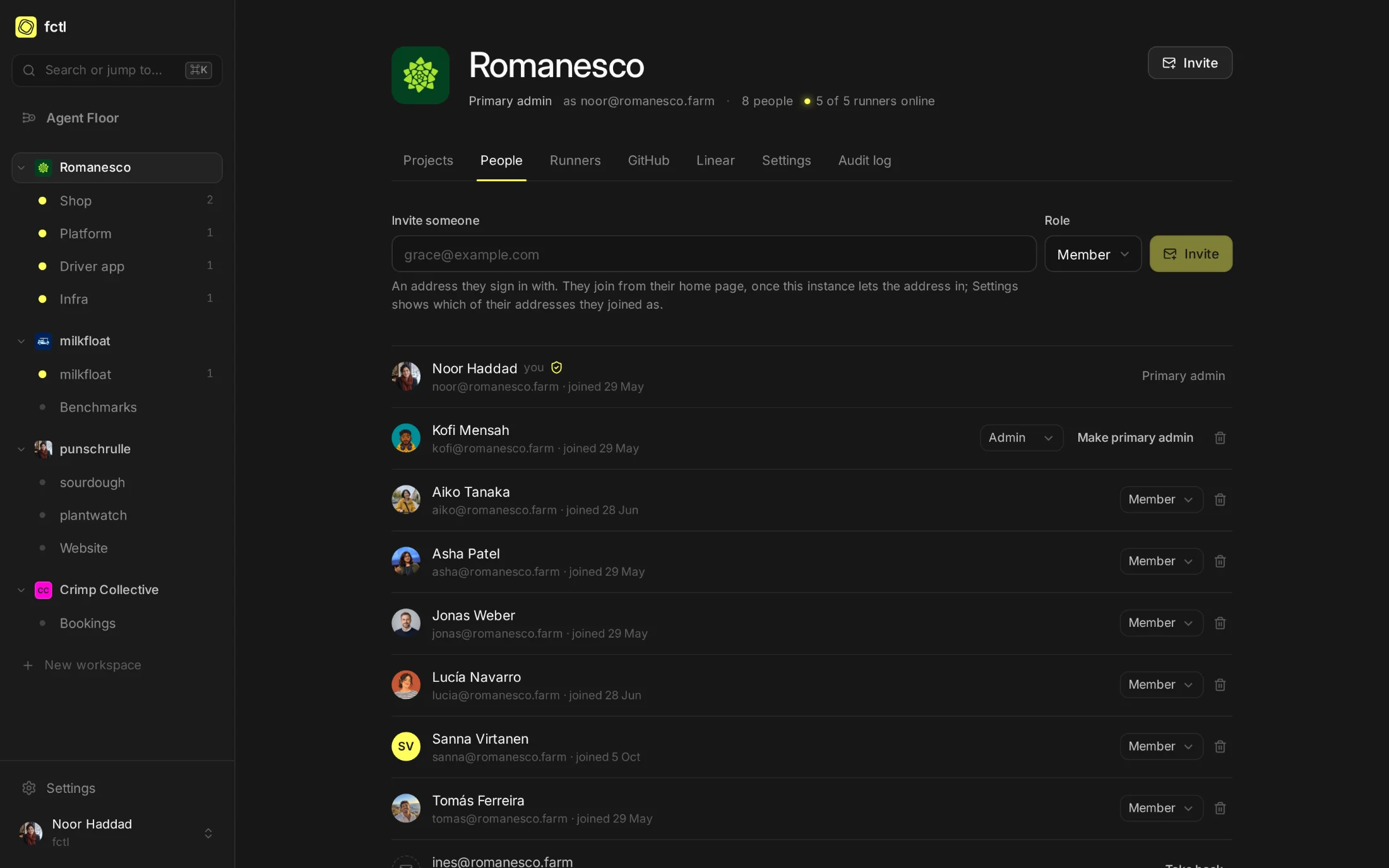
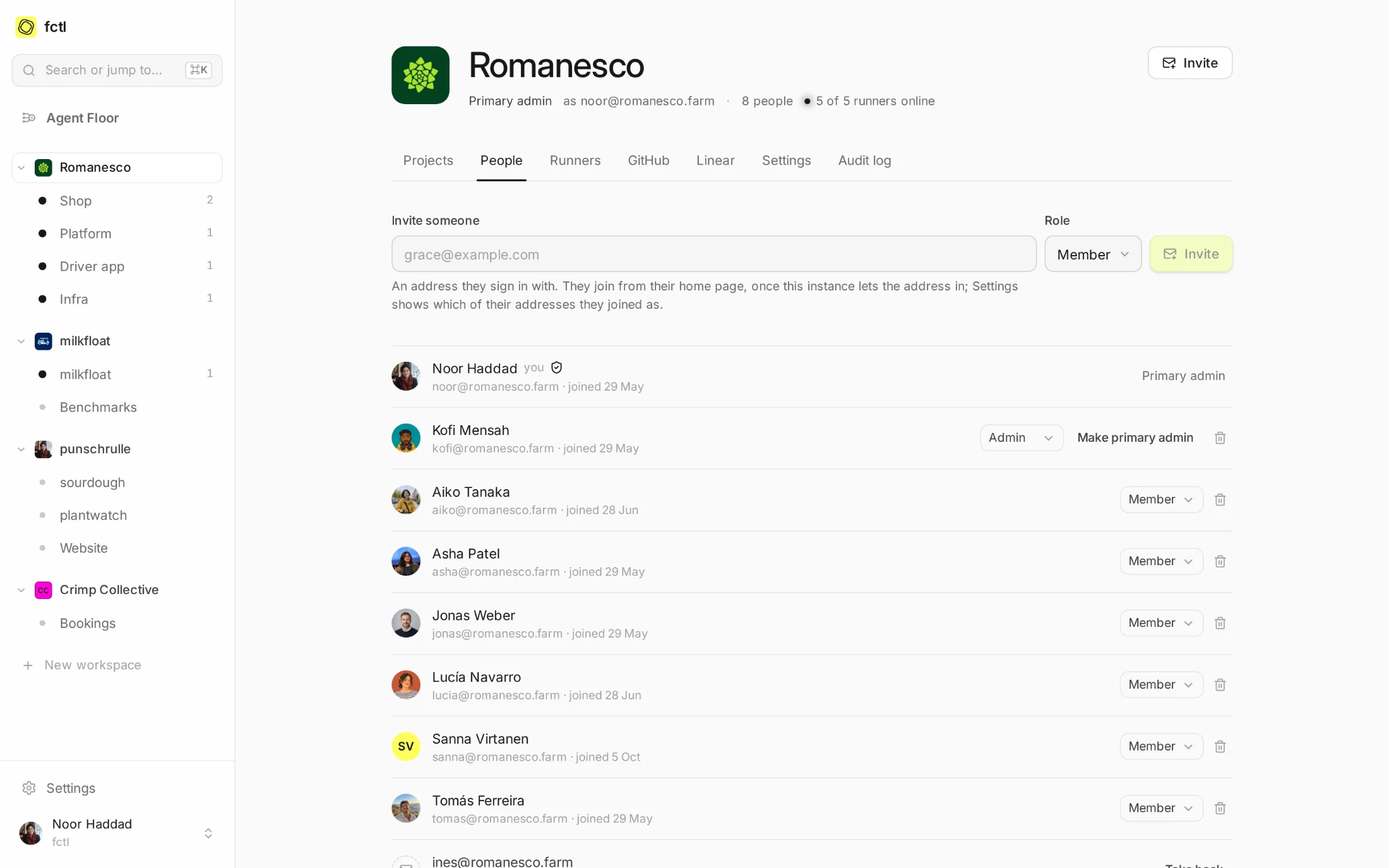
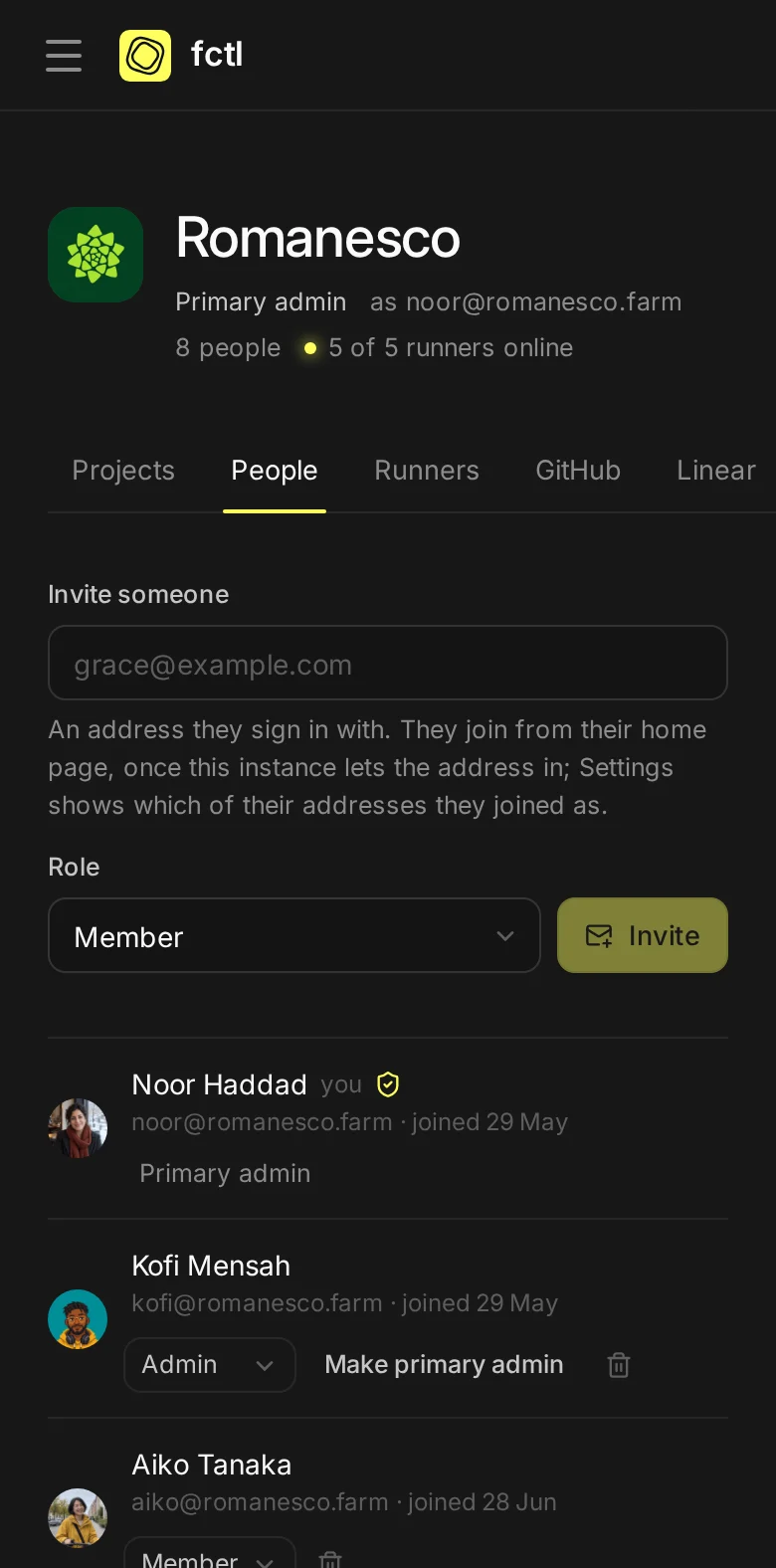
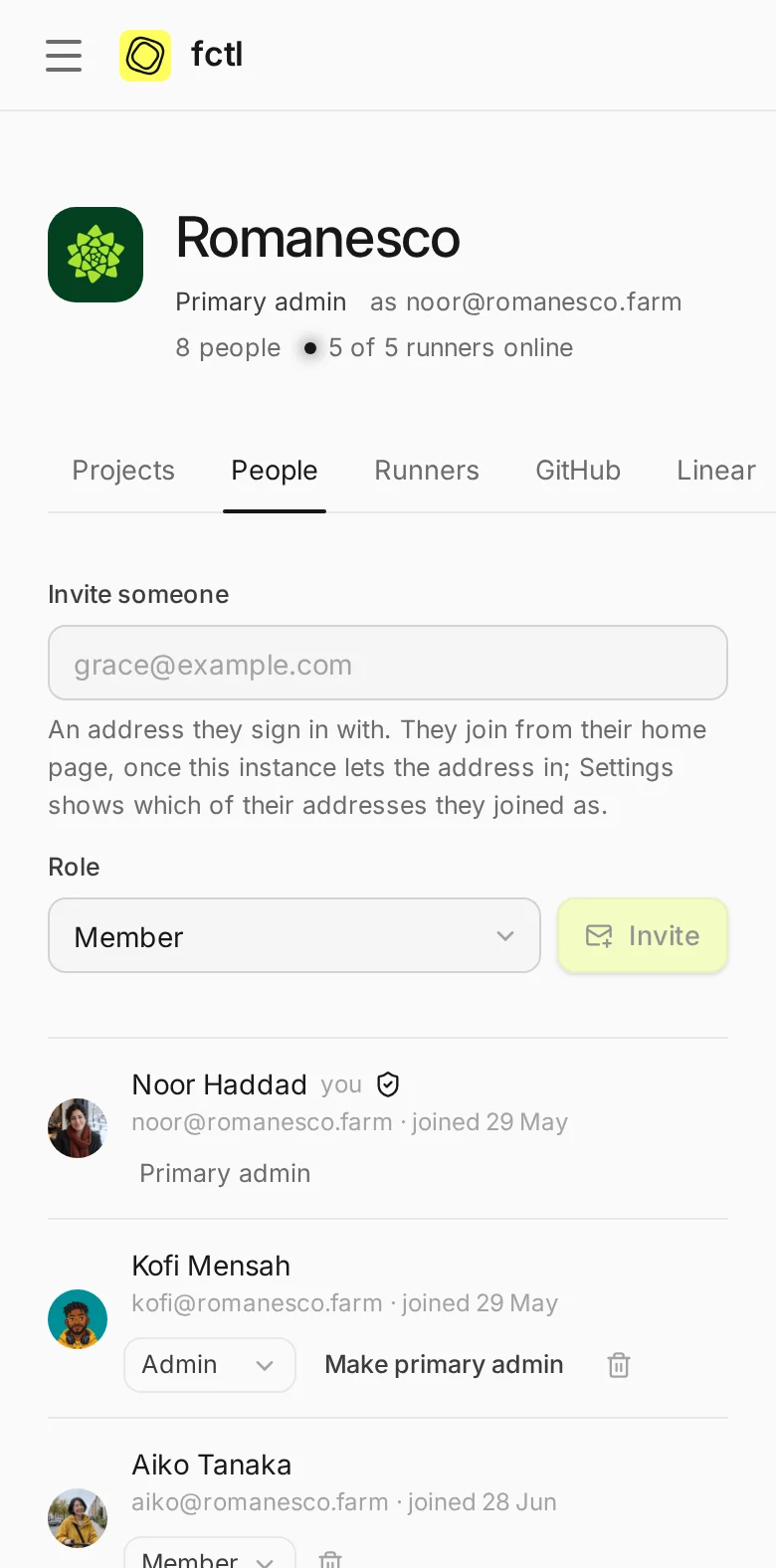
Invite anyone by the address they sign in with, and they join from their Agent Floor.
A base role for everyone in the workspace, and more on the projects where someone needs it.
Everyone on a session sees the same live transcript and who else is there, and those who may can steer.
Sign in with your Google account, a passkey or a password, with a second factor where admins ask for one.
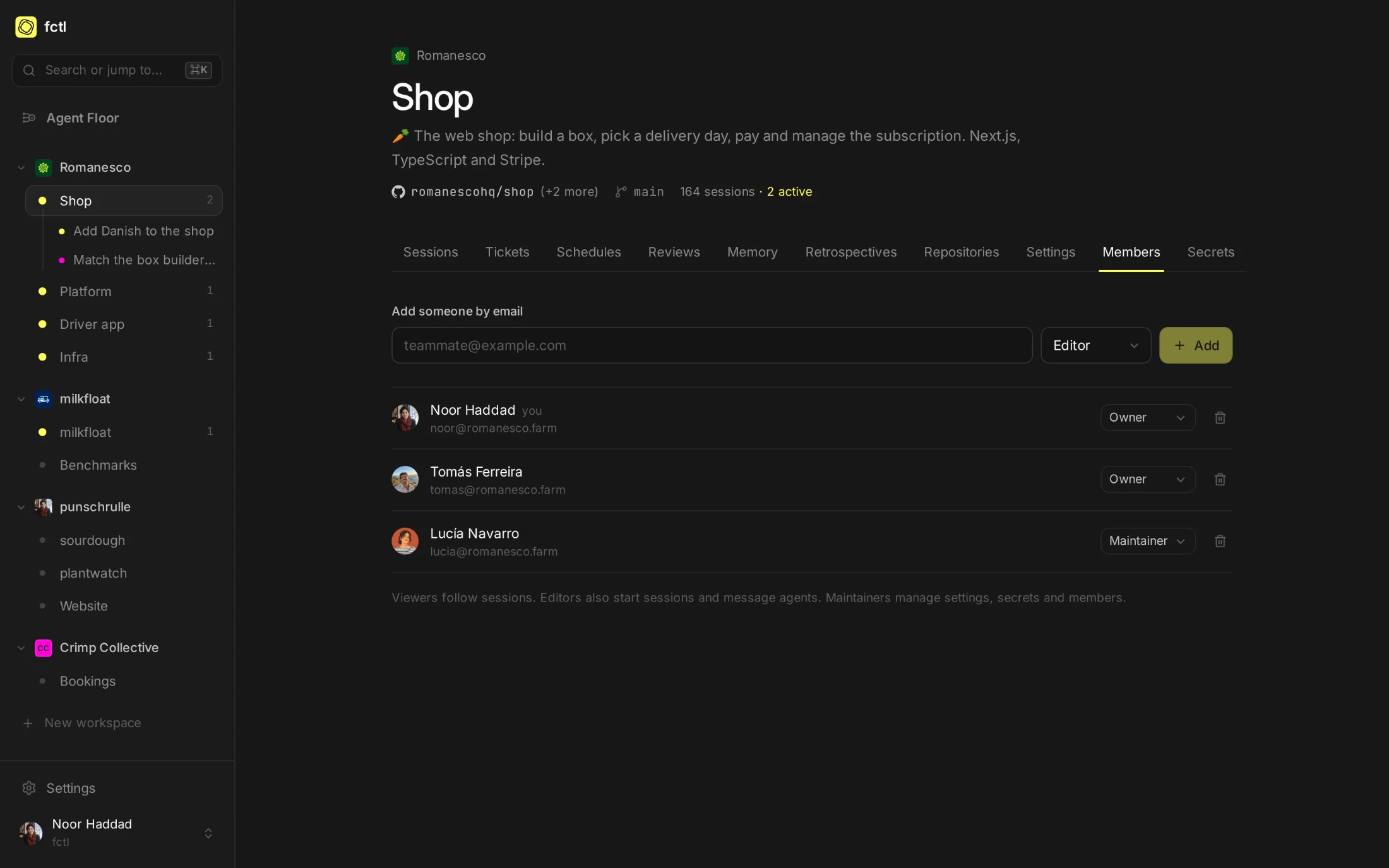
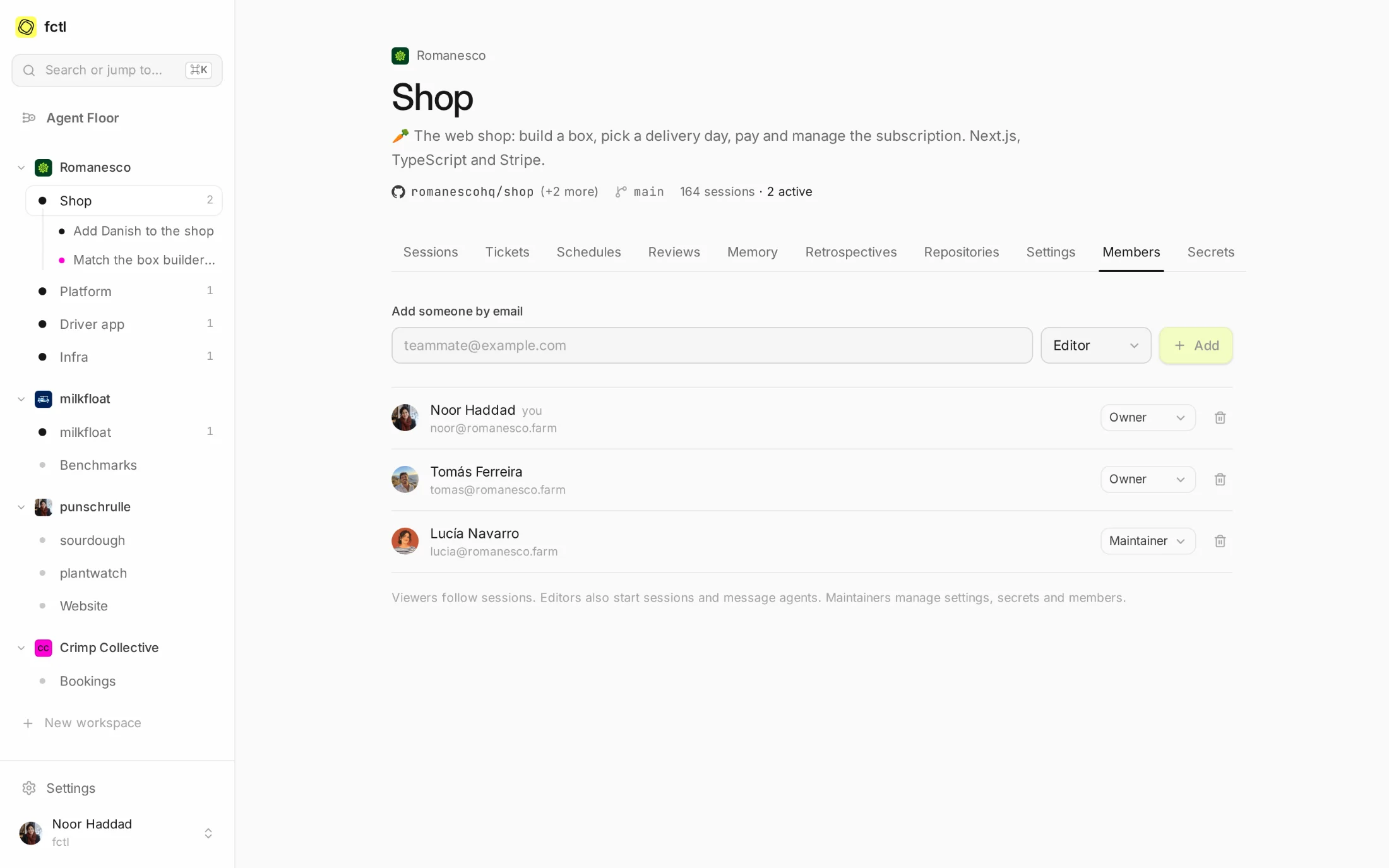
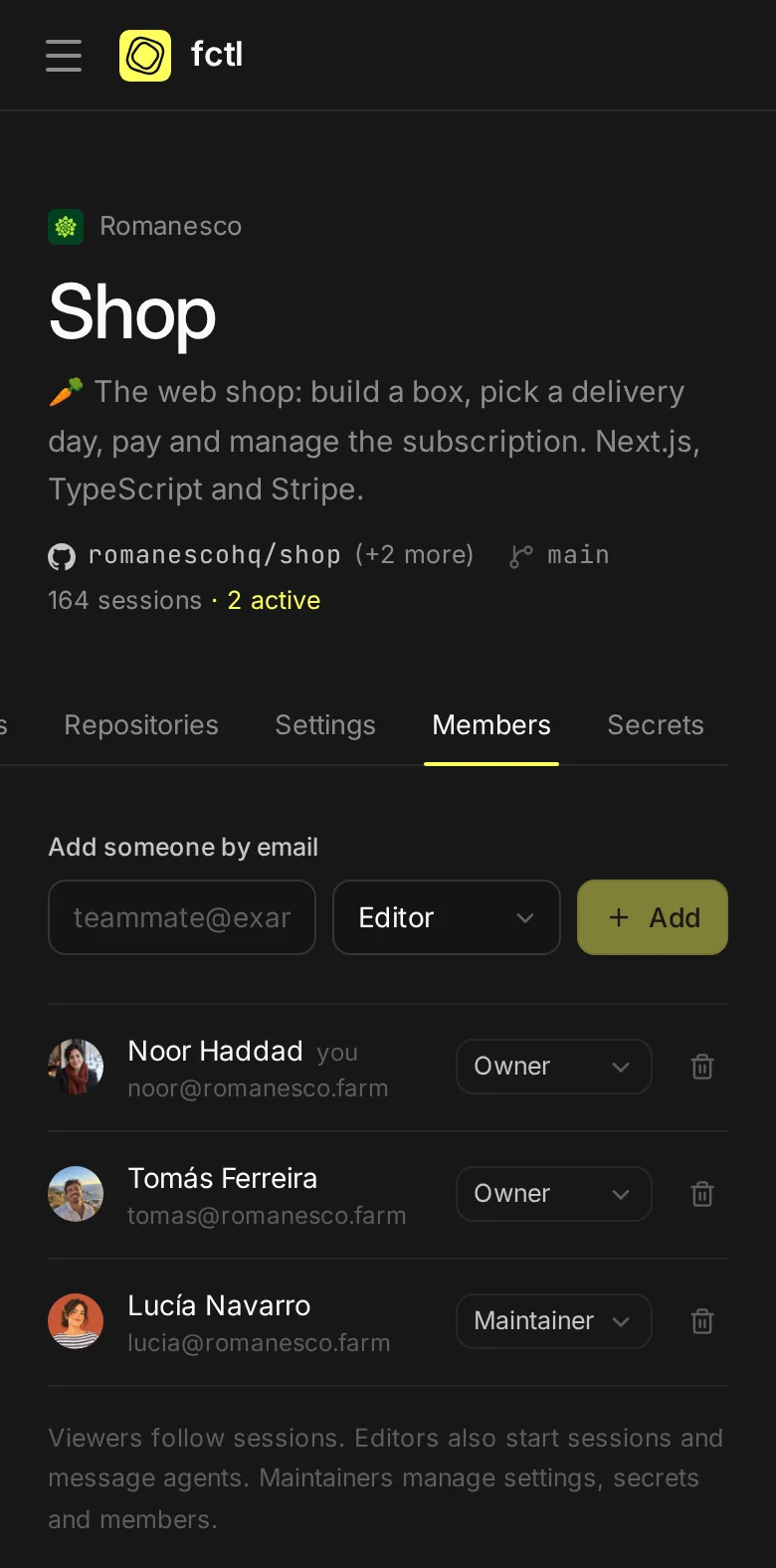
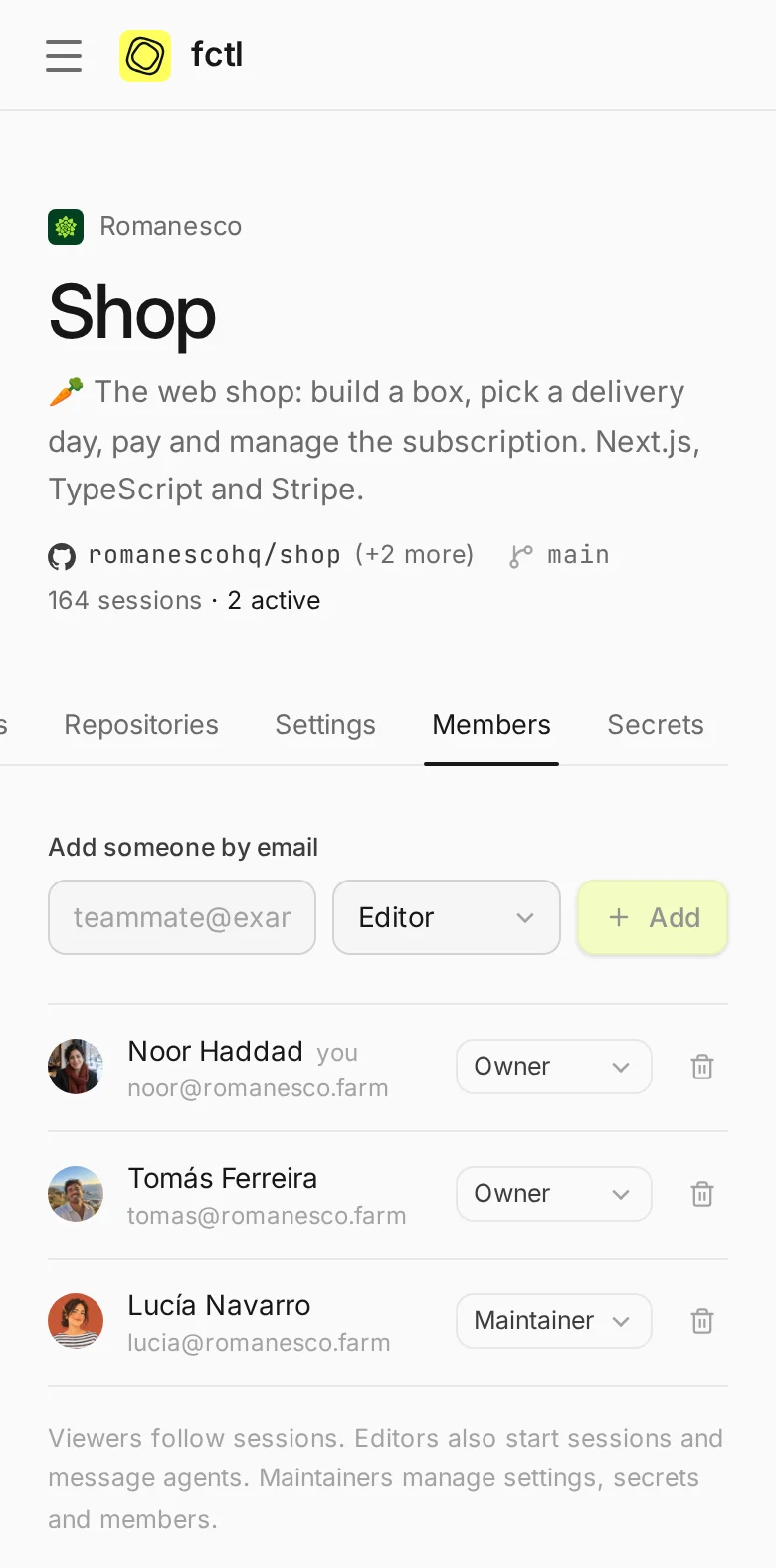
Everyone on a project, and what they may do.
A project's members are people of its workspace, each with a role there, and everyone else in the workspace has its base role in every project. Noor and Tomás own the Shop and Lucía is one of its maintainers; the rest of Romanesco starts sessions there as editors, as the workspace's base role says.
- Viewer
- reads sessions
- Editor
- starts sessions and messages agents
- Maintainer
- changes settings and secrets, manages members
- Owner
- everything, down to deleting the project
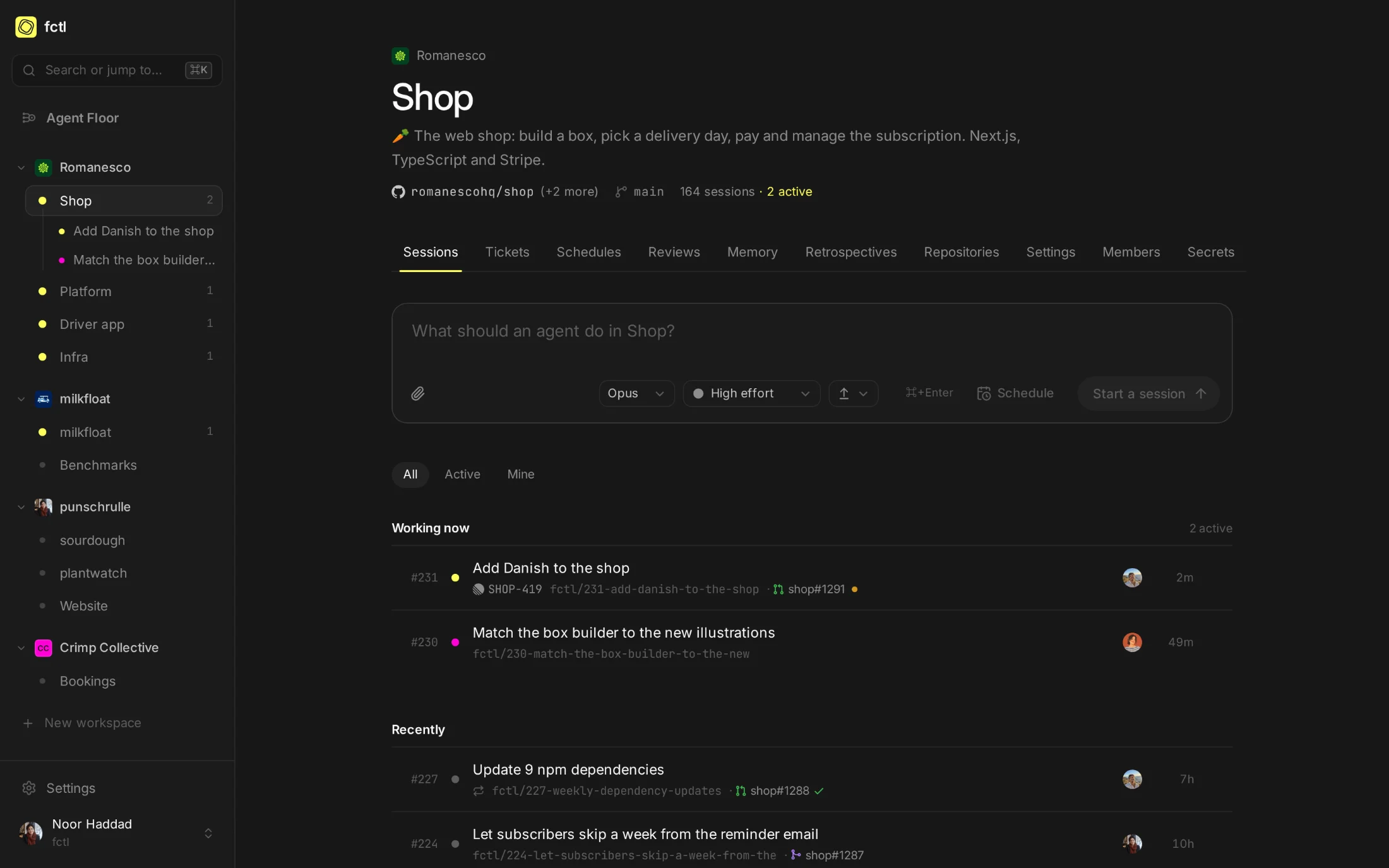
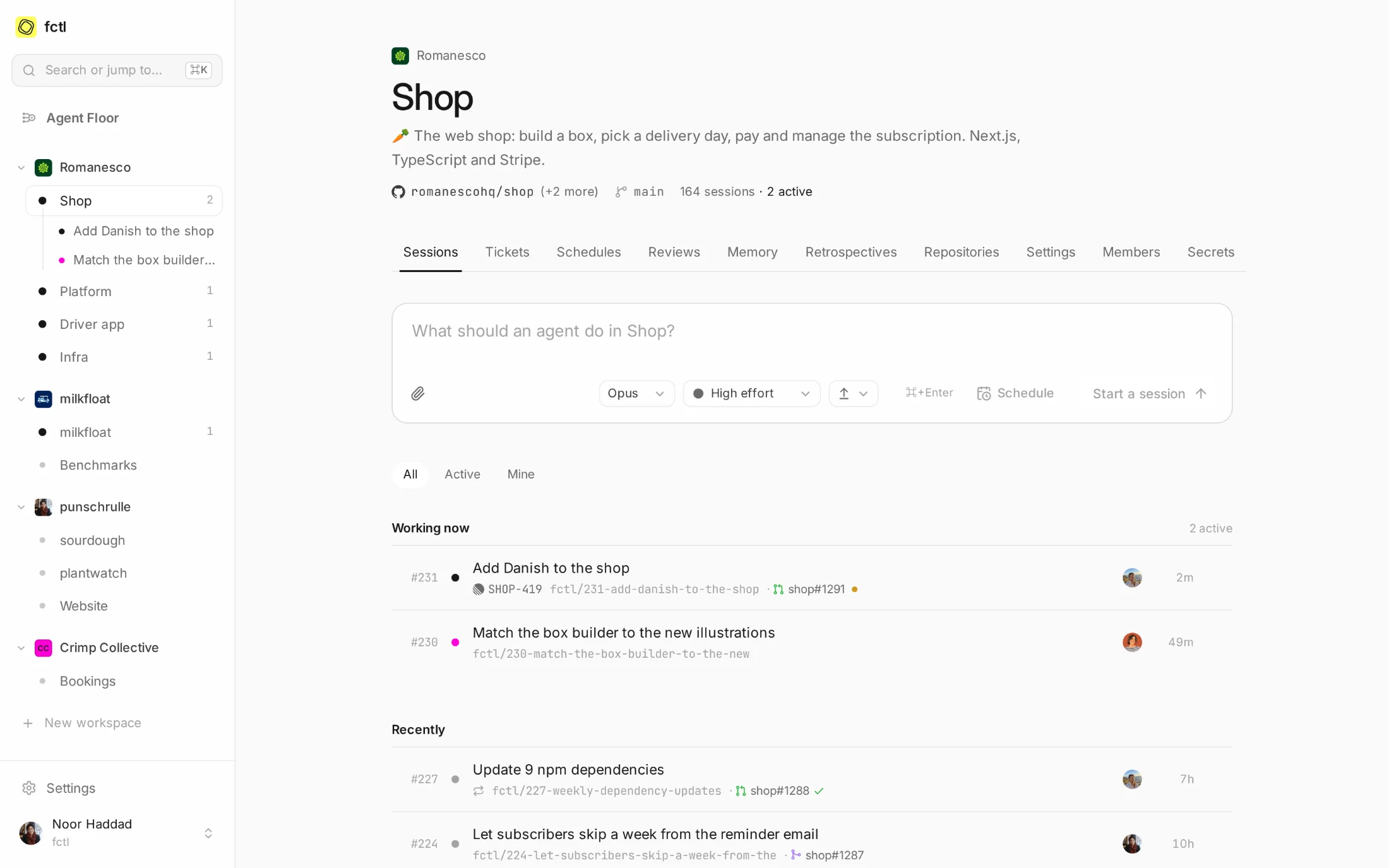
The same project, everyone's sessions.
A project's page holds every session started in it, whoever started it: Tomás's Danish translations
and Lucía's box builder at work side by side, and below them what Tomás and Noor started earlier. Each
one shows who asked for it, and sessions count up per project, so shop#231 means the same
thing to everyone.
- Each on their own plan. Everyone's sessions run on the Claude plan they chose for the workspace: the company's seat for the company's work.
- On the machines you share. The workspace's runners take everyone's work, and a runner of your own can keep to yours.
- Notes for everyone. What one agent learns in the project, the next one reads, whoever started it.
Watch together, steer together.
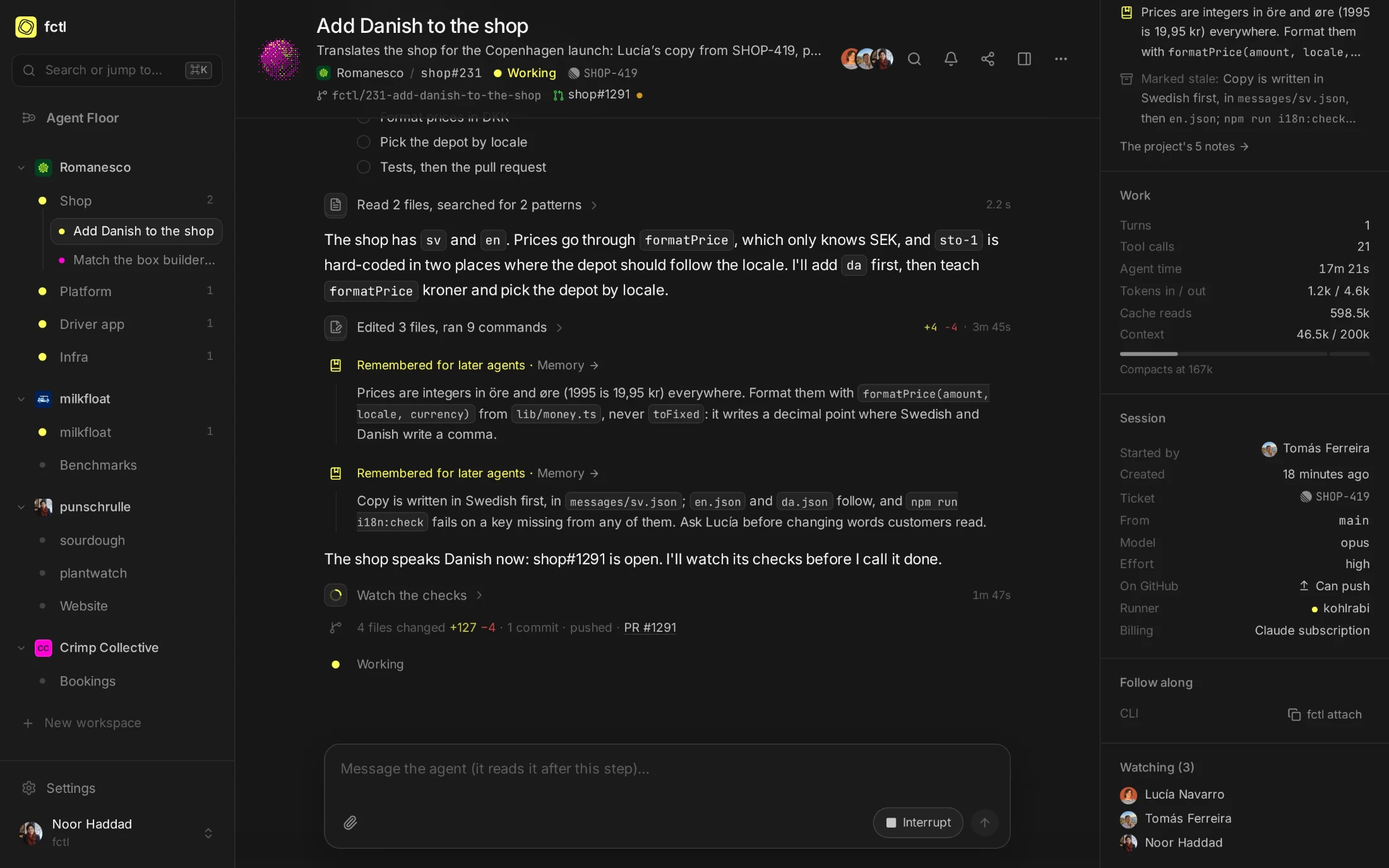
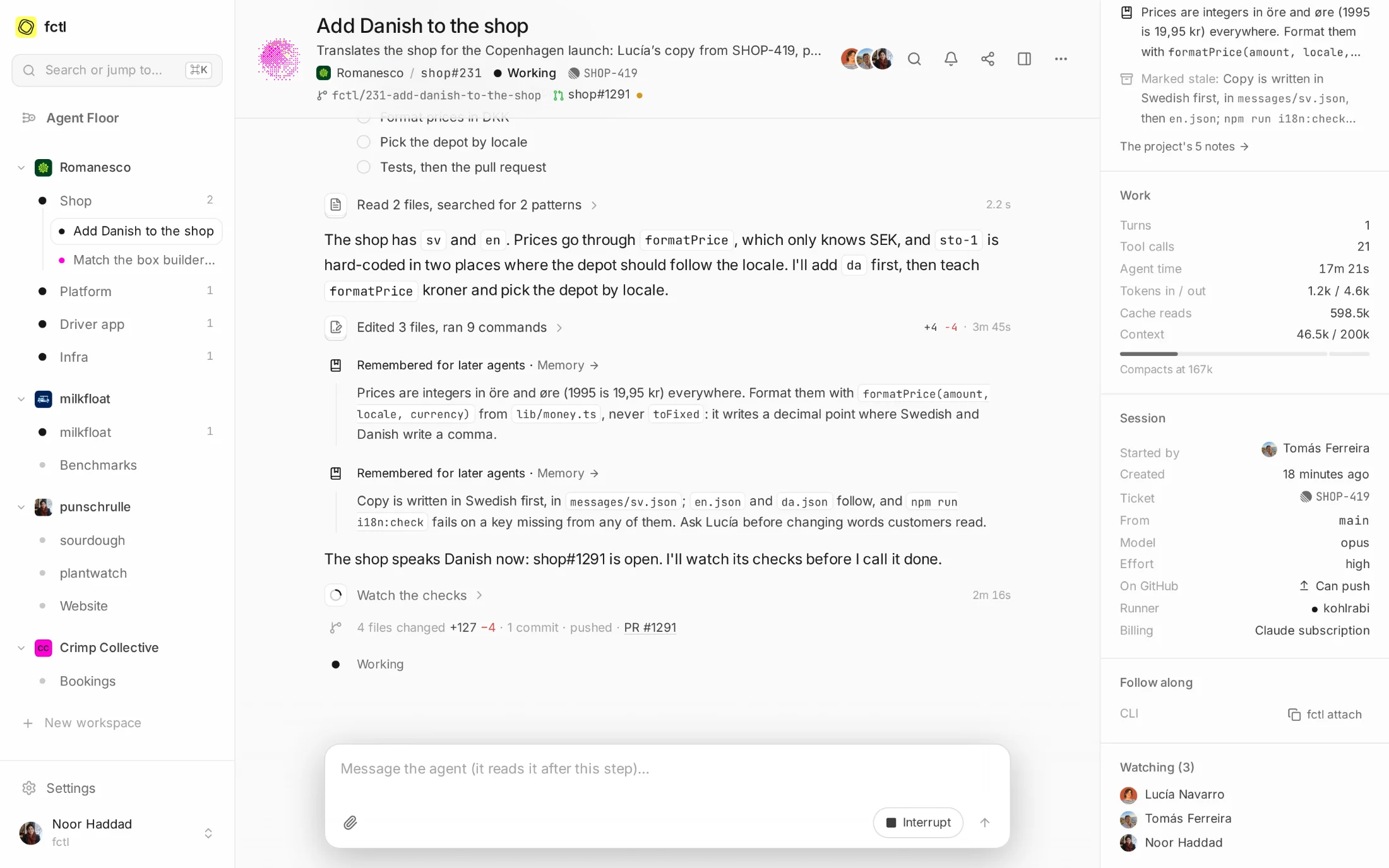
Open a session and you see what everyone on it sees, as it happens, and who else is there: on
shop#231, Tomás, who handed it the ticket, Lucía, whose copy it translates, and Noor. Anyone
who may message its agent can steer it, from the app, the terminal or their phone, and it reads their
message at its next step.
- Shared, one at a time. Give someone in the workspace a single session: to read it, to message its agent, or to own it with you.
- Followed, not missed. Follow a session to hear when it waits for a reply, pauses or fails.
fctl send shop#231 "Use «Læg i kurv»"
✓ Sent to shop#231
Sign in with Google.
People sign in with their Google account, as they do everywhere else at work, and someone who
signed up with a password links Google to their account from Settings. On an instance of your own,
allow your company's domain, *@romanesco.farm say, and everyone with an address there
signs up with Google and joins the workspaces that invite them.
- A second factor, too. Google sign-ins can ask for a code as well: choose it for yourself in Settings, or an instance's admins choose it for everyone.
- Or a passkey. A fingerprint, a face or a screen lock signs you in, with no password at all.
- Set up once. A Google OAuth client is all an instance of your own needs for the same button.
Admins, and the rules they keep.
A workspace's admins invite and remove people, change their roles, create its projects and choose its runners and GitHub accounts. Its primary admin hands the role over before leaving. They can close the workspace to anyone without a second factor, and its audit log keeps who changed what.
fctl workspaces invite ines@romanesco.farm
✓ Invited ines@romanesco.farm to Romanesco
fctl workspaces set --base-role editor
✓ Saved romanesco
fctl workspaces set --require-two-factor on
✓ Saved romanesco
In the docs
Invitations, roles, sharing, and how people sign in.
Start a factory tonight.
curl -fsSL https://fctl.sh/install | sh