FeaturesAccess tokens
Let other tools start agents.
A chat bot, a CI job, an issue tracker's automation, another agent: anything that can make a web request can start a session as you. Give it a token that does just that, in the projects you choose, for as long as you say. It never reaches your account, your team's settings or your other tokens.
Make a token Start agents from other tools
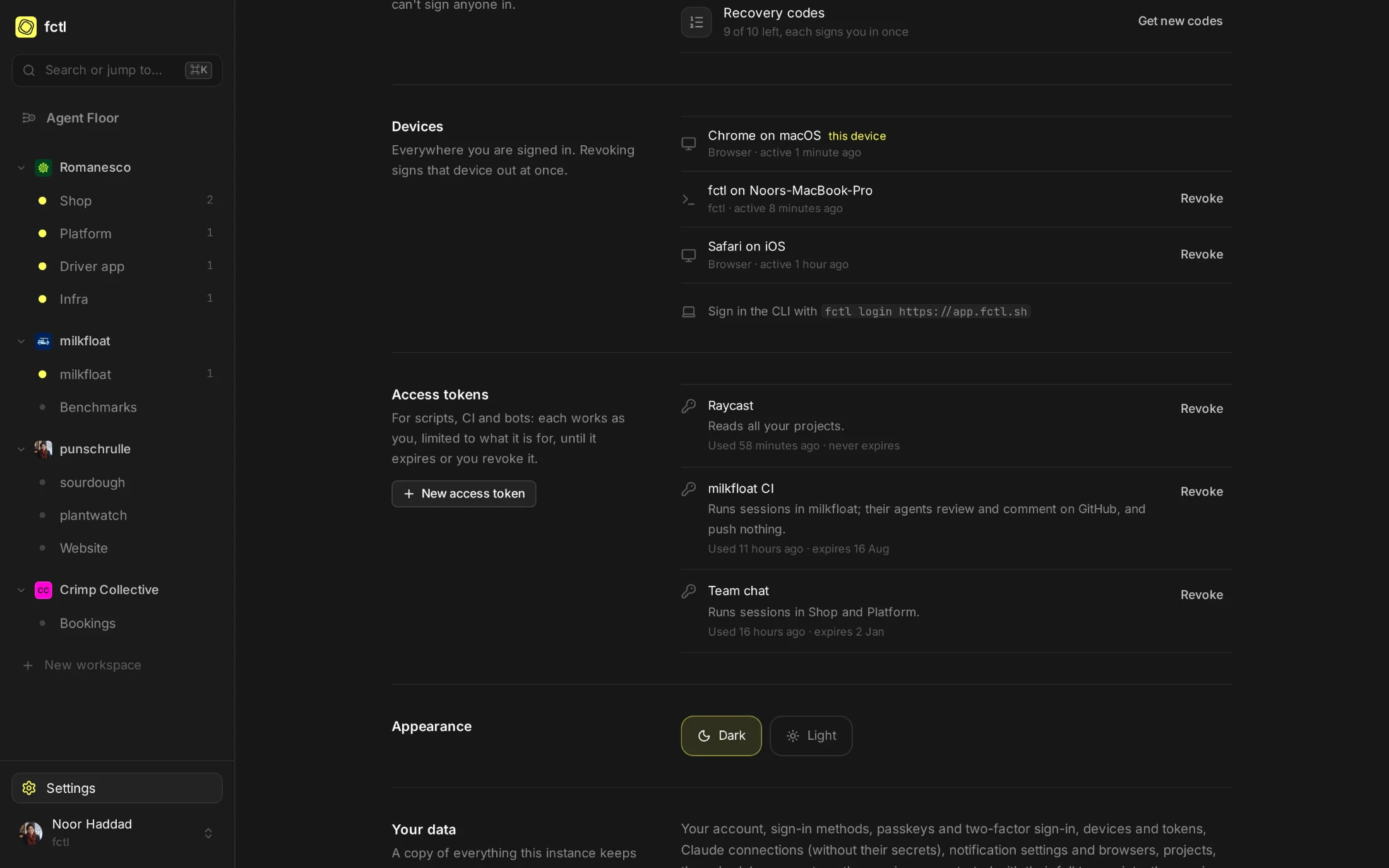
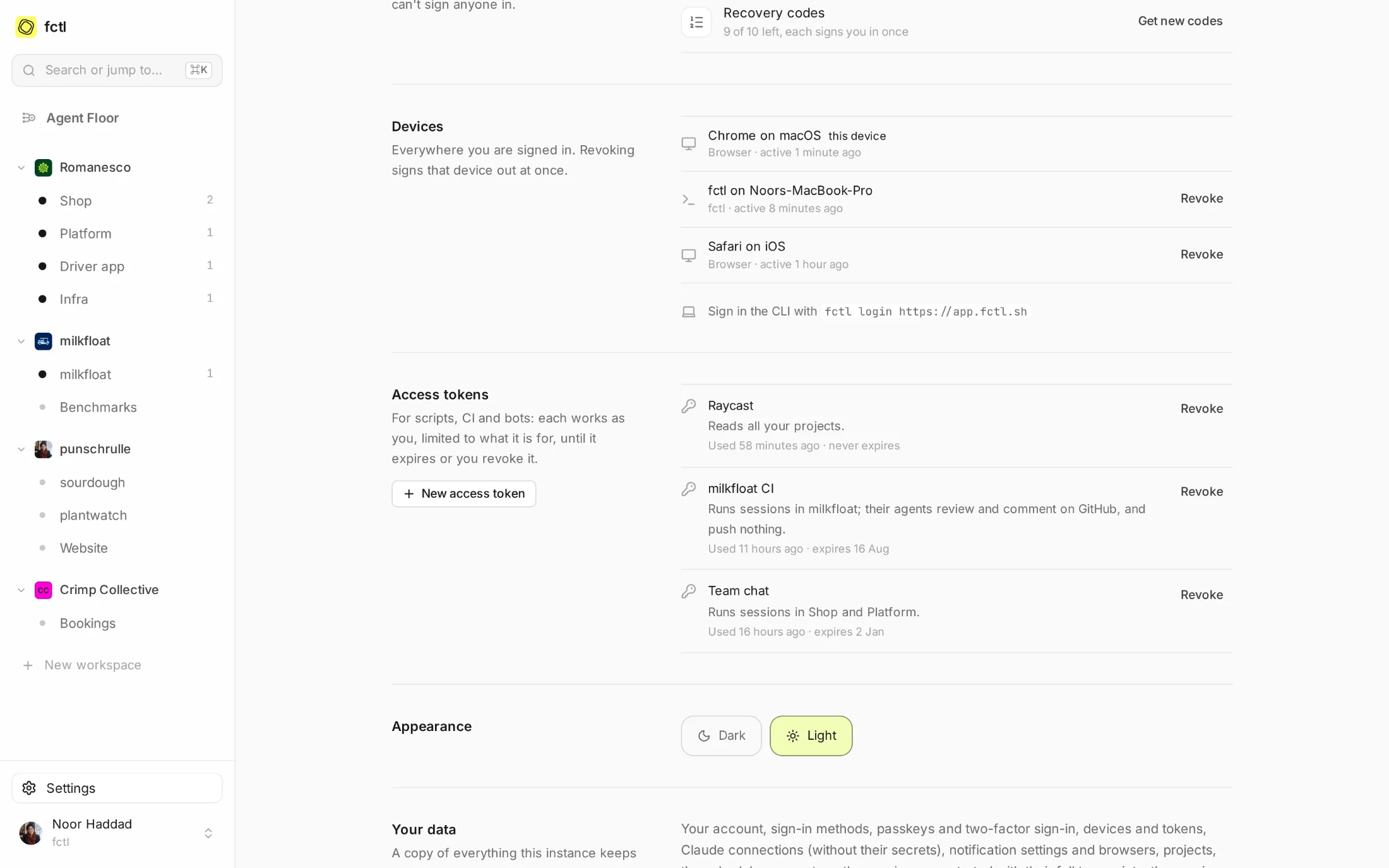
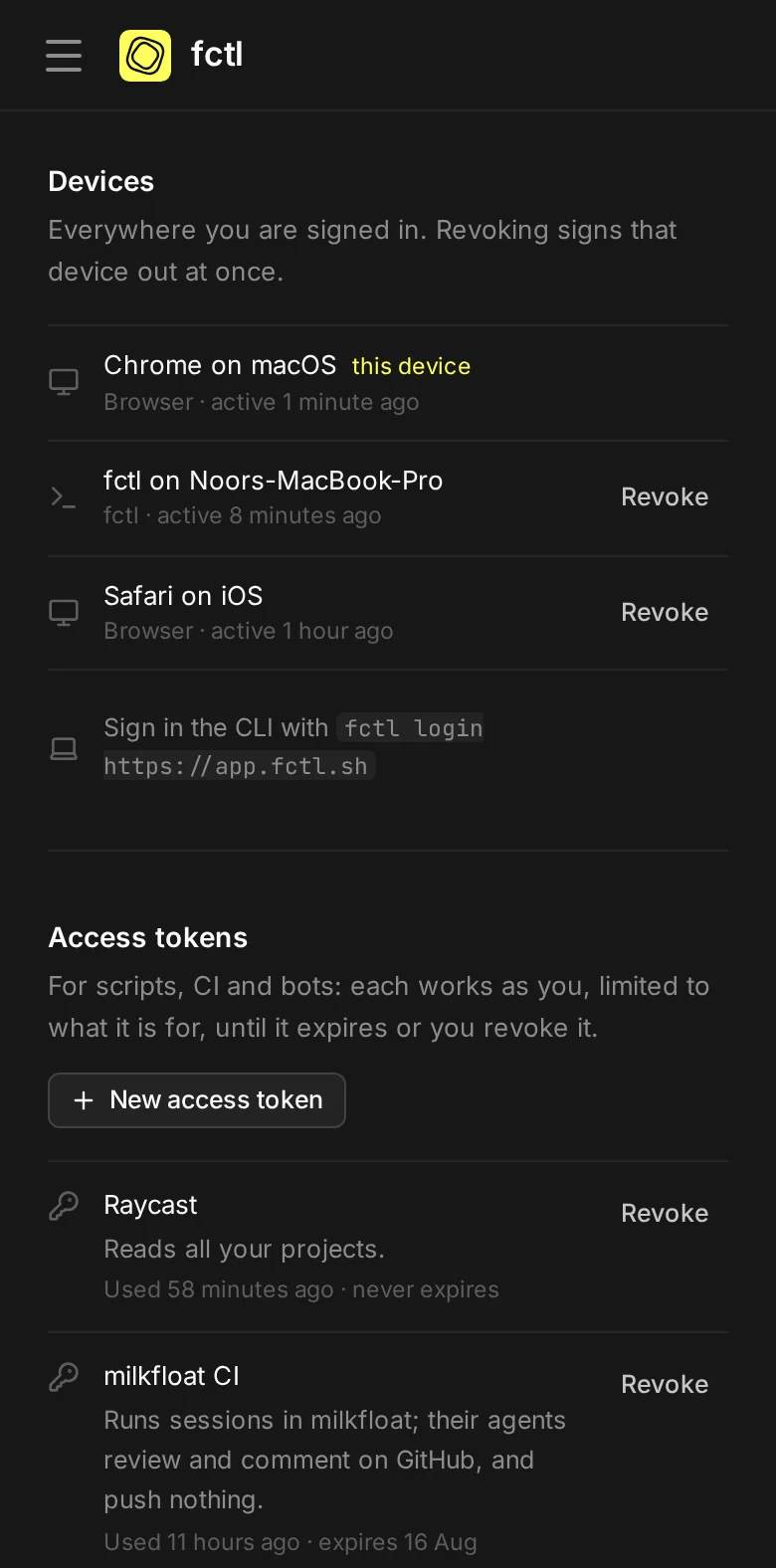
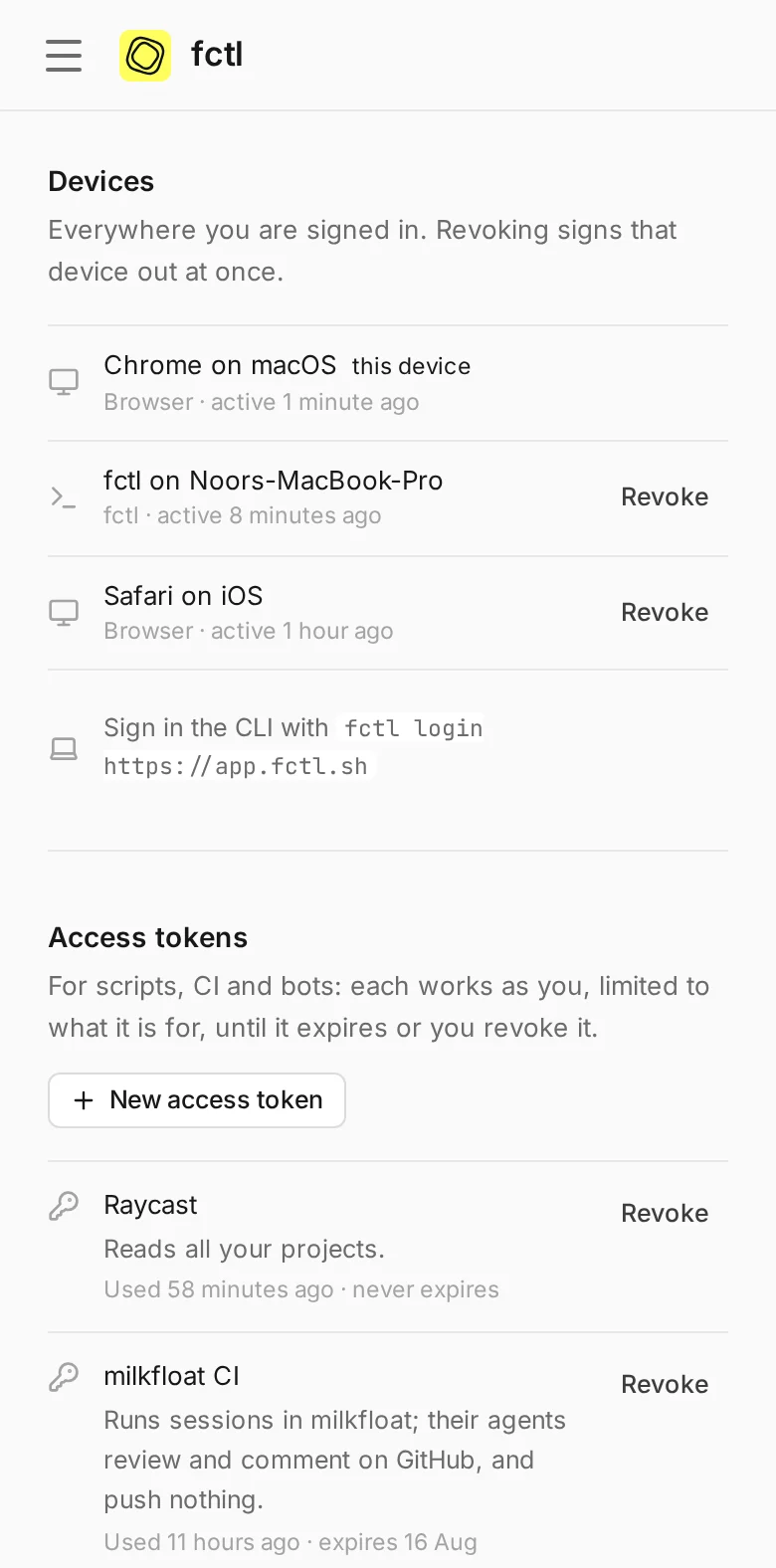
Bots and CI run sessions; dashboards read them. Everything you can do is for your own scripts.
All of yours, a few, or every project of a workspace, those made later included.
Hold a token's agents to commenting or reading, even in projects where agents may push.
A week, a quarter, a year, or until you revoke it. The audit log says which token started what.
A colleague in the chat.
Romanesco's team chat has a bot that starts agents. Noor gave it a token that runs sessions in Shop and
Platform for 90 days, so now anyone in #shop can ask for a fix and get a link to the session a
moment later. The sessions are Noor's, on her Claude plan, in the two projects the token reaches.
- Told, not commanded. What a tool sends reaches the agent as information about the task, not as orders.
- Steered from anywhere. The session is in the app like any other: open its link, watch, message, stop.
Noor Haddad connected Factory to fctl, with a token that runs sessions in Shop and Platform.

Lucía Navarro10:42
@Factory the farm photos on the box page are squashed on small phones. Could an agent fix them?
FactoryApp10:42
On it. An agent is working on it in fctl:
 shop#233 · Keep the farm photos in proportion on small phones
app.fctl.sh/s/ses_01K8ZW…
shop#233 · Keep the farm photos in proportion on small phones
app.fctl.sh/s/ses_01K8ZW…
FactoryApp11:09
Done: shop#1293 keeps the photos' aspect ratio and crops them to the farm, and its 23 checks passed. The screenshots are in the pull request.

Tomás Ferreira11:12
Looks right on my phone. Merging 🥕
Three questions, one sentence.
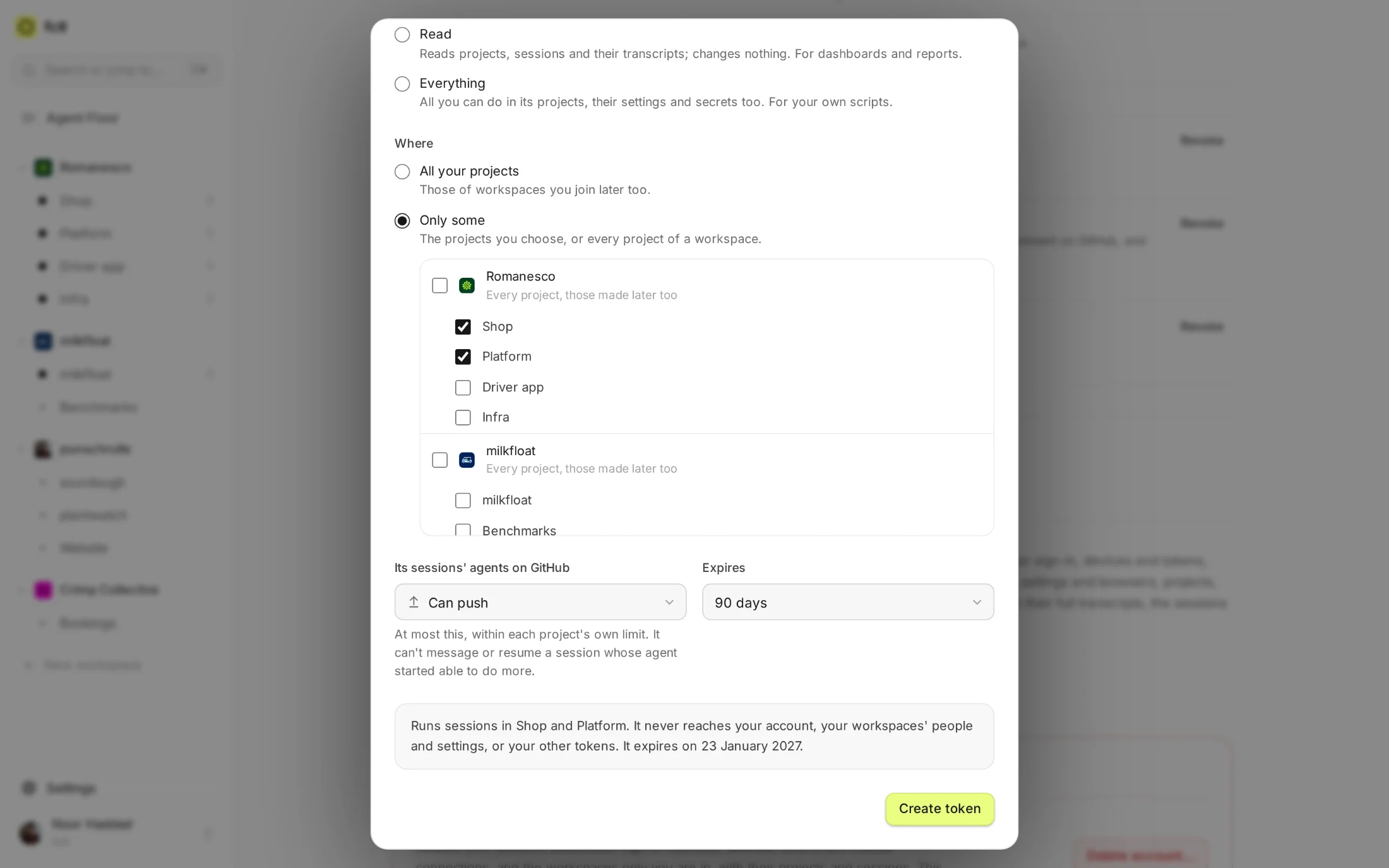
What may it do, where, and for how long. As you answer, the form says in plain words what the token will
be able to do, and what it never will. It's shown once, ready to paste as FCTL_TOKEN or an
Authorization header.
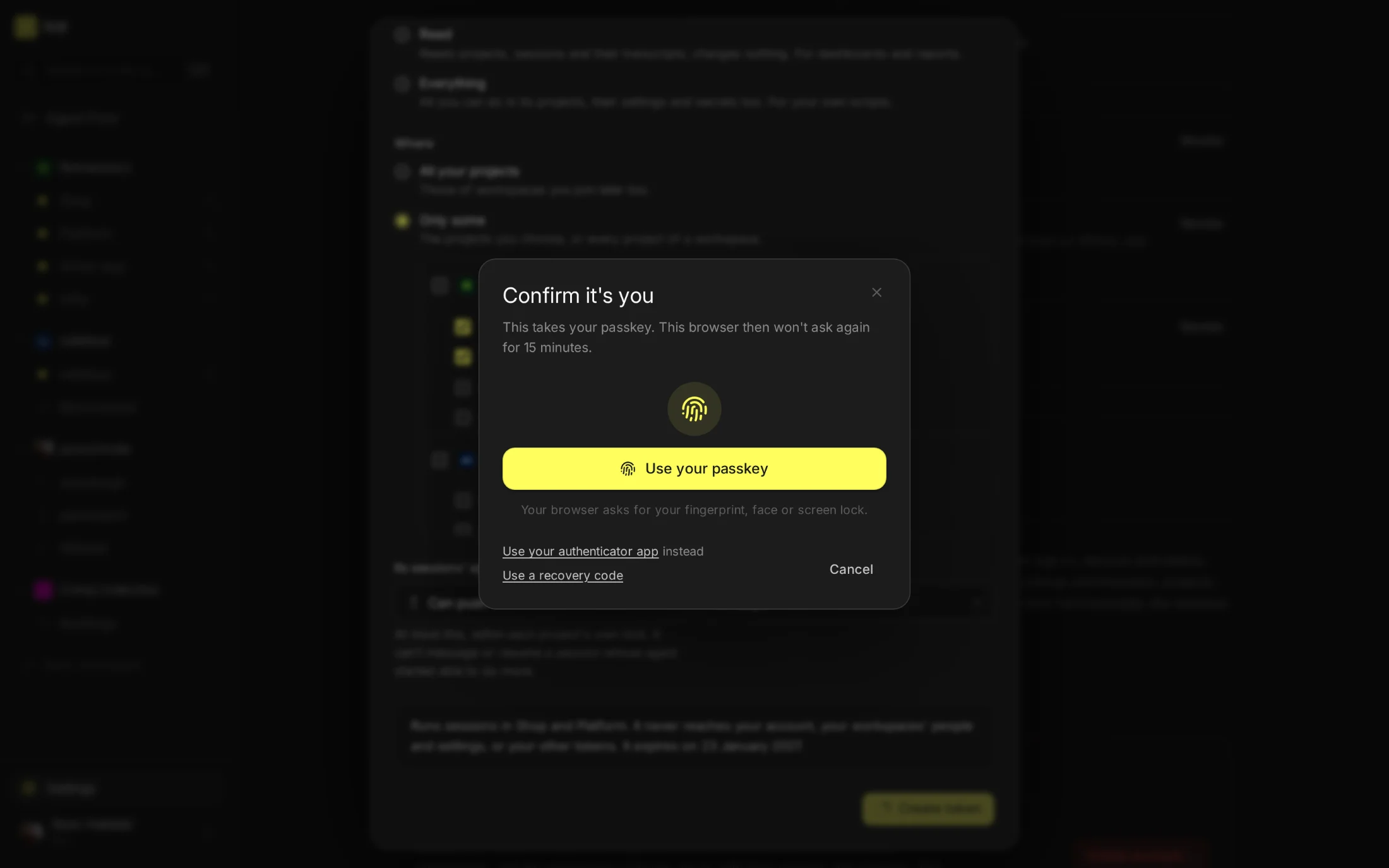
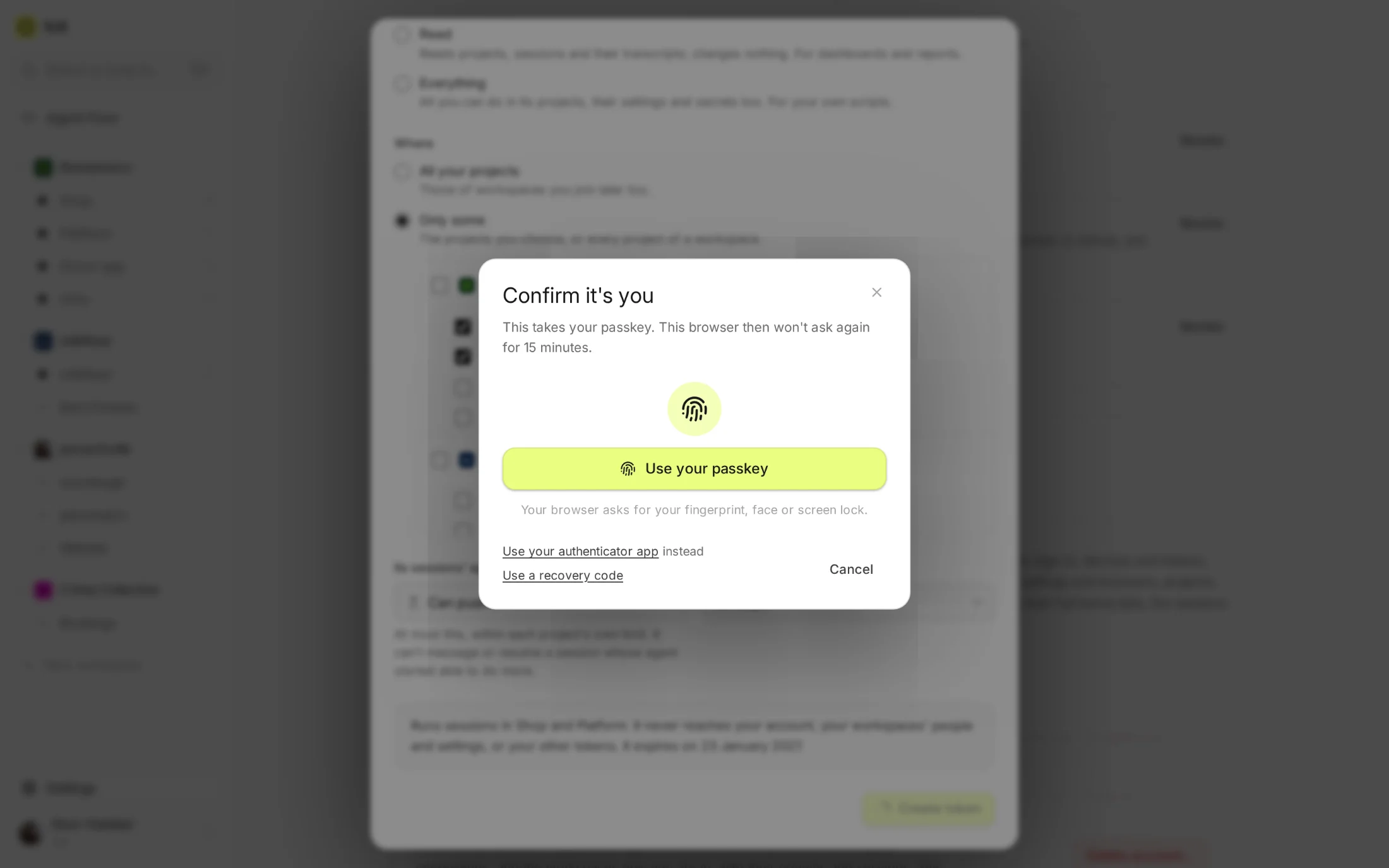
Making one is also one of the things fctl can ask you to confirm with your passkey or a code first, so a stolen browser session can't mint itself a key.
Confirming it's you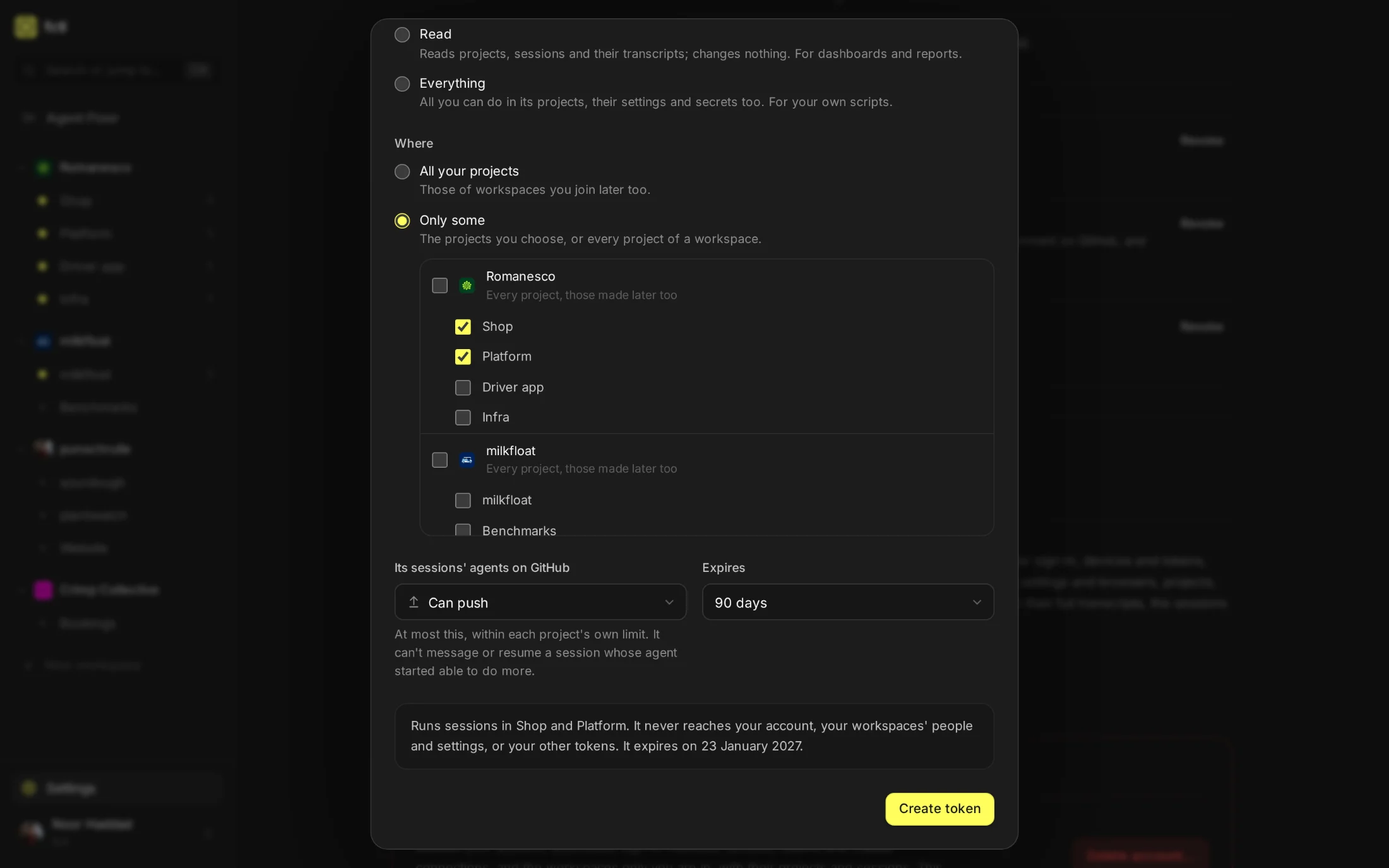
One request from anywhere.
Point a tool at a schedule that runs when asked, and send what it knows along: an issue that was just filed, a deploy that went out, a customer's report. Each request starts a session with the schedule's task and that context.
- Or the whole CLI. With
FCTL_TOKENset, everyfctlcommand works within the token's limits. - Reviews from your own CI. A token for GitHub Actions can start review agents that comment and never push.
fctl token "Issue triage" --access run -p shop --github comment --days 90
fctl_pat_••••••••••••••••••••••••••••••••••••••••
Runs sessions in Shop; their agents review and comment on GitHub, and push nothing.
Shown once. Use it as FCTL_TOKEN or an `Authorization: Bearer` header.
curl -H "Authorization: Bearer $FCTL_TOKEN" -H "Content-Type: application/json" \
-d '{"context": "SHOP-433: The postcode field rejects Danish postcodes"}' \
https://app.fctl.sh/api/v1/schedules/sch_01K8ZY3T6WQ4M9PB2HVN0C5RXA/runs
{"outcome": "started", "trigger": "token", "session": {"number": 234, "title": "Triage an issue", …}, …}
In the docs
Making tokens, what each kind may do, and wiring tools to schedules.
Start a factory tonight.
curl -fsSL https://fctl.sh/install | sh