FeaturesSandboxes

A fresh machine for every session.

Each session gets a Linux sandbox of its own on one of your runners: a lightweight VM on a Mac, a container anywhere else. fctl clones the repository into it, runs the project's setup script, and lets Claude Code work there without stopping to ask for permission. The sandbox is the boundary.

Sandbox images What a sandbox can reach

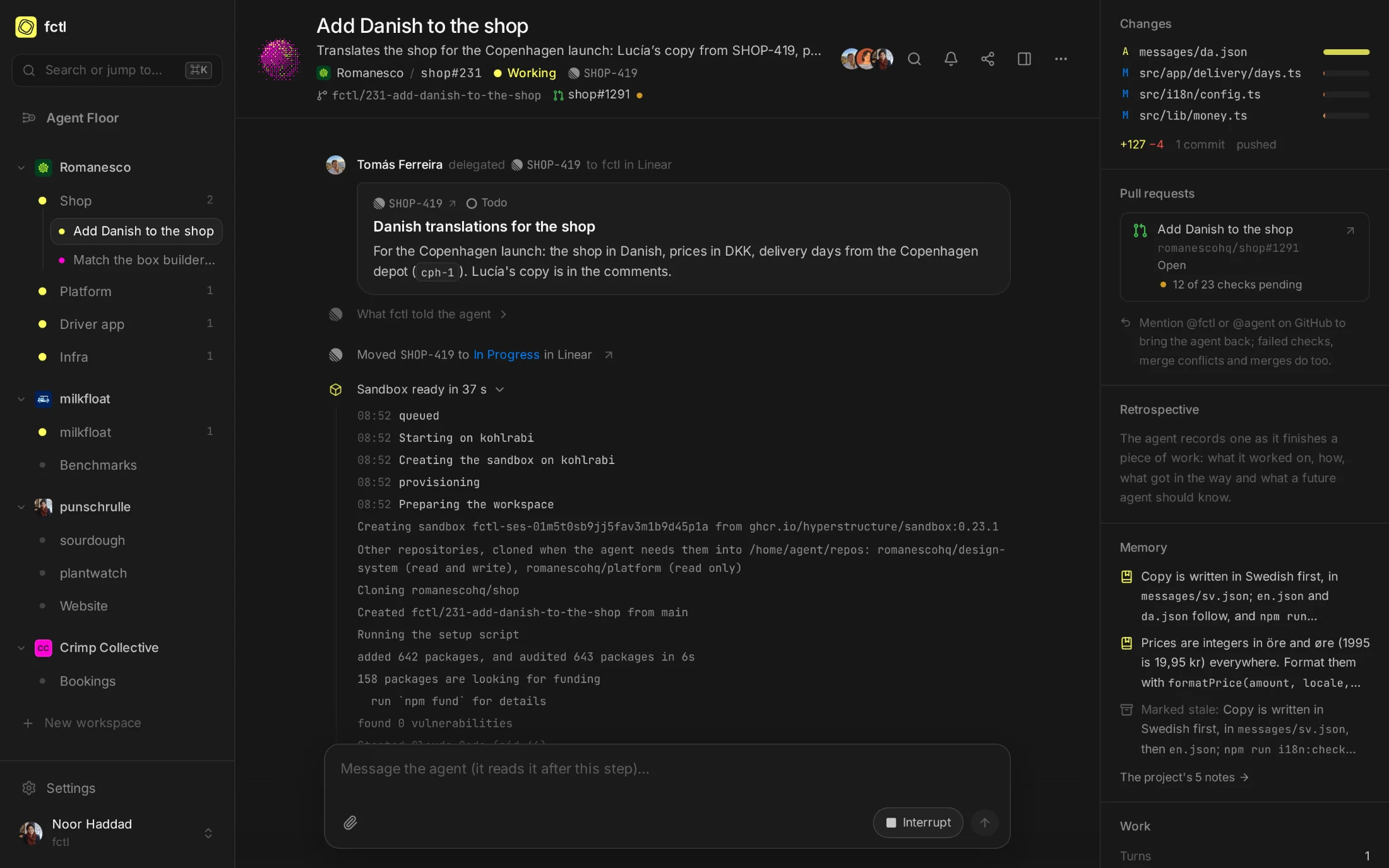
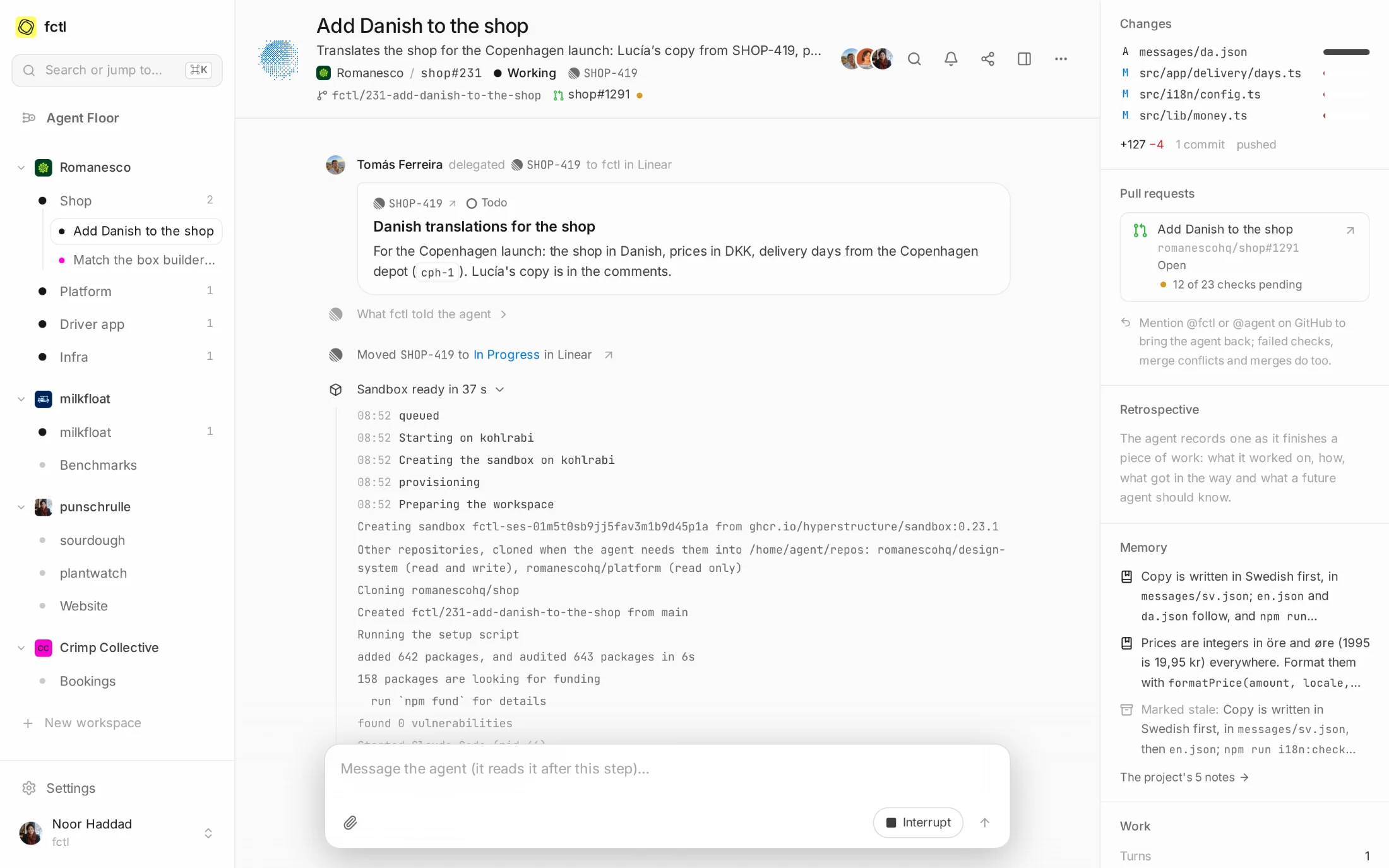
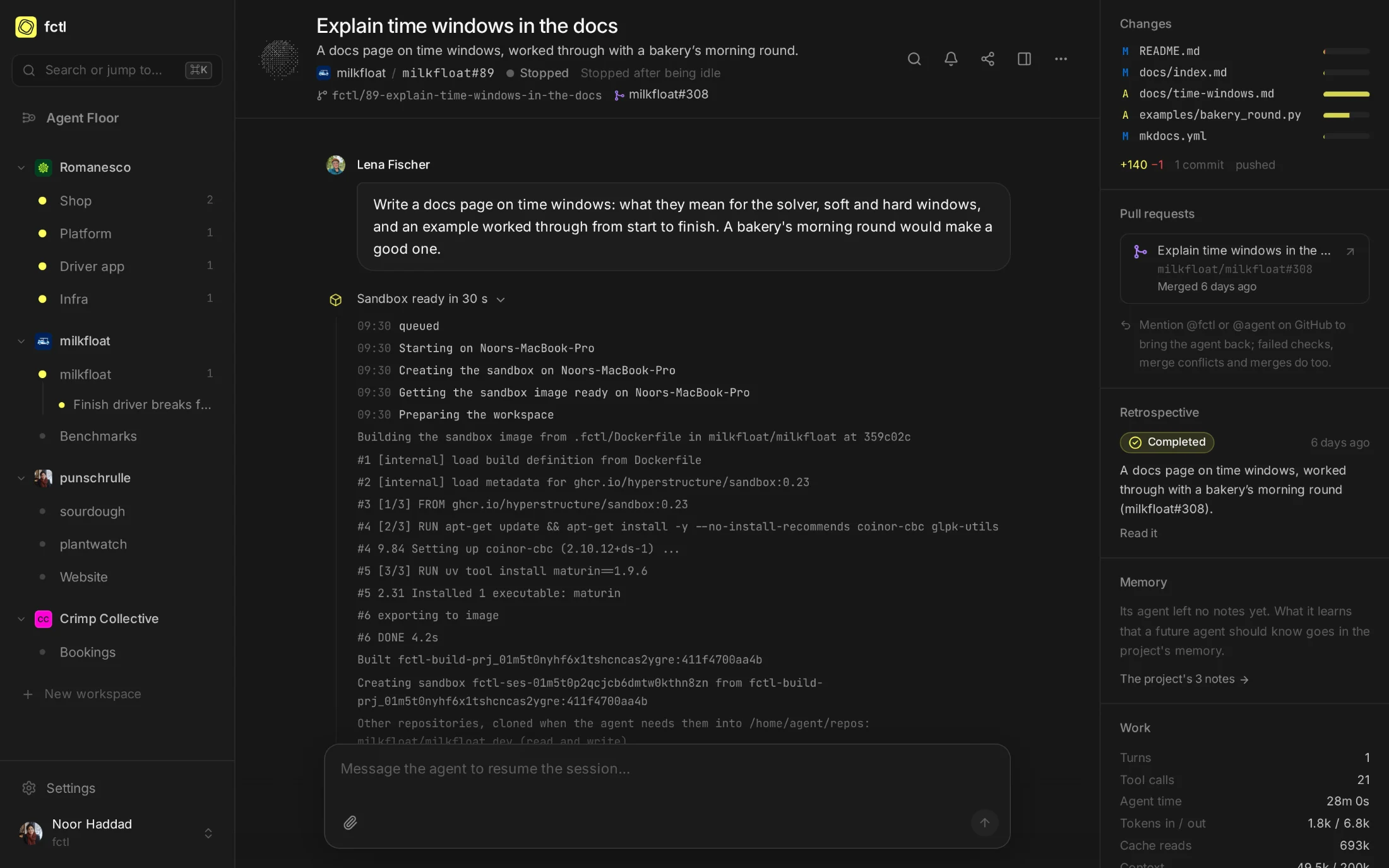
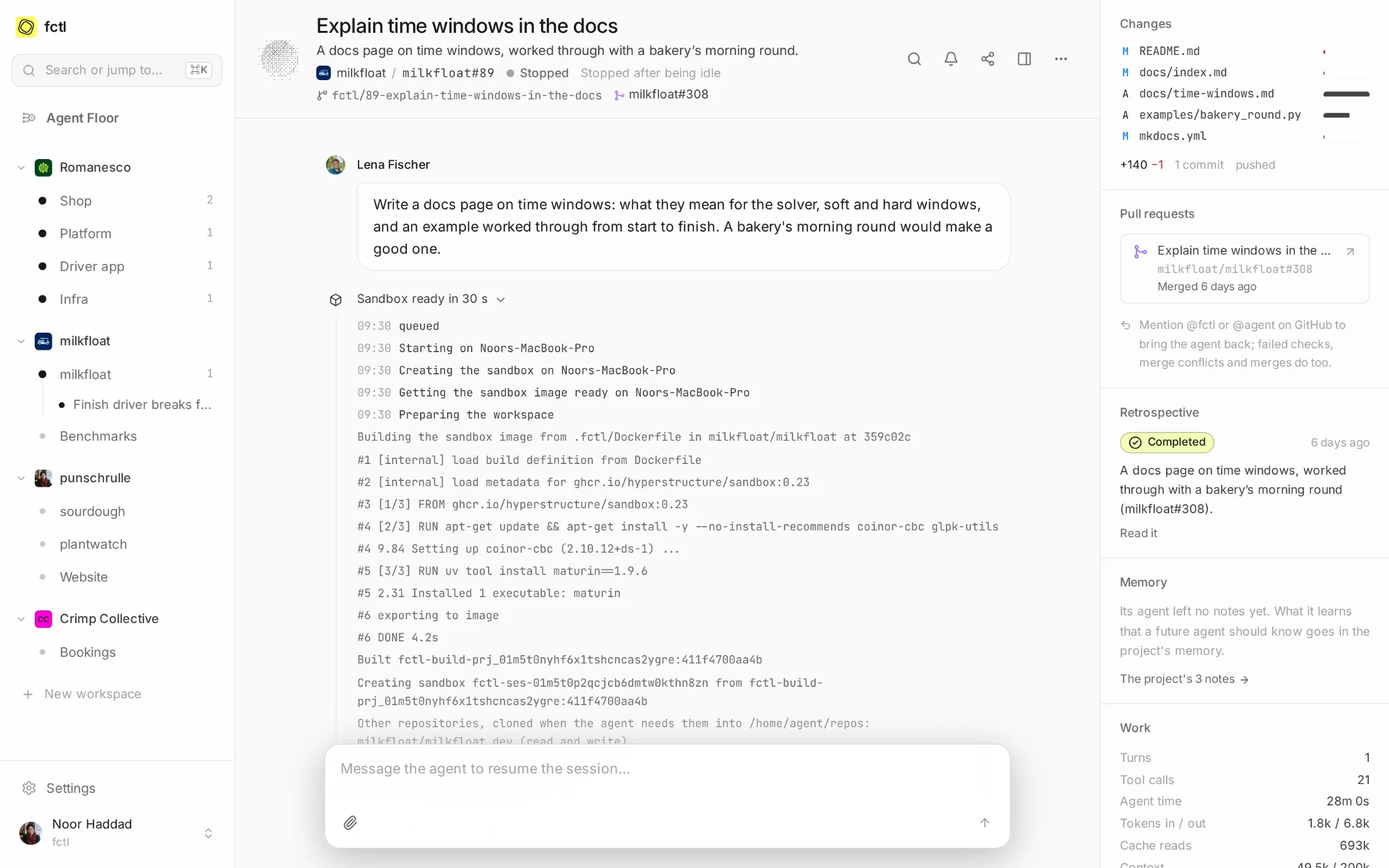
A session's setup, opened: kohlrabi creates its sandbox from fctl's image, clones the shop, runs npm ci from the project's package cache and starts Claude Code, in 35 seconds. A session's setup, opened: kohlrabi creates its sandbox from fctl's image, clones the shop, runs npm ci from the project's package cache and starts Claude Code, in 35 seconds.
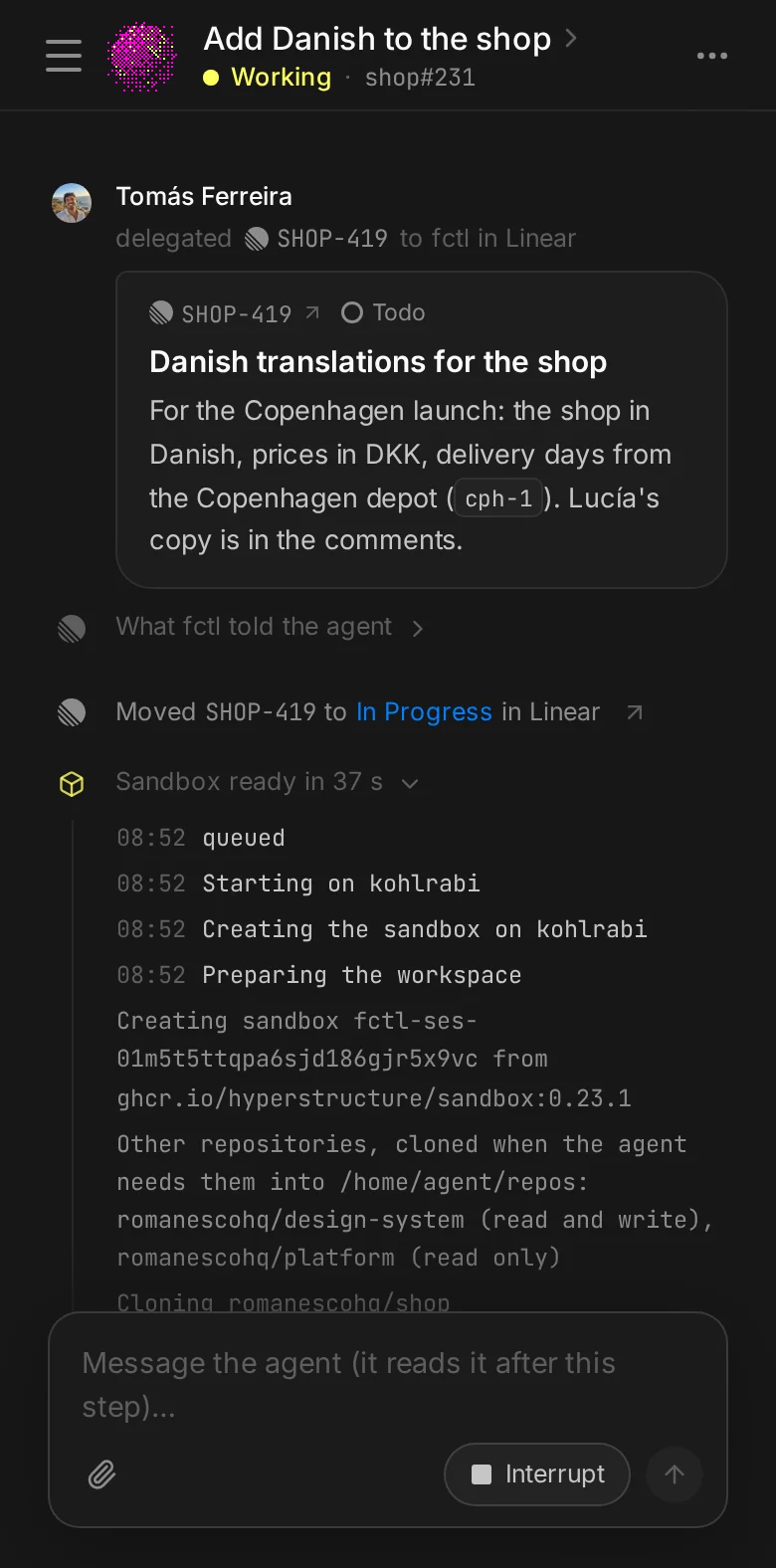
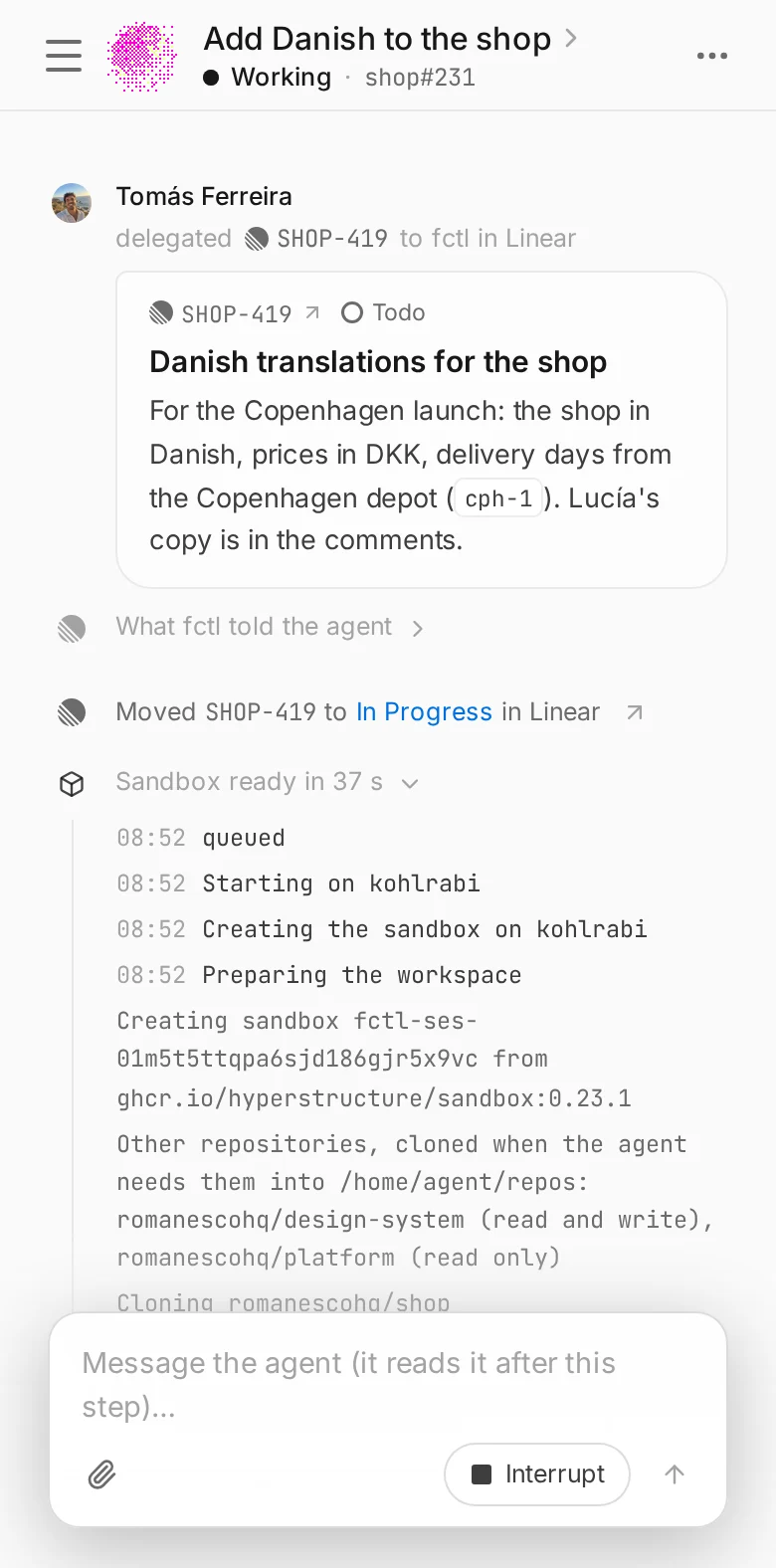
A session's setup on a phone. A session's setup on a phone.
Apart One per session

A VM of its own with Apple's container on Apple silicon, or a container in Docker, OrbStack or Colima.

Quick Up in seconds

From an image the runner already has, with the project's package downloads kept between sessions.

Sized As the work needs

CPUs and memory per project, within the most each runner's owner lets a sandbox have.

Yours Your own image

Use fctl's, name one in a registry, or let runners build it from a Dockerfile in the repository.

Everything a developer has, nothing it shouldn't.

fctl's image is Debian with what most projects reach for: git and the GitHub CLI, build tools, Node.js with TypeScript and Bun, Python with uv, Rust, and Claude Code. The agent works in the clone on a branch of its own, with a GitHub token held to what the project allows and the project's secrets as environment variables.

  • Nothing of the host. No home directory, no keys, no other session: Docker's sandboxes don't even reach each other.
  • Gone when done. An idle session's sandbox stops after the project's idle timeout. A message brings it back.
  • It knows its size. fctl tells the agent its CPUs and memory, so that builds and test runs fit.
agent@fctl-ses-01m5sz0c06 ~/workspace

git branch --show-current

fctl/231-add-danish-to-the-shop

echo $FCTL_SANDBOX_CPUS CPUs, $FCTL_SANDBOX_MEMORY_MB MB

4 CPUs, 8192 MB

ls /var/cache/fctl

ms-playwright npm

gh pr view --json number,state -q '"#\(.number) \(.state)"'

#1291 OPEN

npm run i18n:check

✓ da: 412 of 412 messages, 0 missing

Purpose-built, from your own Dockerfile.

When a project needs more than the default image, keep the recipe next to the code. Name a Dockerfile or a devcontainer.json in the repository, and each runner builds the image the first time a session needs it, then again only when the recipe or the directory it copies from changes.

Here milkfloat's sandboxes add the solvers its benchmarks compare against, and maturin for its Python bindings. The first session on Noor's MacBook built it in a few seconds; the ones after start from it.

Building it from the repository
A milkfloat session's setup: Noor's MacBook builds the sandbox from .fctl/Dockerfile first, then creates it. A milkfloat session's setup: Noor's MacBook builds the sandbox from .fctl/Dockerfile first, then creates it.
.fctl/Dockerfile

# fctl's image, and the solvers

# the benchmarks compare against.

FROM ghcr.io/hyperstructure/sandbox:0.23

USER root

RUN apt-get update \

&& apt-get install -y coinor-cbc glpk-utils

USER agent

RUN uv tool install maturin==1.9.6

Set up once, the same every time.

A setup script runs in the fresh clone before the agent starts: npm ci, cargo fetch, a database migration. With package caches on, each runner keeps the project's downloads, so the script fetches only what is new.

  • Caches for the usual suspects. npm, pnpm, Yarn, Bun, Cargo, uv, pip, Go modules and Playwright's browsers.
  • Room to work. CPUs and memory for each of the project's sandboxes, where its runners allow them.
  • Plain variables too. Environment for every session, beside the secrets that stay out of sight.
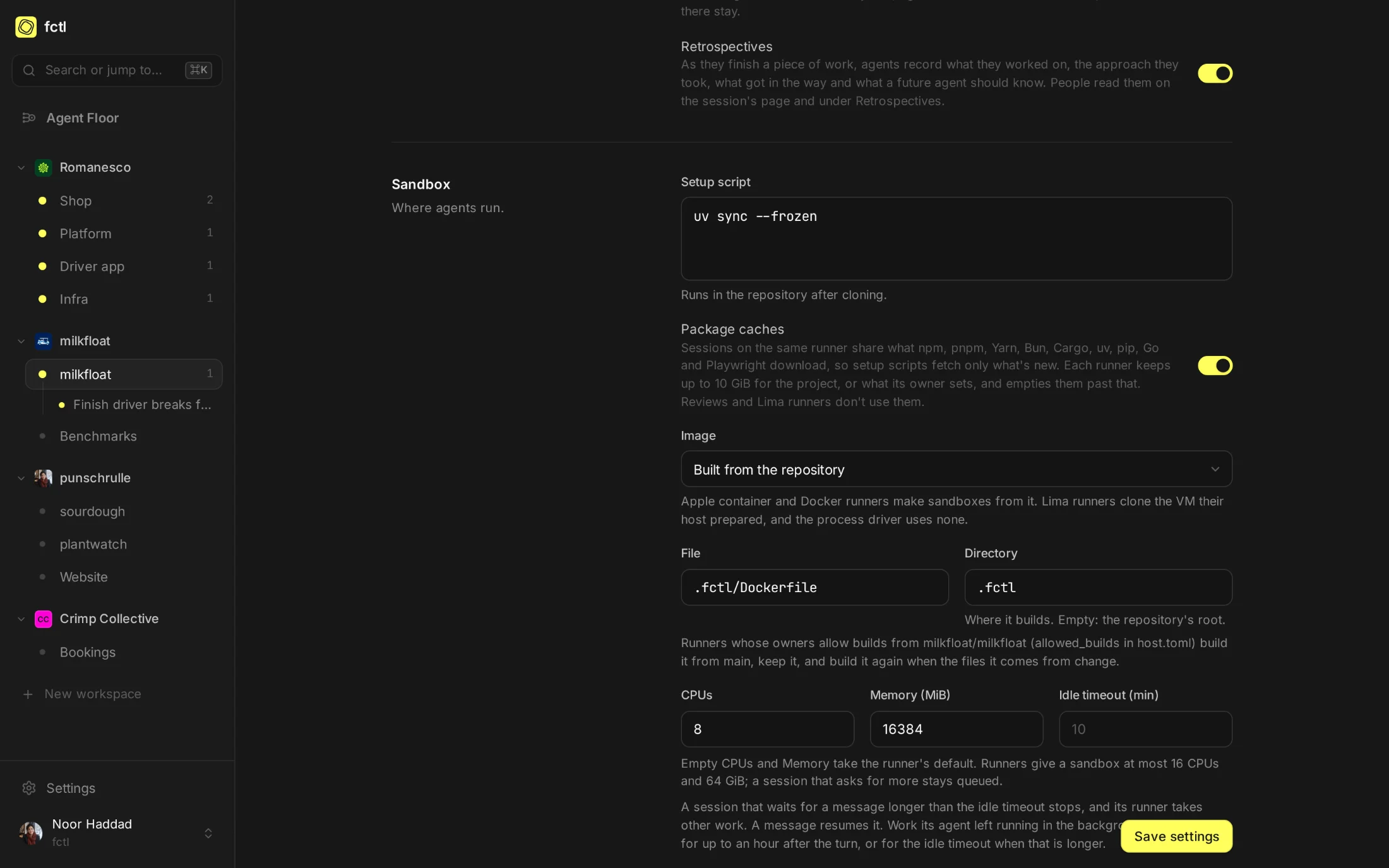
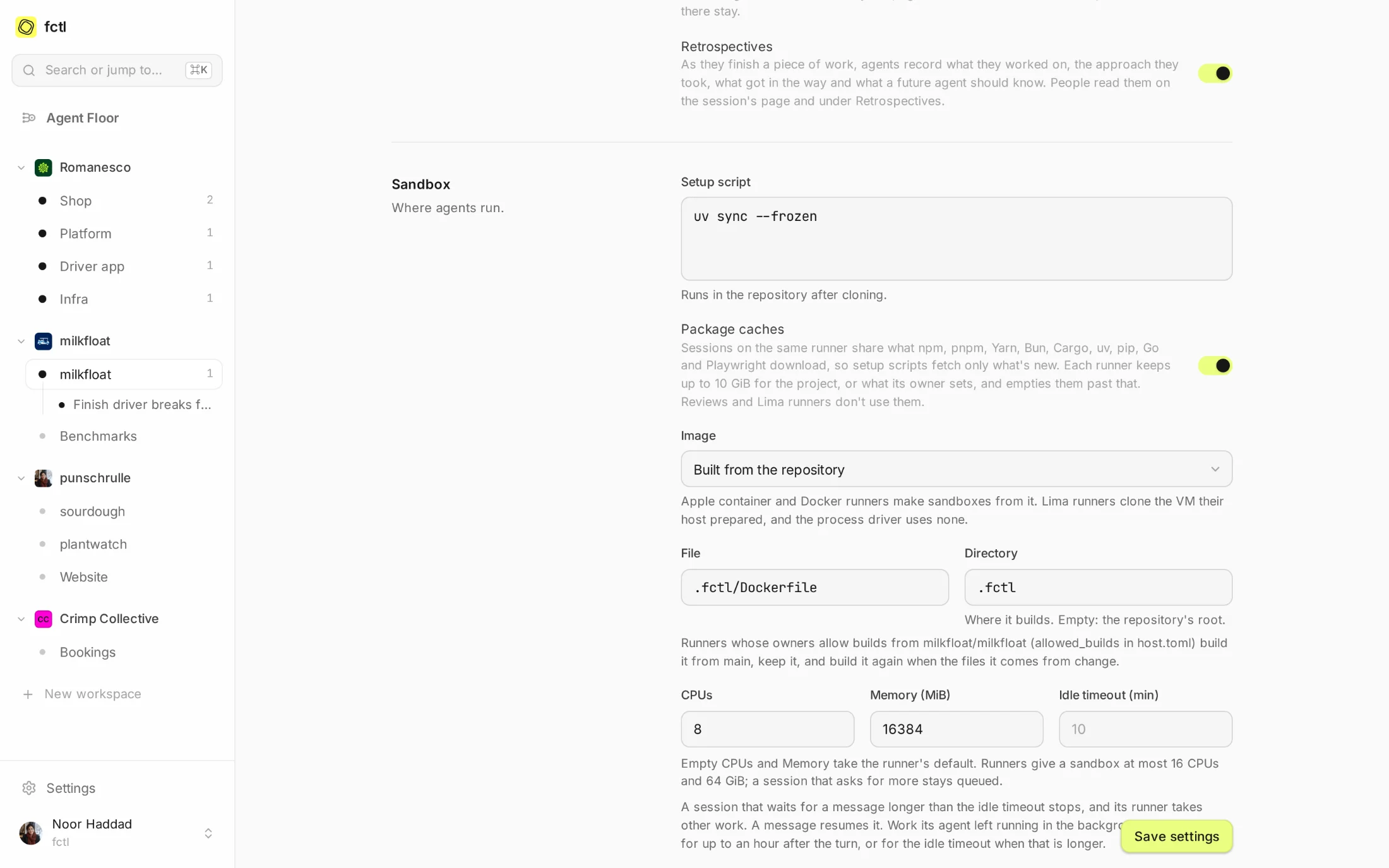
milkfloat's sandbox settings: uv sync as its setup script, package caches on, built from .fctl/Dockerfile, and 8 CPUs and 16 GB for each sandbox. milkfloat's sandbox settings: uv sync as its setup script, package caches on, built from .fctl/Dockerfile, and 8 CPUs and 16 GB for each sandbox.

Apple container on a Mac, Docker everywhere.

Runners use what their machine has. fctl host install looks, and picks: Apple's own container runtime on a Mac with Apple silicon, Docker on Linux and on any Mac that prefers it. Either way the agent gets the same Linux, the same image and the same tools.

Apple container

Each session is a lightweight virtual machine with a Linux kernel of its own, from Apple's container runtime for macOS 26.

isolation
A VM per session
runs on
Macs with Apple silicon and macOS 26 or later
images
fctl's, a registry's, or built with container build
caches
A directory on the Mac, mounted into each sandbox

Docker

Each session is a container in Docker, OrbStack or Colima, on a network of its own: sandboxes reach the internet, never each other.

isolation
A container per session
runs on
Linux servers, and Macs with a Docker of their choice
images
fctl's, a registry's, or built with docker build
caches
A volume for each project, on the daemon's disk

In the docs

What's in the default image, how hosts get it, and how to make one of your own.

Start a factory tonight.

curl -fsSL https://fctl.sh/install | sh