
FeaturesRunners
The machines you have, on the night shift.
A runner is a machine someone on the team connected with one command: the Mac mini in the cupboard, the Linux box under the desk, your own laptop. It takes the sessions of the workspaces it serves and starts a sandbox for each. Your code is cloned, built and tested on hardware you own, on your own Claude plan.
Bring a machine online Who runs whose sessions
It checks the machine, registers it and installs a service that starts with it and survives a reboot.
Admins add runners for everyone's sessions. Members add theirs for their own, and nobody else's work lands there.
Each runner takes so many sessions at once. The rest queue, and start the moment a slot frees up.
Hosts move to the version the control plane runs, so a fleet of them never needs a weekend.
One command per machine.
Install the CLI, sign in, and run fctl host install. It finds the runtime the machine has,
works out how big a sandbox it can give, registers the runner for your workspace and starts the host as
a service. On a Mac, it also says how to keep the Mac awake through the night.
- Its owner decides. Which images it runs, which repositories it builds images from, how much disk it keeps free.
- Your Claude token, kept home. A runner can keep its owner's token on the machine instead of in fctl.
- Moving house? Drain it, and sessions finish there while new ones start elsewhere.
fctl host install -w romanesco
✓ Driver: apple (ready)
✓ Sandboxes: 4 CPUs and 8 GiB by default, at most 8 CPUs and 64 GiB
✓ Registered runner kohlrabi (rnr_01K5Q8X2M4FQ7T9ZC3NB6WD1HE) for Romanesco's sessions
✓ Wrote /Users/kofi/.config/fctl/host.toml
Sessions start from ghcr.io/hyperstructure/sandbox:0.23.1; the host pulls it when it starts.
It runs any image a project chooses and builds no images.
It updates fctl to the version the control plane runs whenever that is newer.
✓ Service: launchd job sh.fctl.host
Keep the Mac working 24/7:
sudo pmset -a sleep 0 disksleep 0 standby 0 autorestart 1 womp 1
System Settings → Users & Groups → automatically log in as this user
See the whole floor at once.
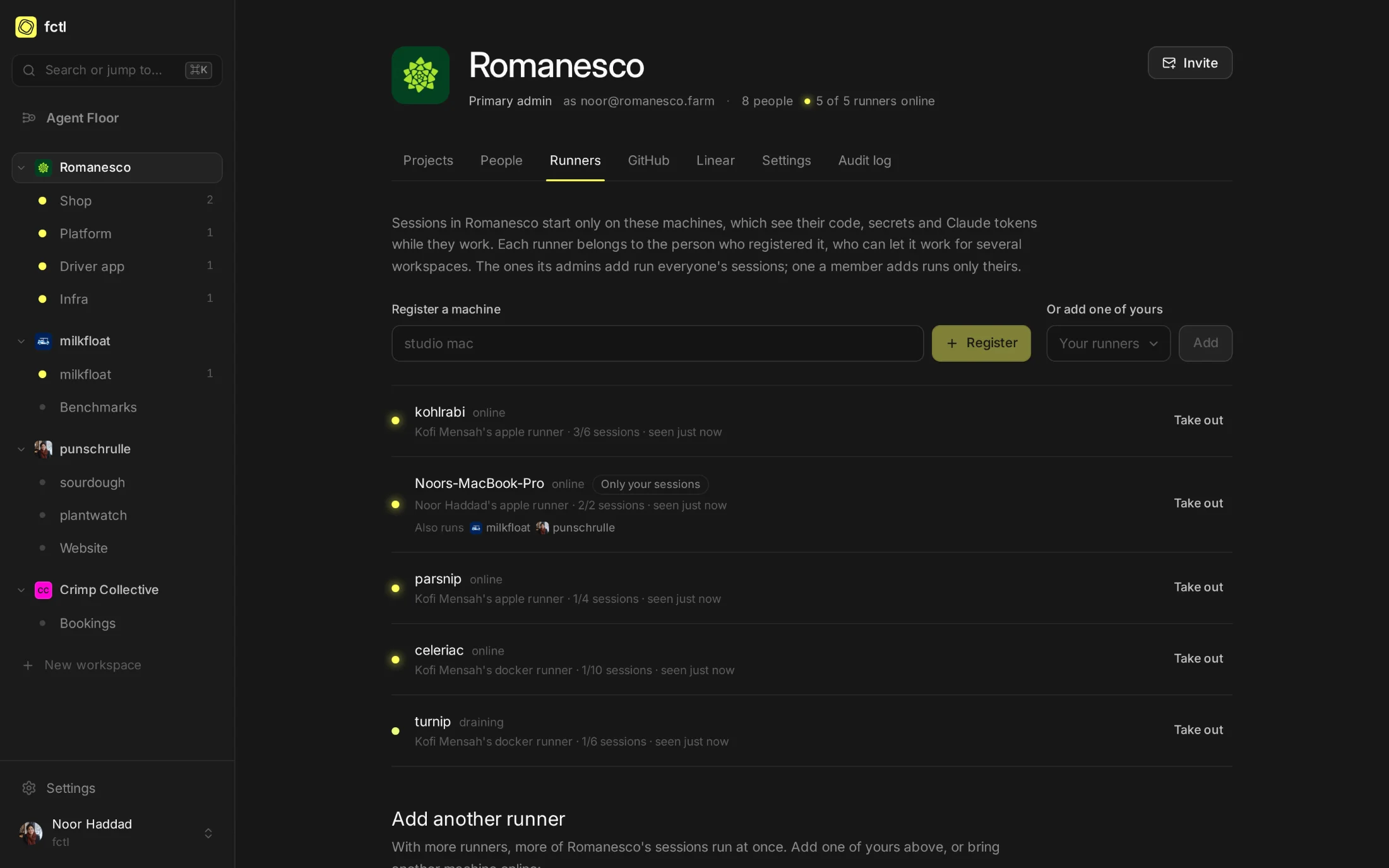
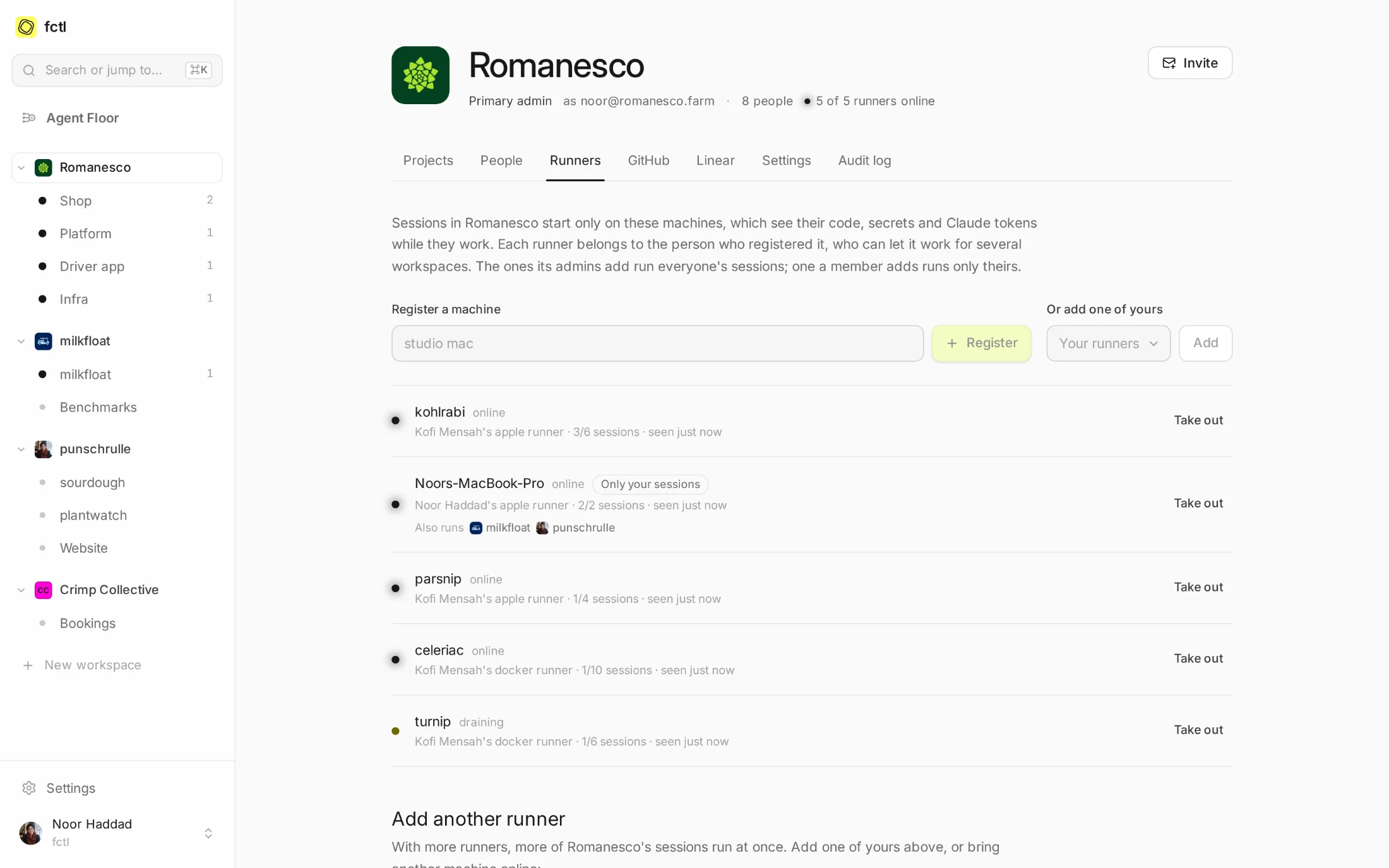
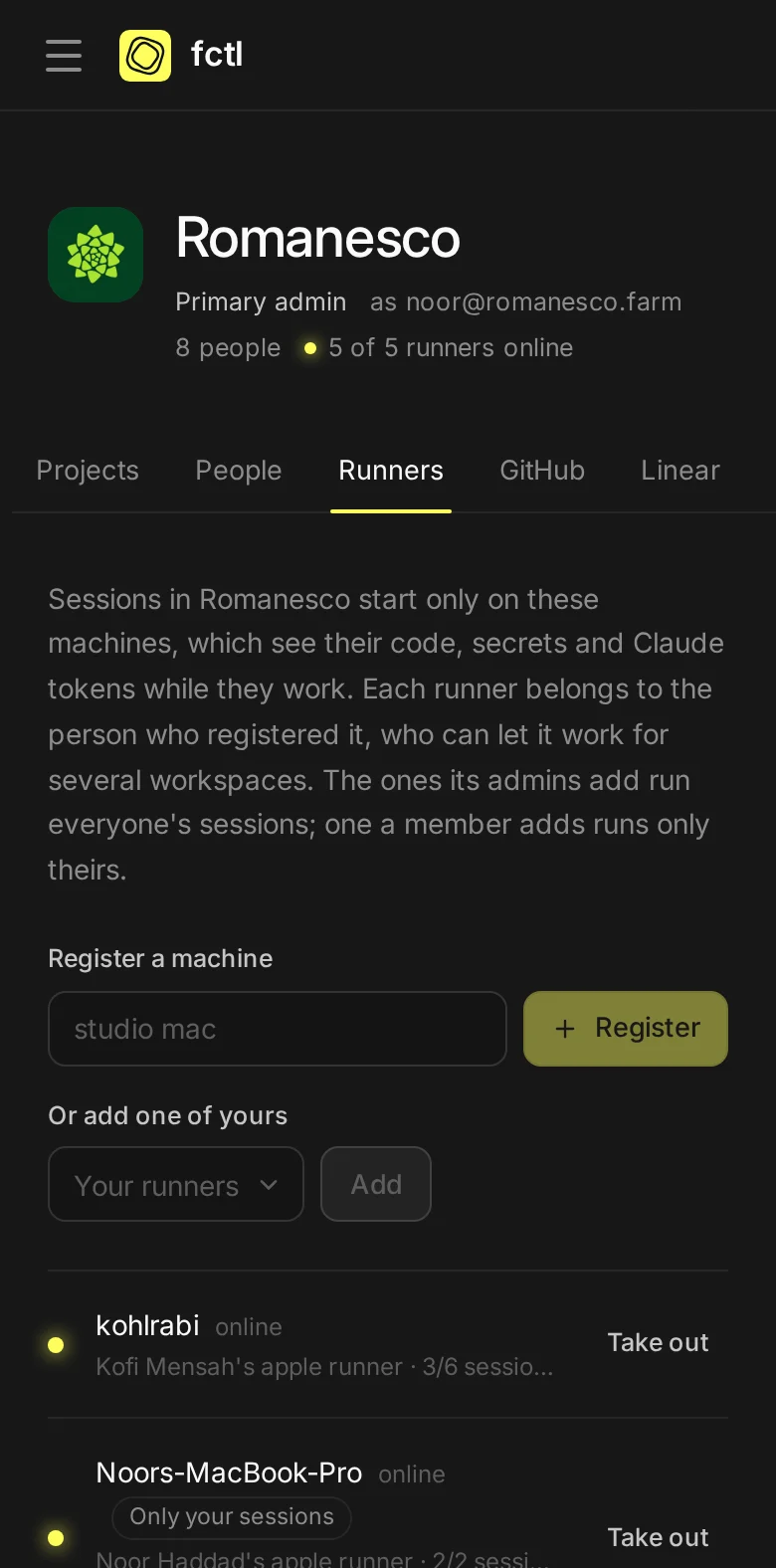
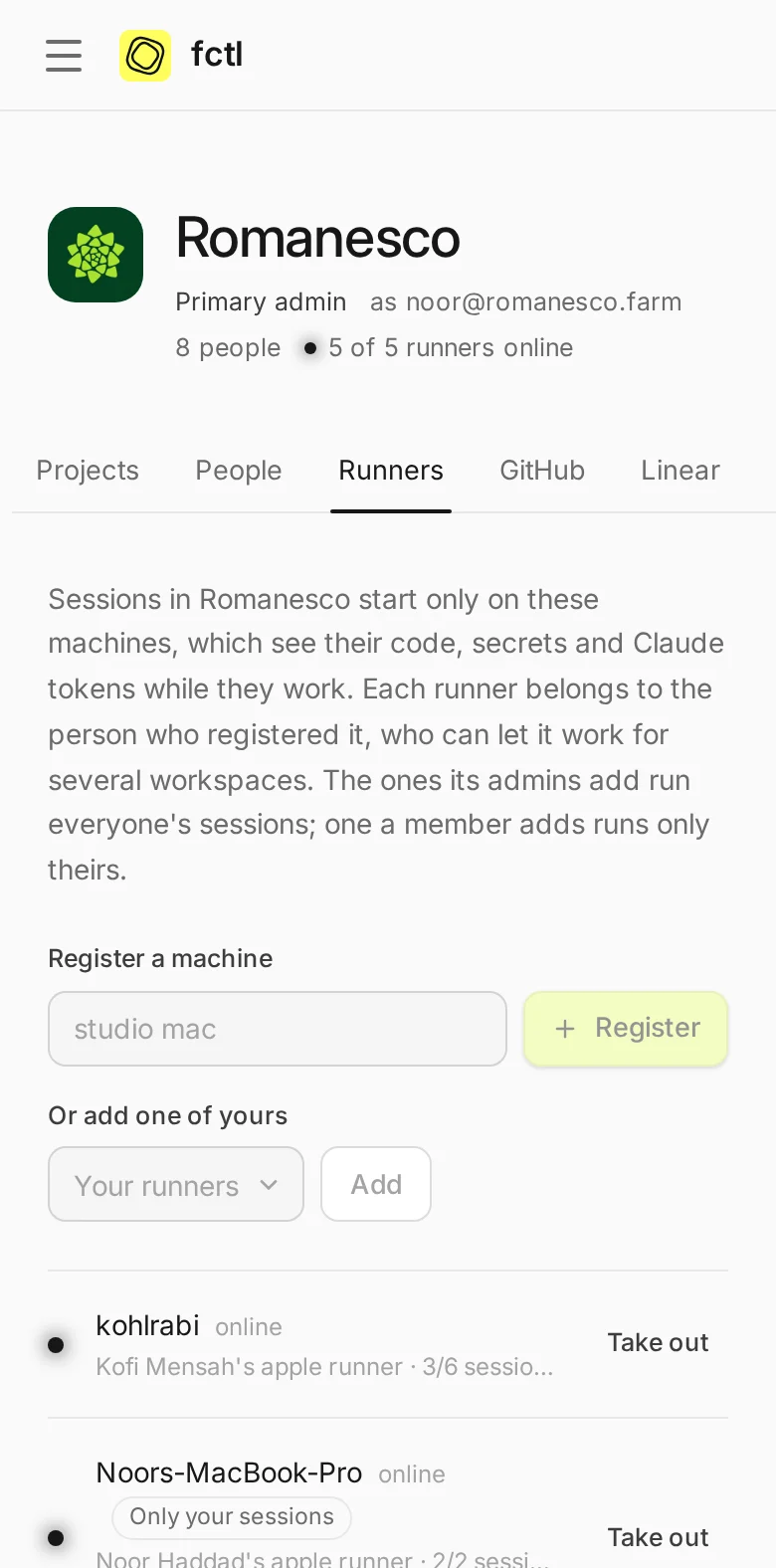
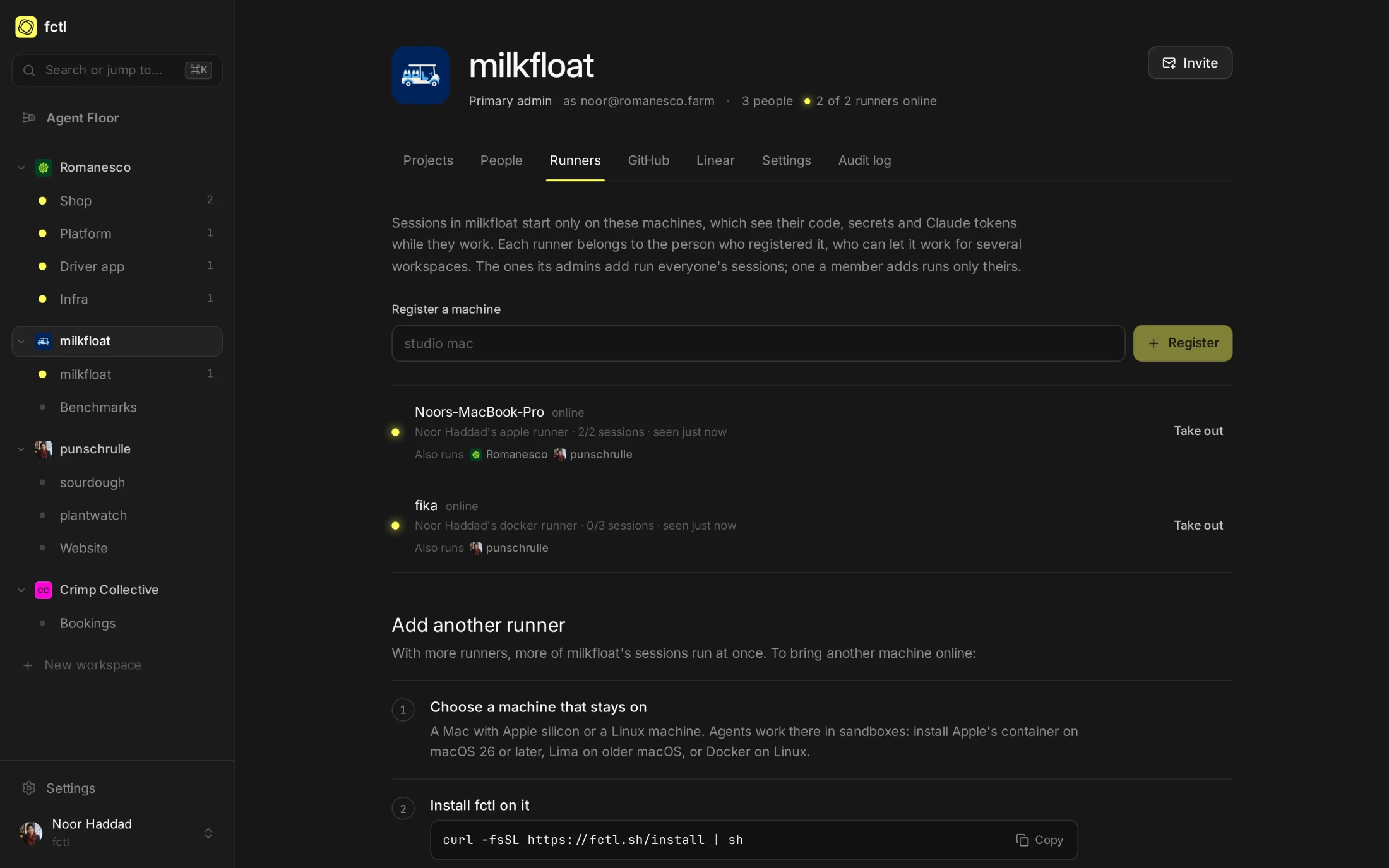
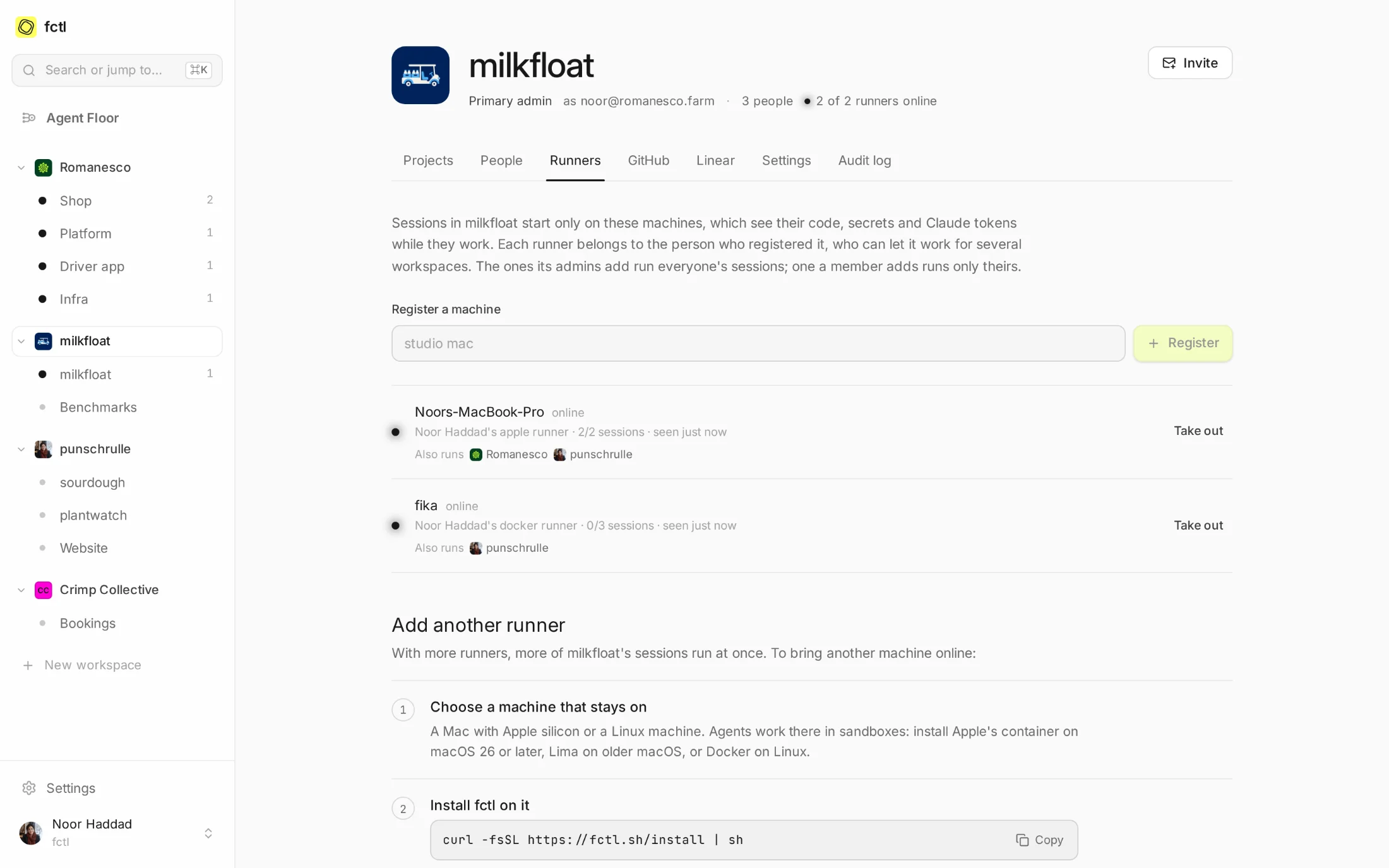
A workspace's Runners tab shows every machine that serves it: online or not, whose it is, whose sessions it runs and how busy it is. Kofi started draining turnip at 08:40: the session at work there finishes there, and new ones start on the others.
Adding a runner to a workspace, or letting it run everyone's sessions, is one of the actions fctl can ask you to confirm with your passkey: a runner sees the code, secrets and tokens of each session it runs.
Ask a machine how it's doing.
fctl host status answers on the machine itself: what it runs sandboxes with and how big they
may be, how much disk is free and how much it keeps free, the package caches it holds, and the sessions
at work there right now.
fctl host status
kohlrabi https://app.fctl.sh
id: rnr_01K5Q8X2M4FQ7T9ZC3NB6WD1HE
driver: apple
capacity: 6 sessions
sandbox: 4 CPUs and 8 GiB by default, at most 8 CPUs and 64 GiB
disk: 611.2 GiB free, keeps 20 GiB free
caches: 3 projects, 5.8 GiB when last measured; up to 10 GiB each
image: ghcr.io/hyperstructure/sandbox:0.23.1
service: running
runner: online
sessions:
● running shop#231 Add Danish to the shop
○ idle platform#445 Retry Stripe webhook processing that fails
◍ paused shop#230 Match the box builder to the new illustrations
Your laptop, for your work.
Noor's MacBook serves three workspaces. In milkfloat, the open-source solver she maintains, it runs everyone's sessions. At Romanesco it runs only hers, and a member who wants their Claude token on no one else's machine can keep all their sessions on runners of their own.
- Sessions follow their runner's rules. A runner that leaves a workspace stops its sessions there, and they resume elsewhere.
- Gone quiet? A runner that stops answering hands its sessions back, and they resume on another.
In the docs
Installing a host, what it needs, and how it keeps itself up to date.
Start a factory tonight.
curl -fsSL https://fctl.sh/install | sh