
FeaturesSign-in and security
The front door, properly locked.
fctl starts agents that run code on your machines and push to your repositories, so getting in should take more than a password someone could guess or catch. Sign in with a passkey or with Google, keep an authenticator app as a second factor, and have fctl ask again before anything sensitive.
How fctl keeps it safe Passkeys, in detail
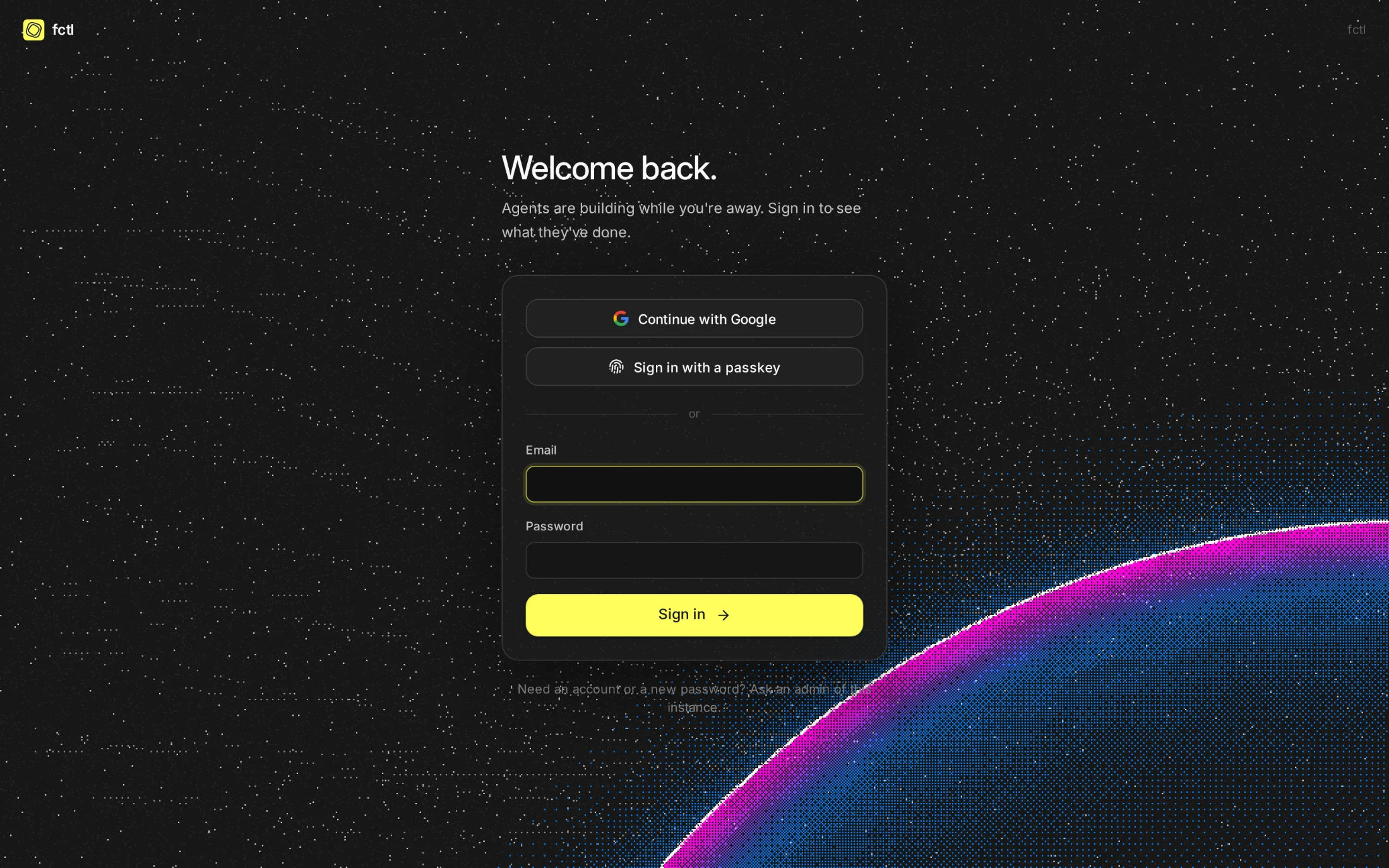
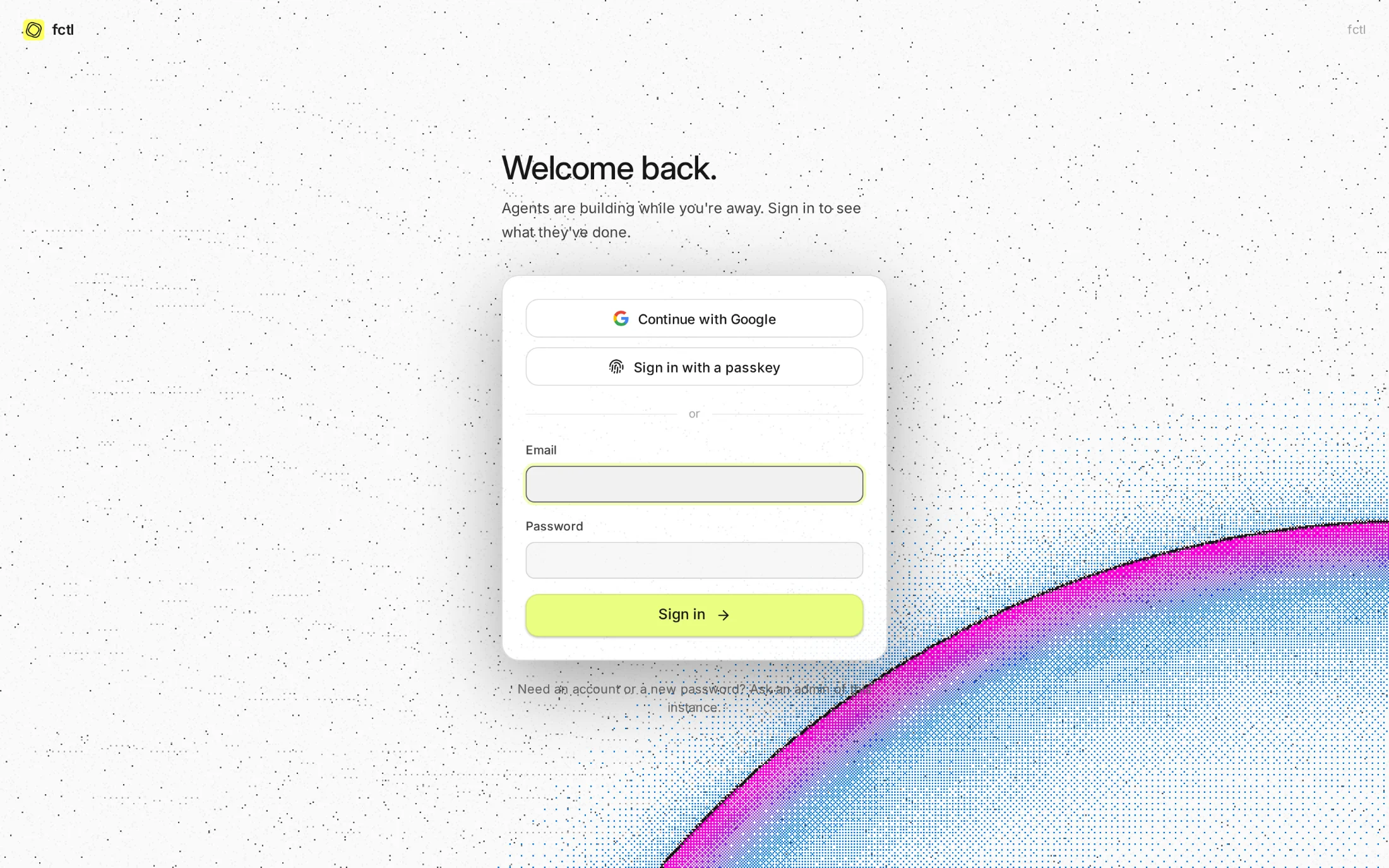
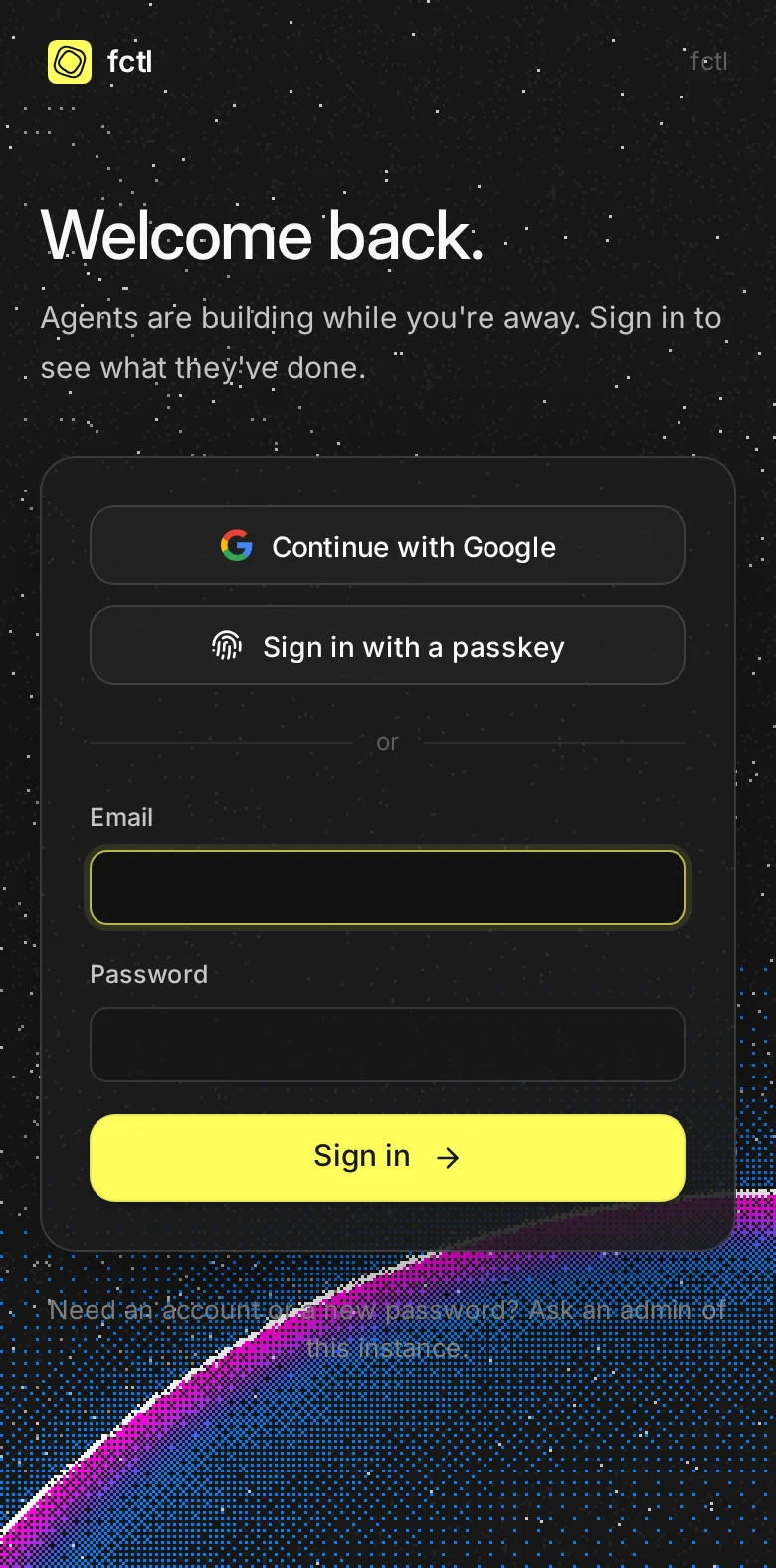
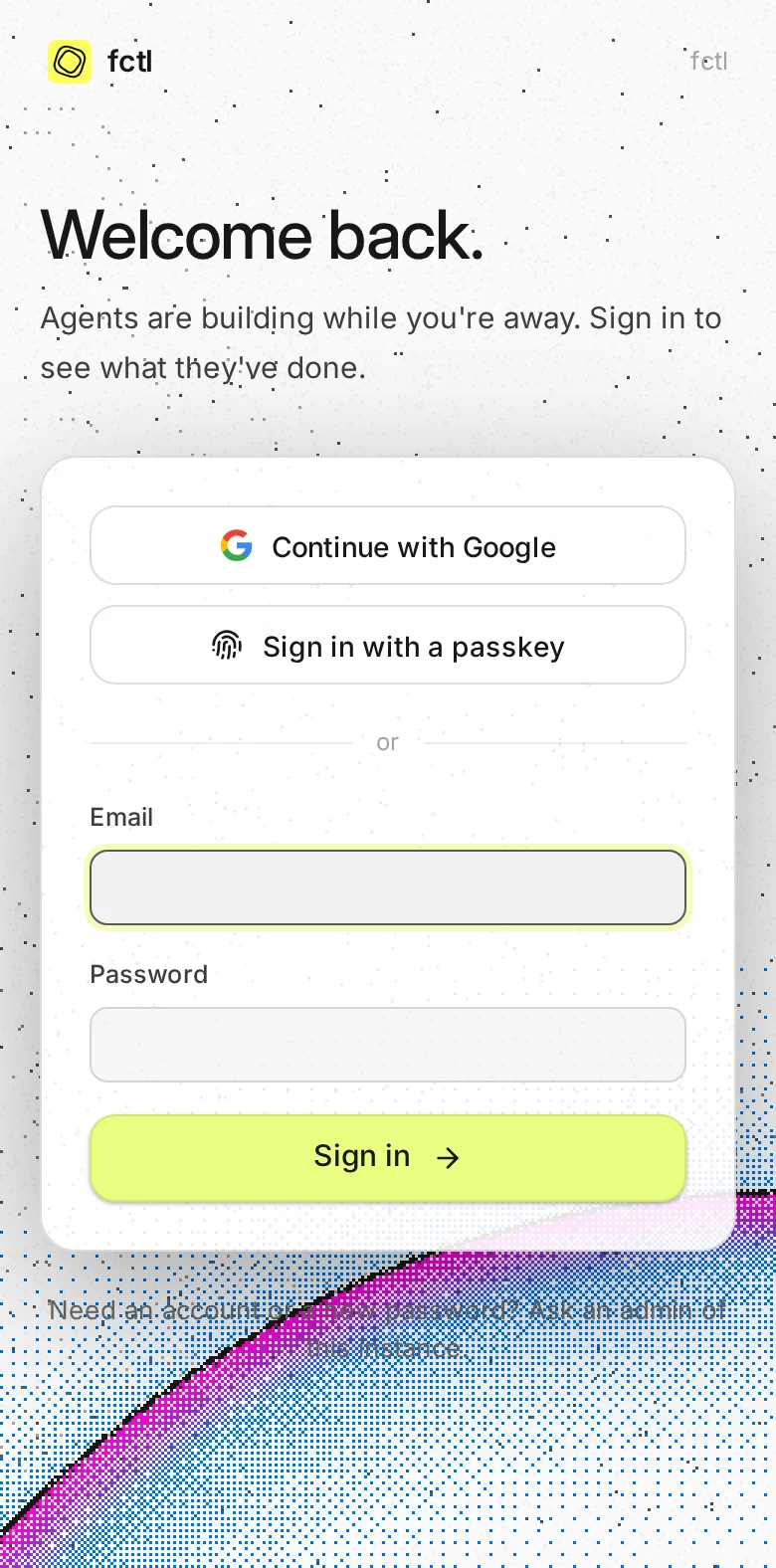
A fingerprint, a face or a screen lock signs you in. There's no password to reuse, and no code a fake site could catch.
An authenticator app's code after your password, with ten recovery codes for the day your phone goes swimming.
Making a token or adding a runner takes your passkey or a code first. Then it doesn't ask again for 15 minutes.
Admins can require two-factor sign-in of their whole workspace, or of the whole instance.
Passkeys first.
Add a passkey from Settings, and your device or password manager keeps it: iCloud Keychain, Google's, 1Password, a security key on your key ring. Each is tied to fctl's address, so it can't be used anywhere else, and it counts as both factors at once.
- Synced or kept on the key. The list says which, and when each was last used.
- Codes for the rest. Any authenticator app works, set up from a QR code in a minute.
- A note when it changes. fctl emails you when a second factor is added, replaced or turned off.
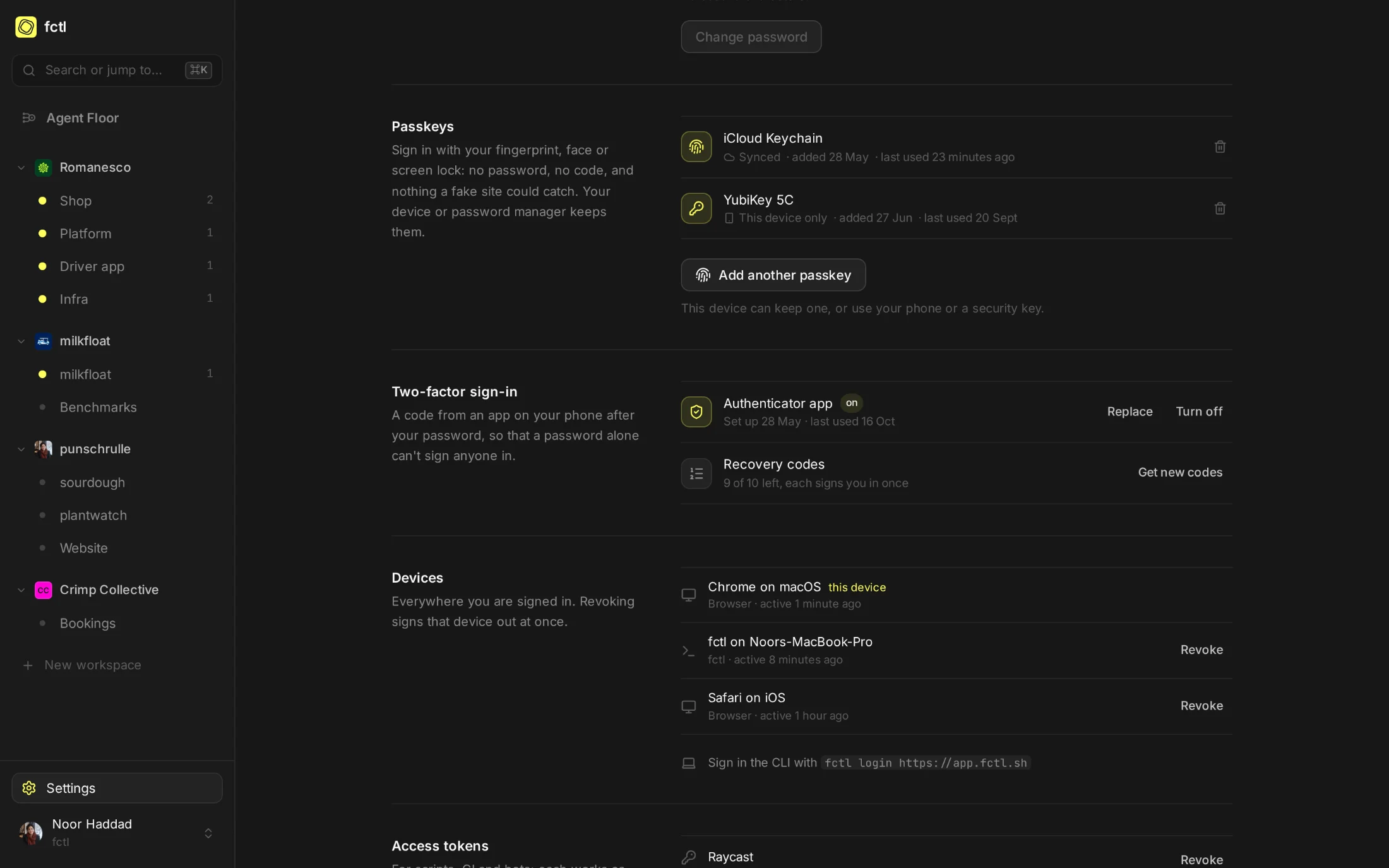
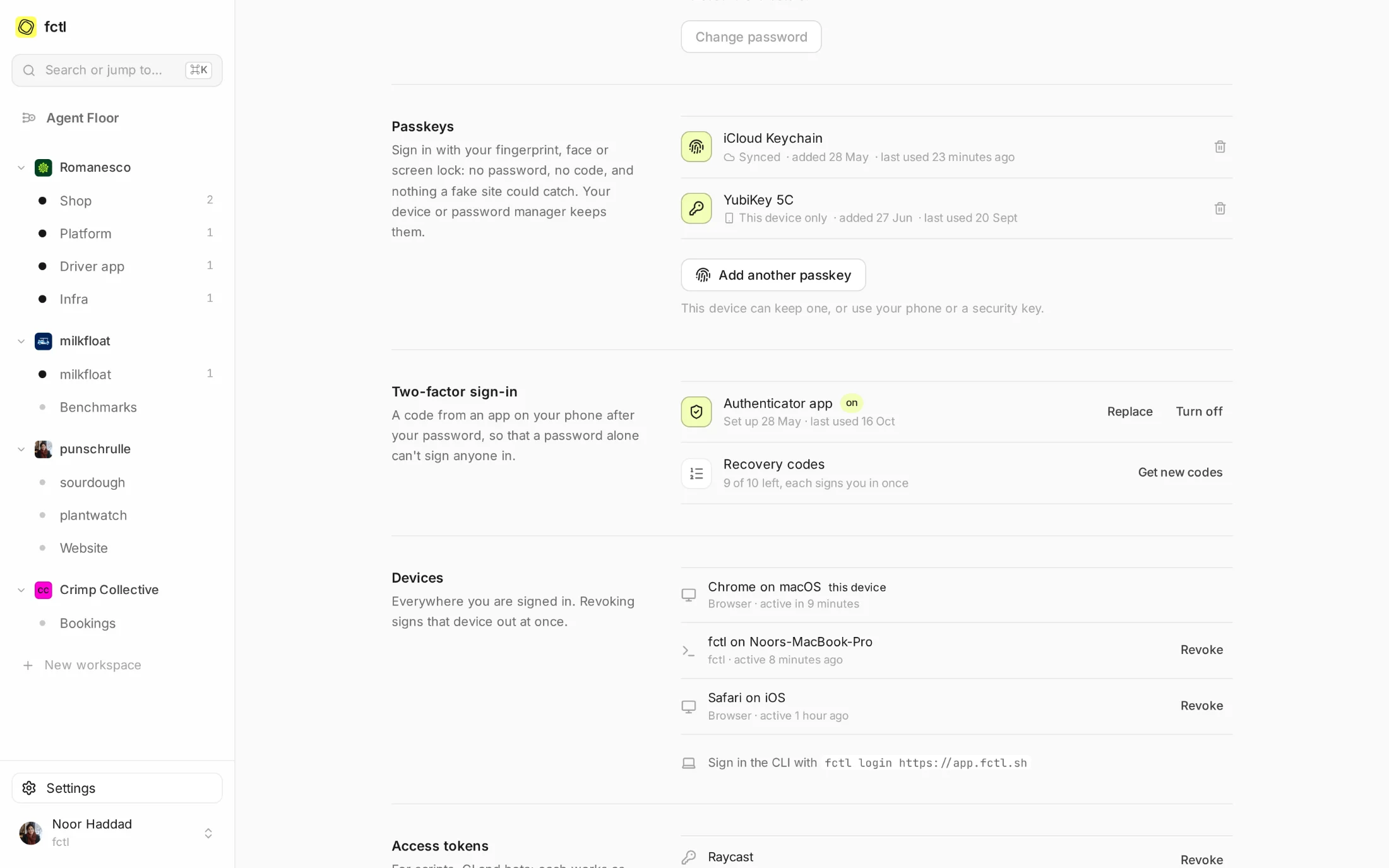
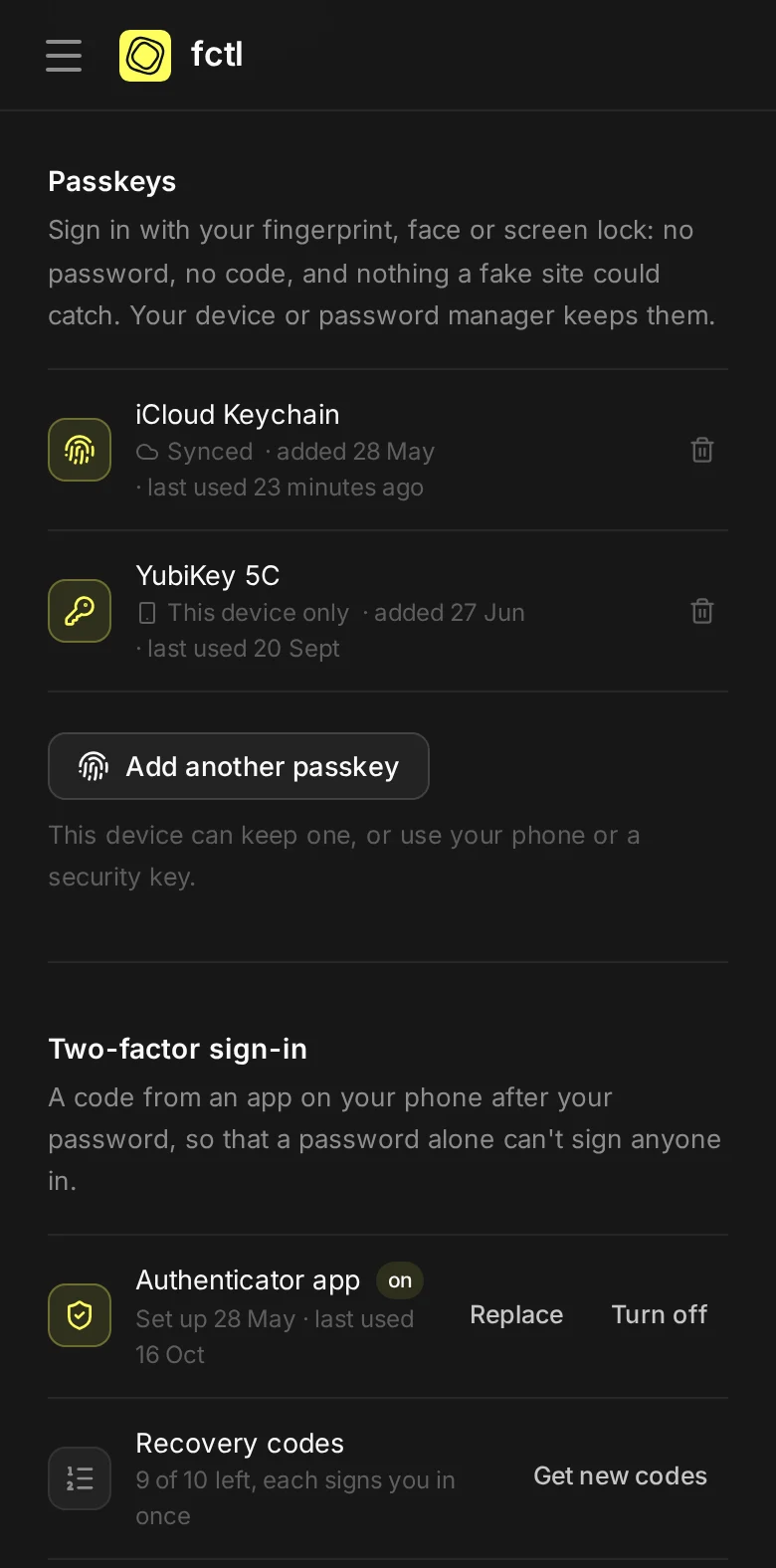
A password alone opens nothing.
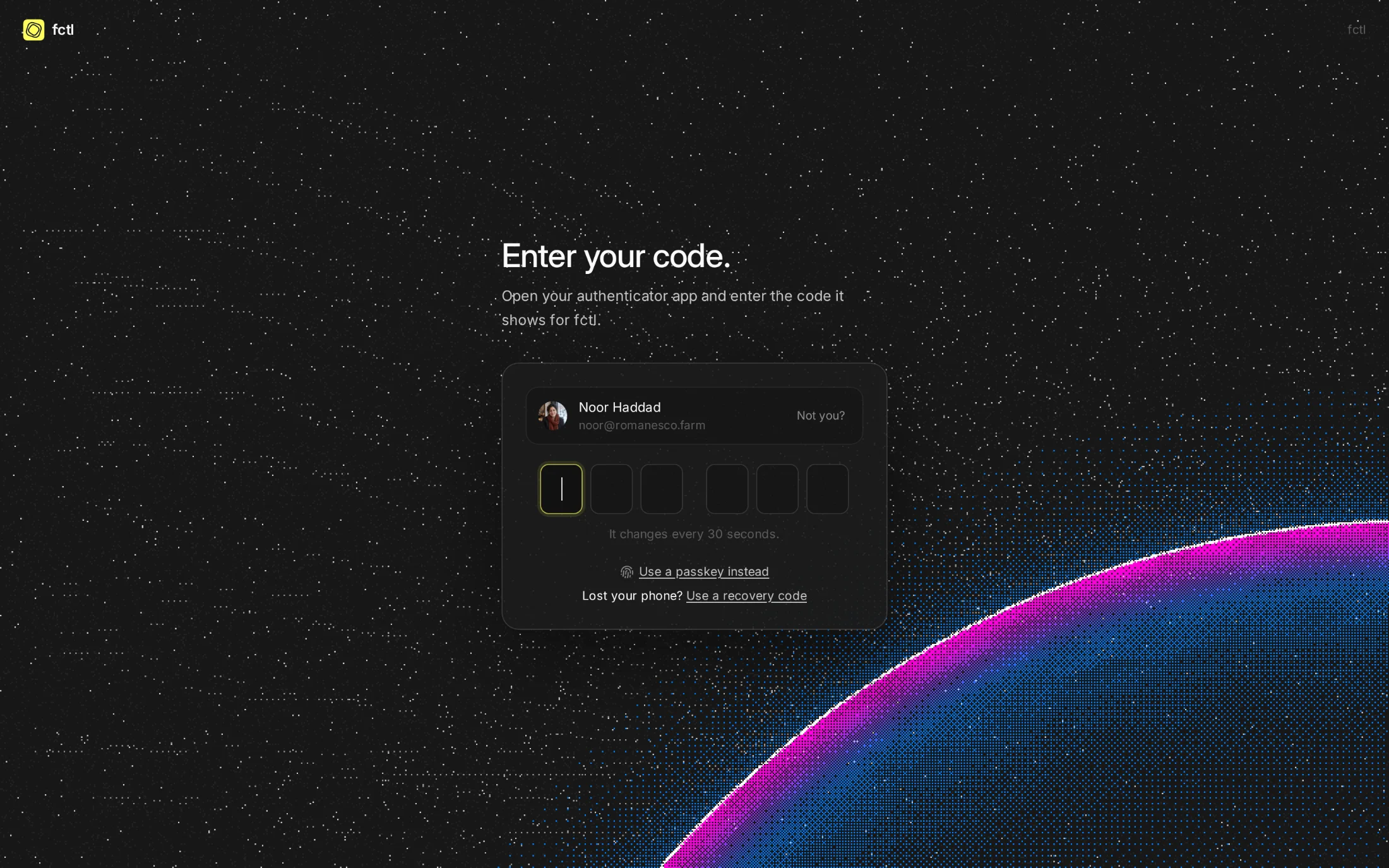
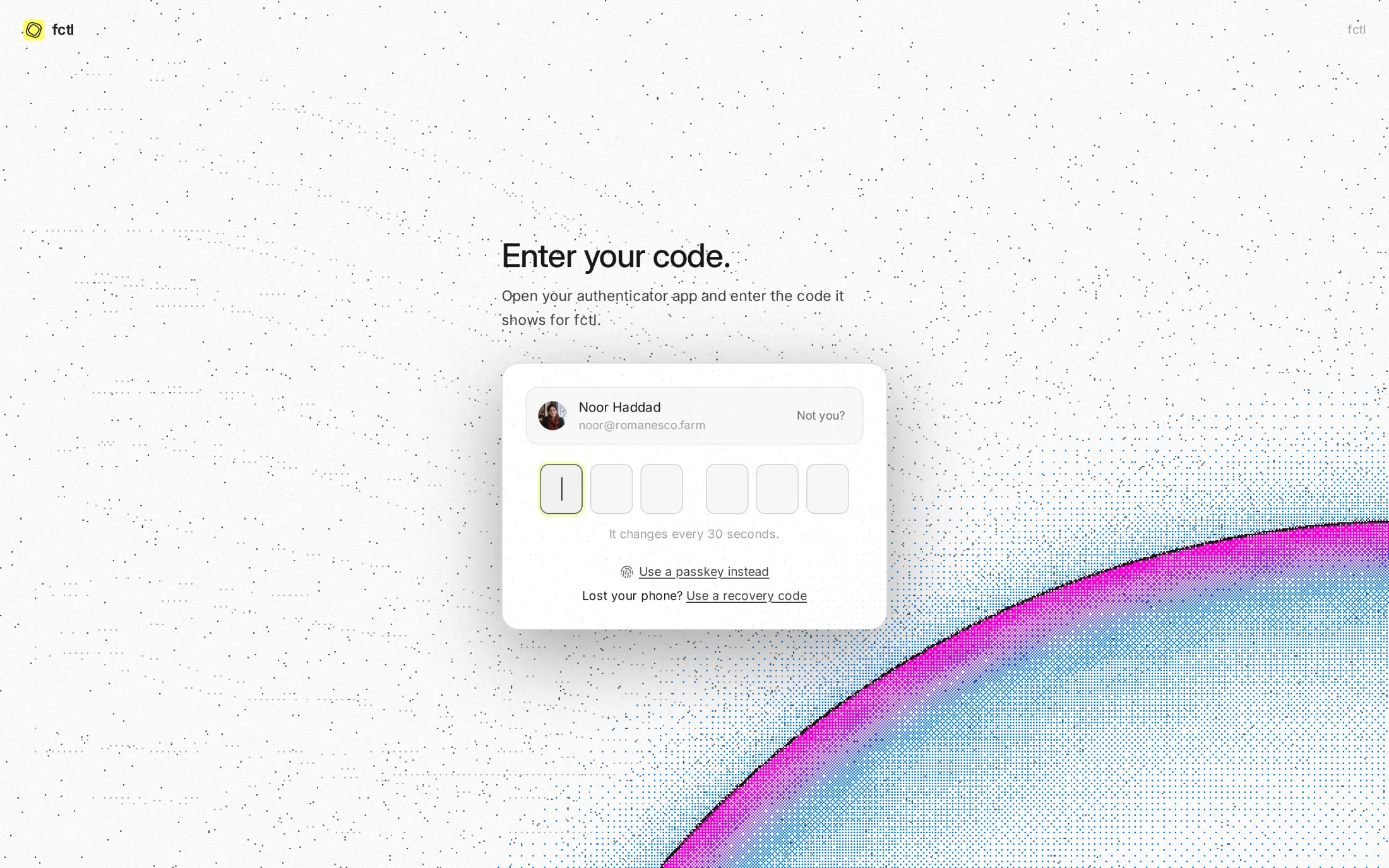
With an authenticator app set up, a password only gets as far as this page. It asks for the code the app shows, or the passkey instead, and keeps the sign-in waiting for ten minutes at most. Wrong codes in a row make it wait longer before it takes another, and tell you by email that someone tried.
A second look before anything sensitive.
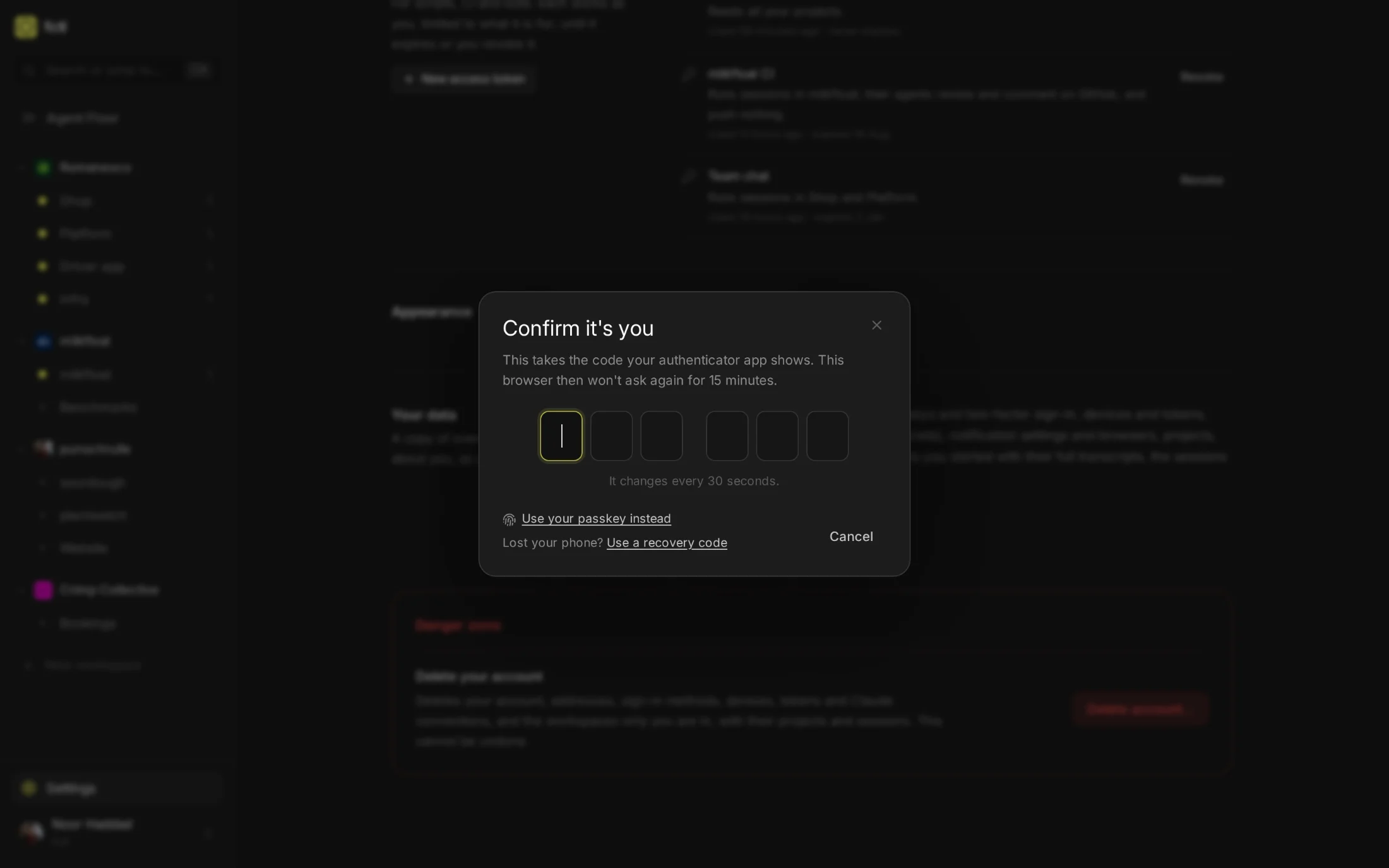
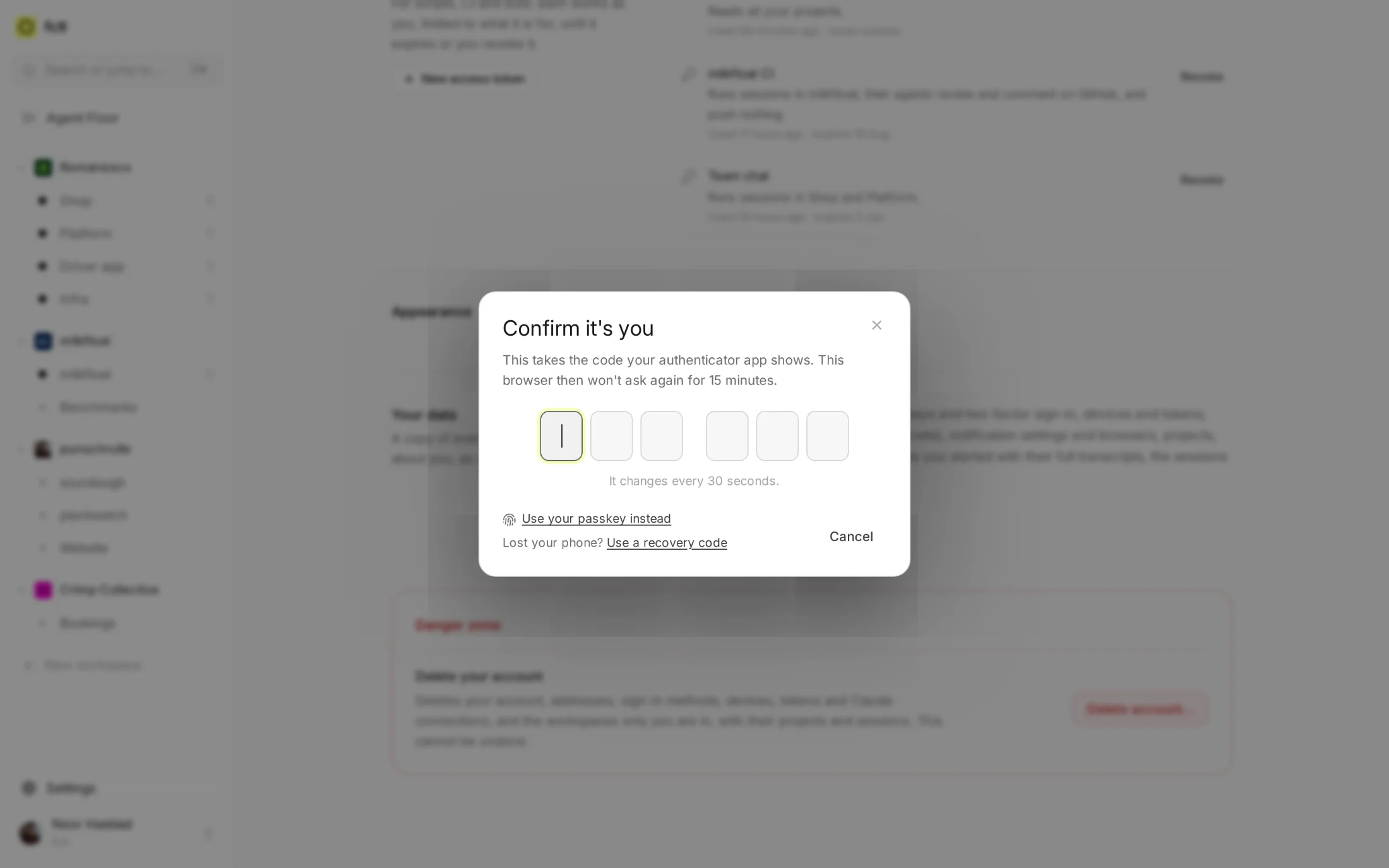
Where the instance asks for it, the actions that would hurt most in a stolen session take your passkey or a code first, in the browser, the CLI and from access tokens alike. A confirmation lasts 15 minutes for the browser or CLI that made it.
- Keys and machines. Making an access token, approving the CLI, adding a runner to a workspace.
- People and roles. Making someone an admin, handing over a workspace, resetting two-factor.
- The irreversible. Exporting your data, deleting a project, a workspace or an account.
The CLI signs in through your browser.
fctl login shows a code and opens the browser, where you're already signed in with your passkey.
Check the code, approve, and the terminal is signed in: no password typed into a terminal, and no
second factor it could skip.
fctl login
Sign in to fctl
Code: QKXW-HTRP
Link: https://app.fctl.sh/device?code=QKXW-HTRP
Opened your browser. Confirm the code there.
✓ Signed in as Noor Haddad <noor@romanesco.farm>
fctl whoami
Noor Haddad <noor@romanesco.farm>
https://app.fctl.sh · member · usr_01K5R8N3QJ7V2XW9T4HB6CEDFM
Workspaces: Romanesco (primary admin), milkfloat (primary admin), punschrulle (primary admin), Crimp Collective (member)
Passkeys: iCloud Keychain, YubiKey 5C
Two-factor sign-in: on (authenticator app, 9 recovery codes left)
In the docs
How each way in works, what's stored, and what fctl asks to confirm.
Start a factory tonight.
curl -fsSL https://fctl.sh/install | sh