
FeaturesSchedules
Work that starts on its own.
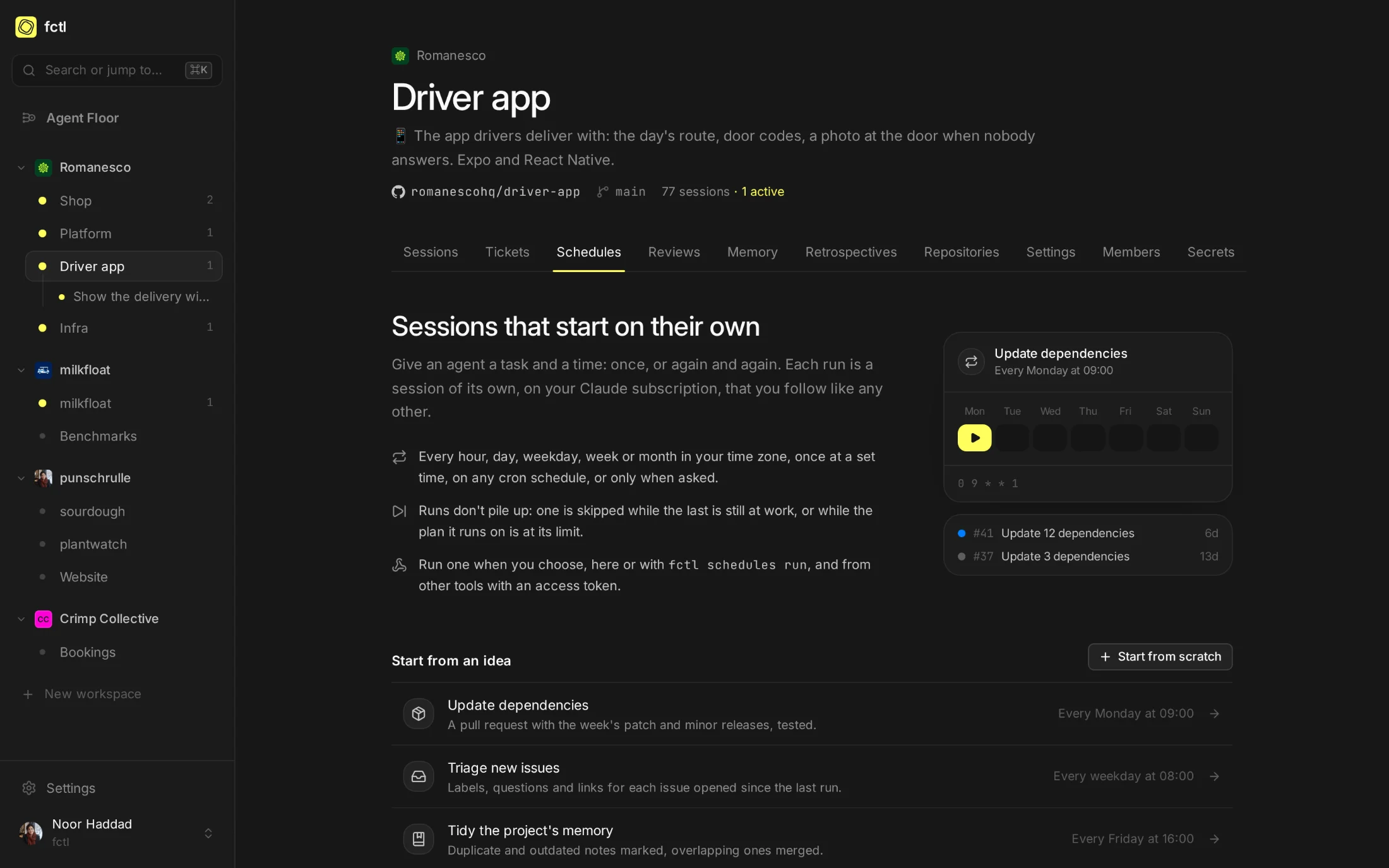
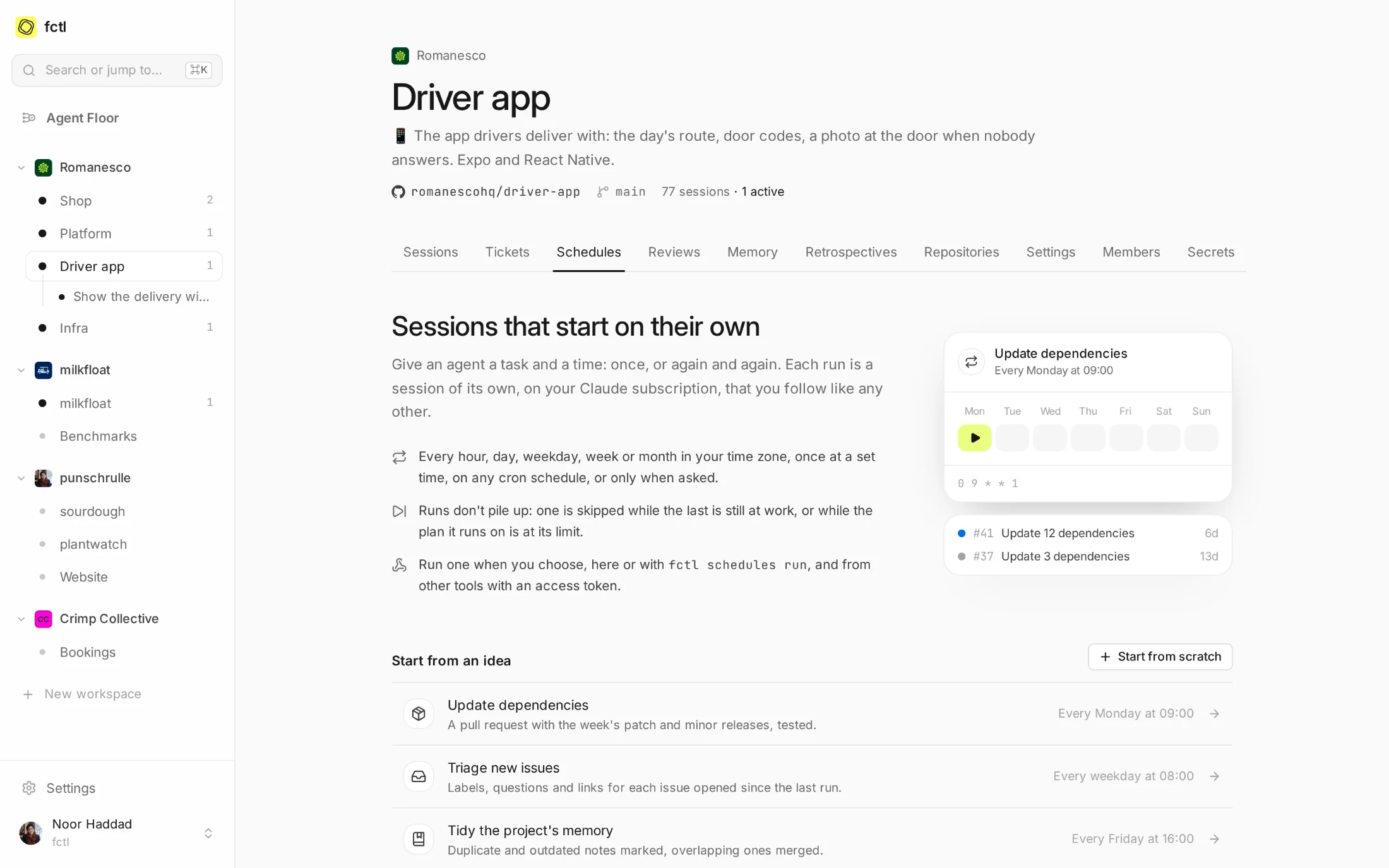
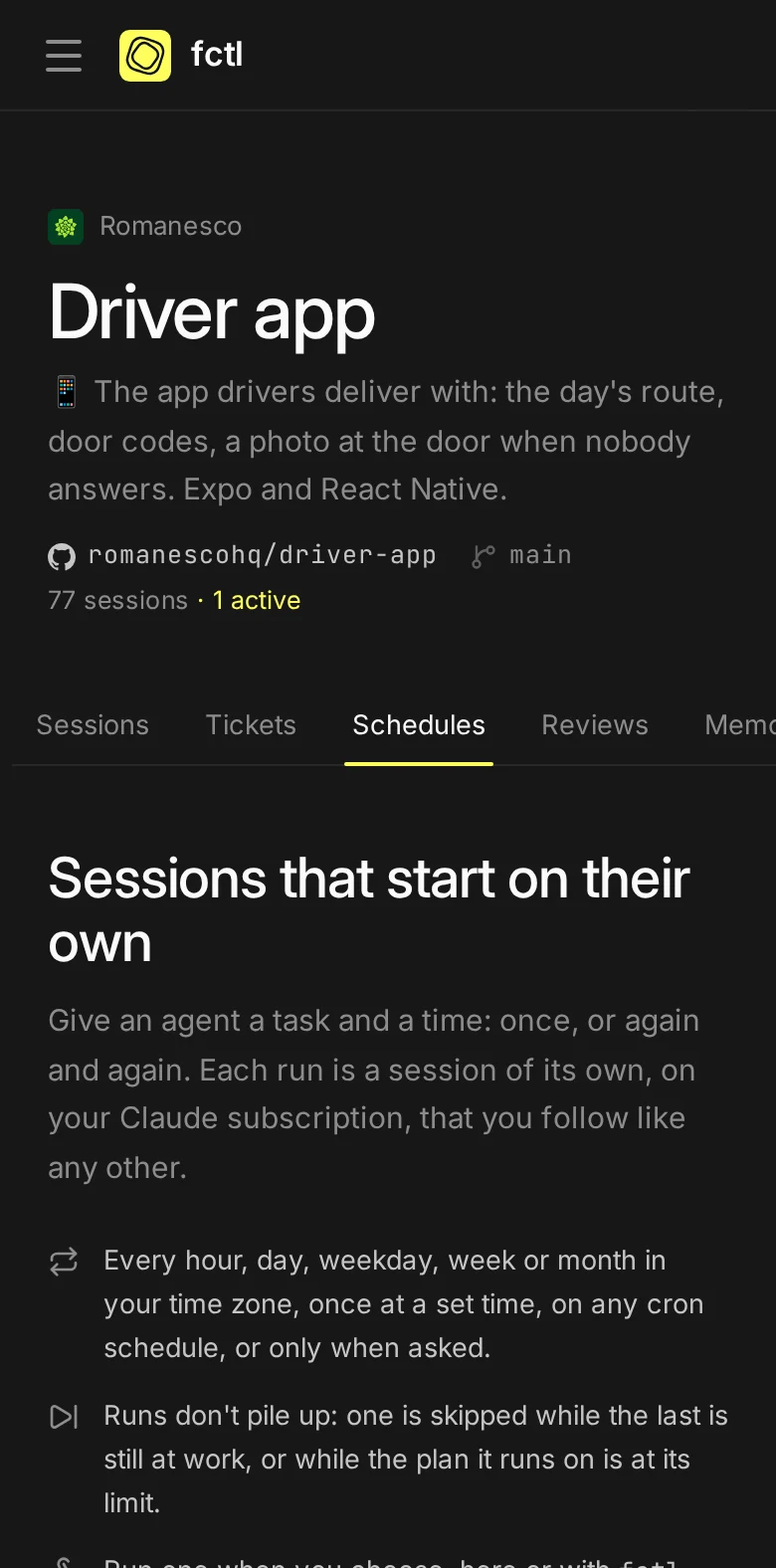
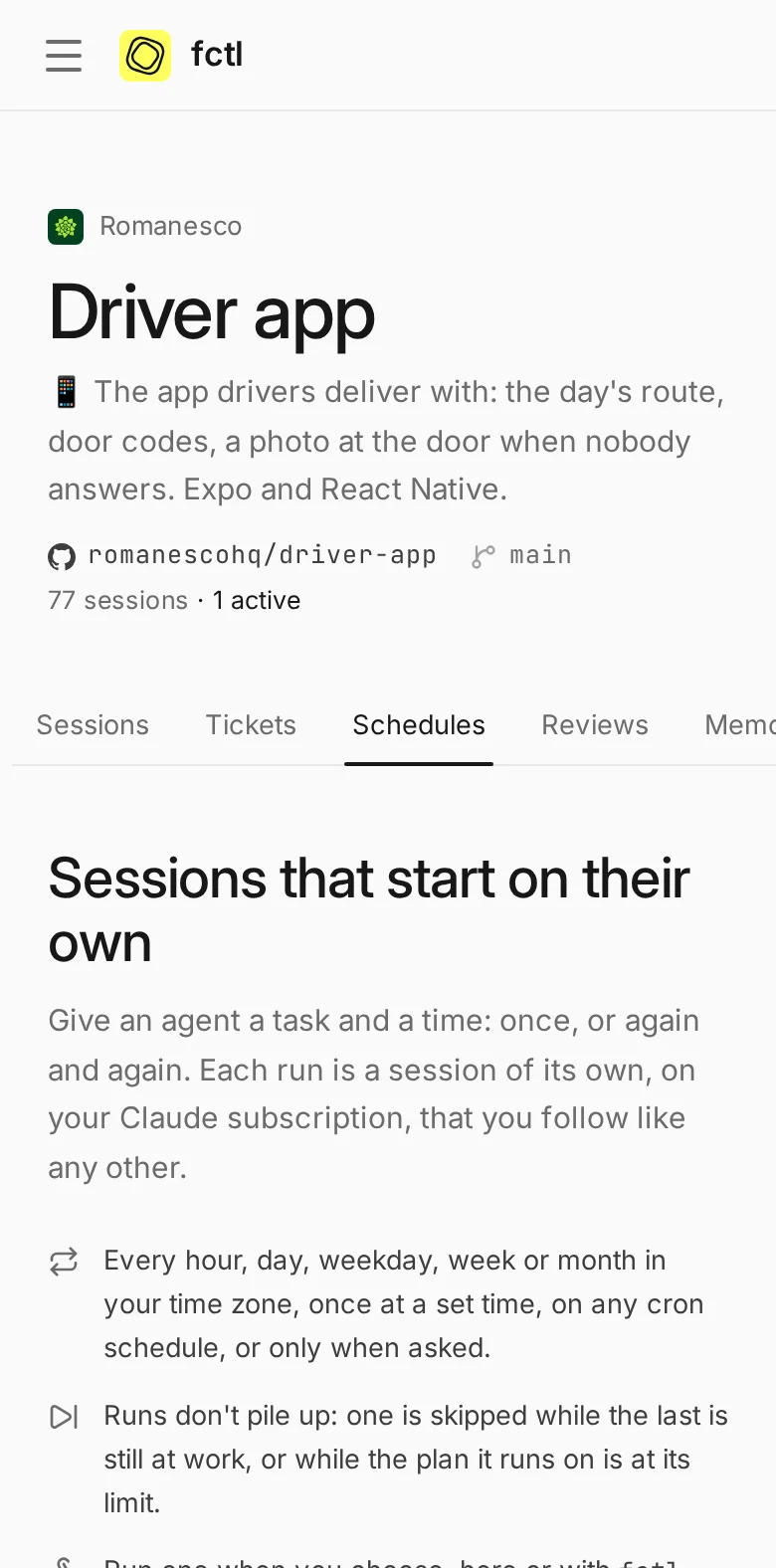
Some work comes round like the bins: dependency updates on Monday, a hunt for flaky tests on Saturday, benchmarks every night. Give an agent the task and the time, once or again and again, and each run is a session of its own that you follow like any other, on your Claude subscription.
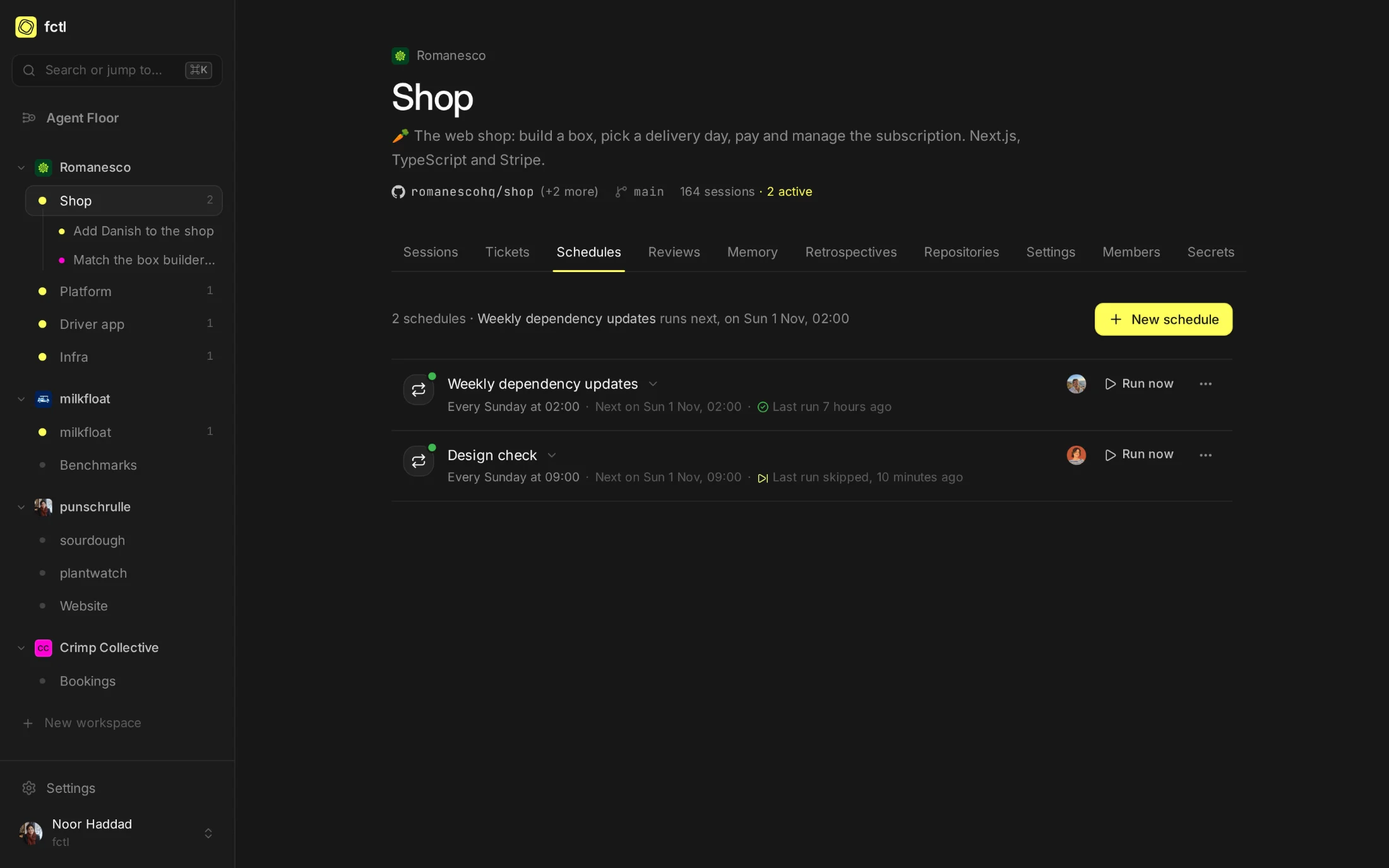
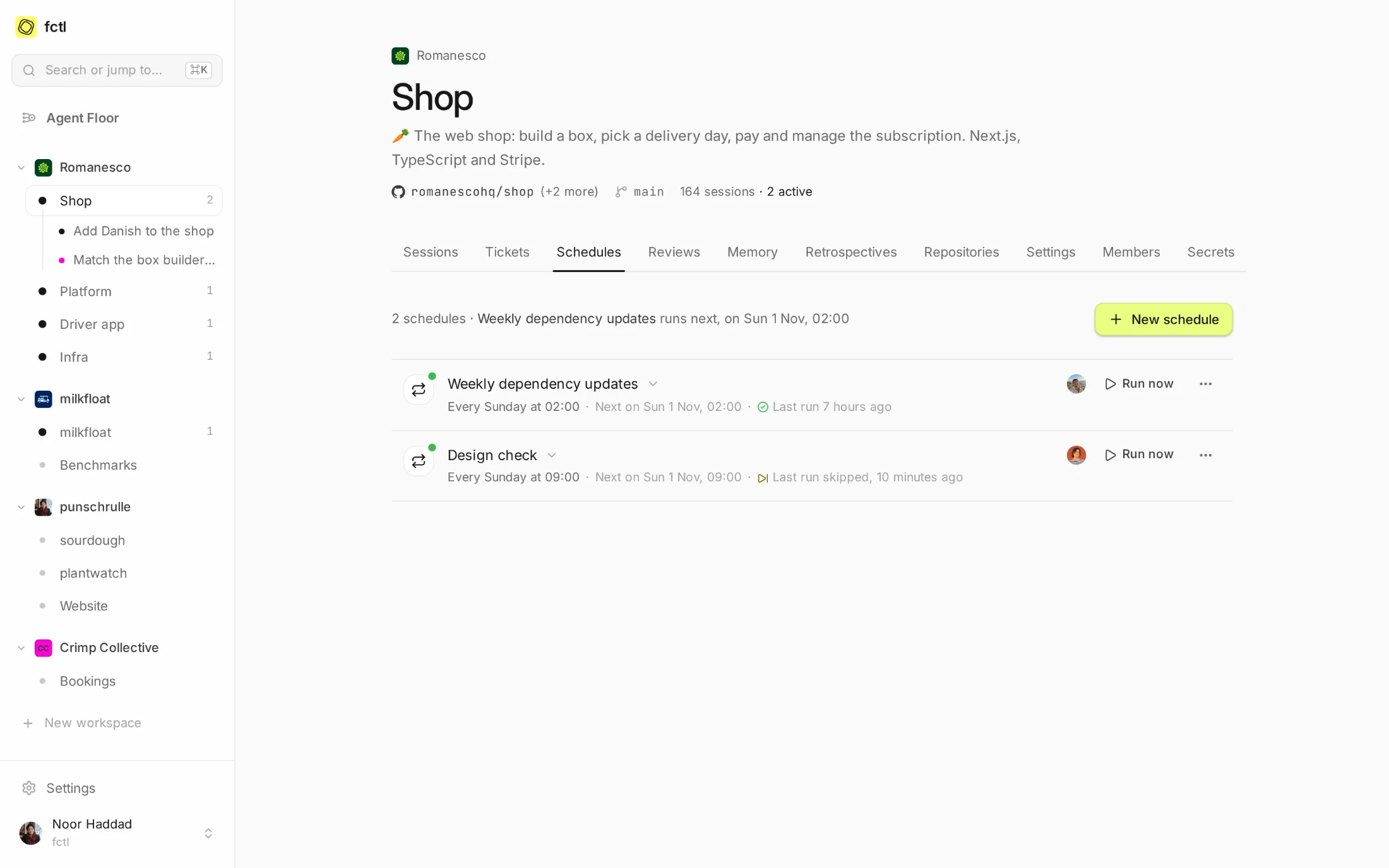
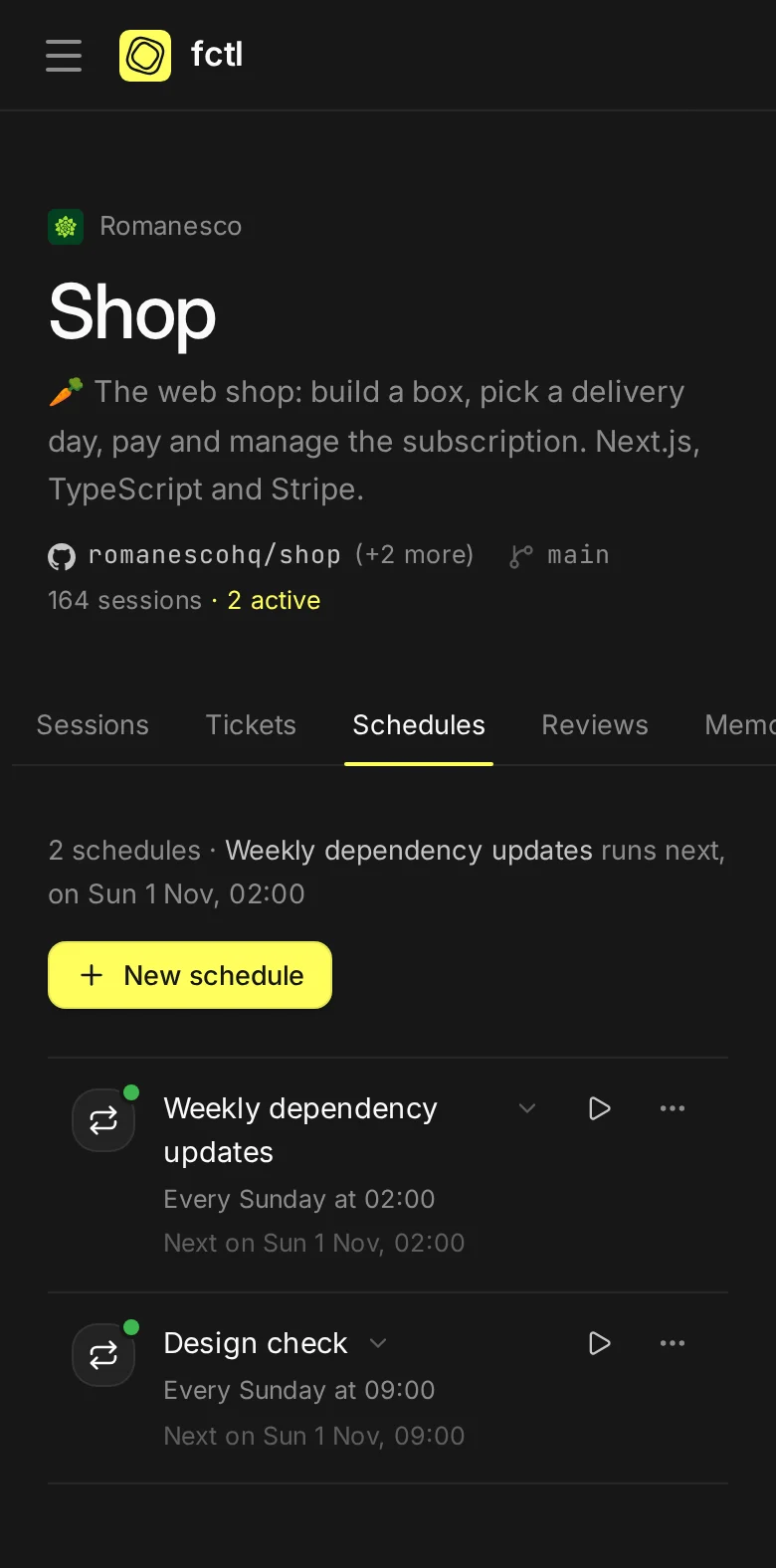
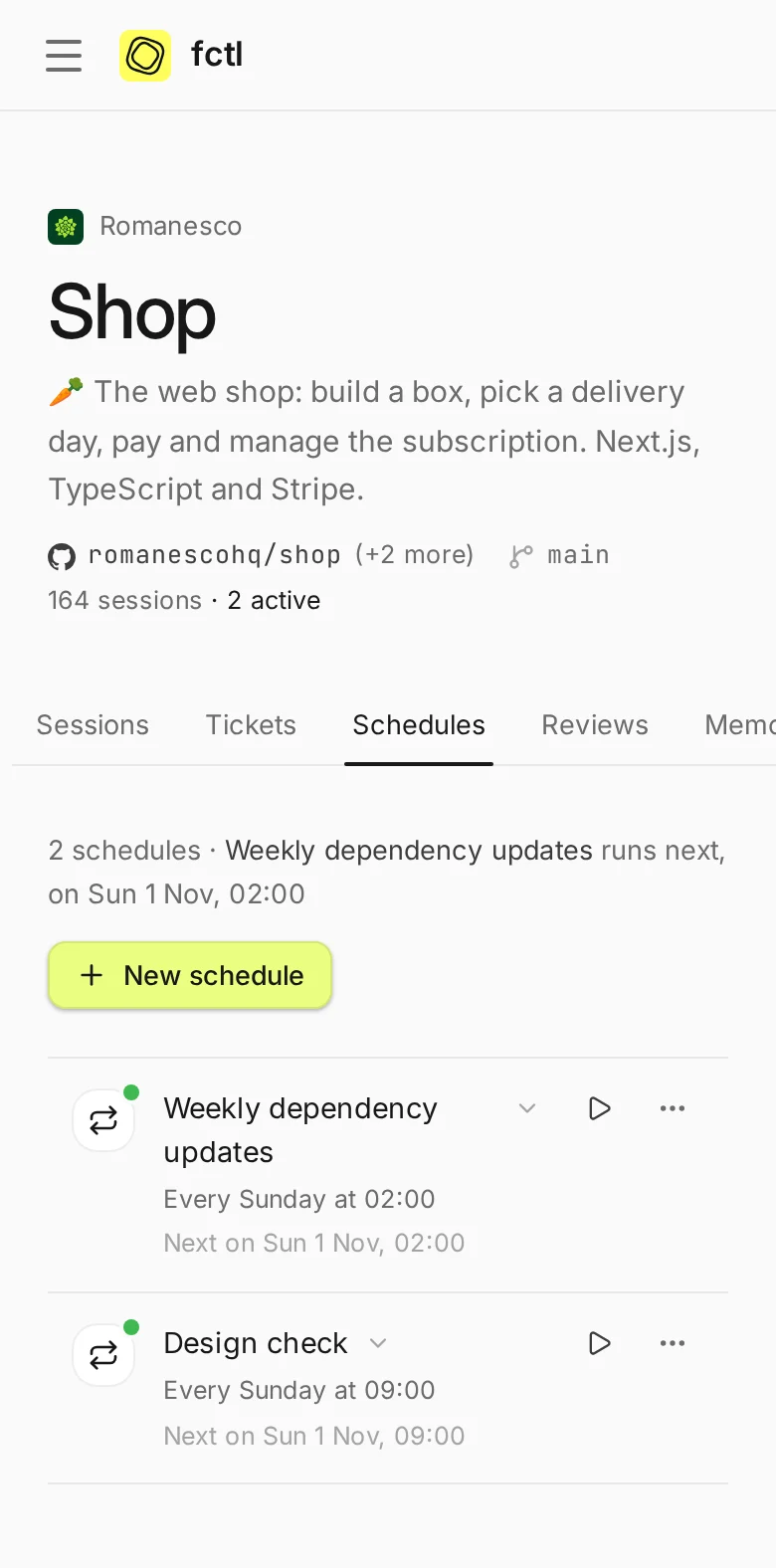
Every hour, day, weekday, week or month in your time zone, once at a set time, on any cron, or only when asked.
A run is skipped while the last is still at work, or while its plan is at its limit, and says so.
Run one now from the app, with fctl schedules run, or from another tool with an access token.
A schedule runs on the subscription of whoever set it up. Change someone else's, and it runs on yours.
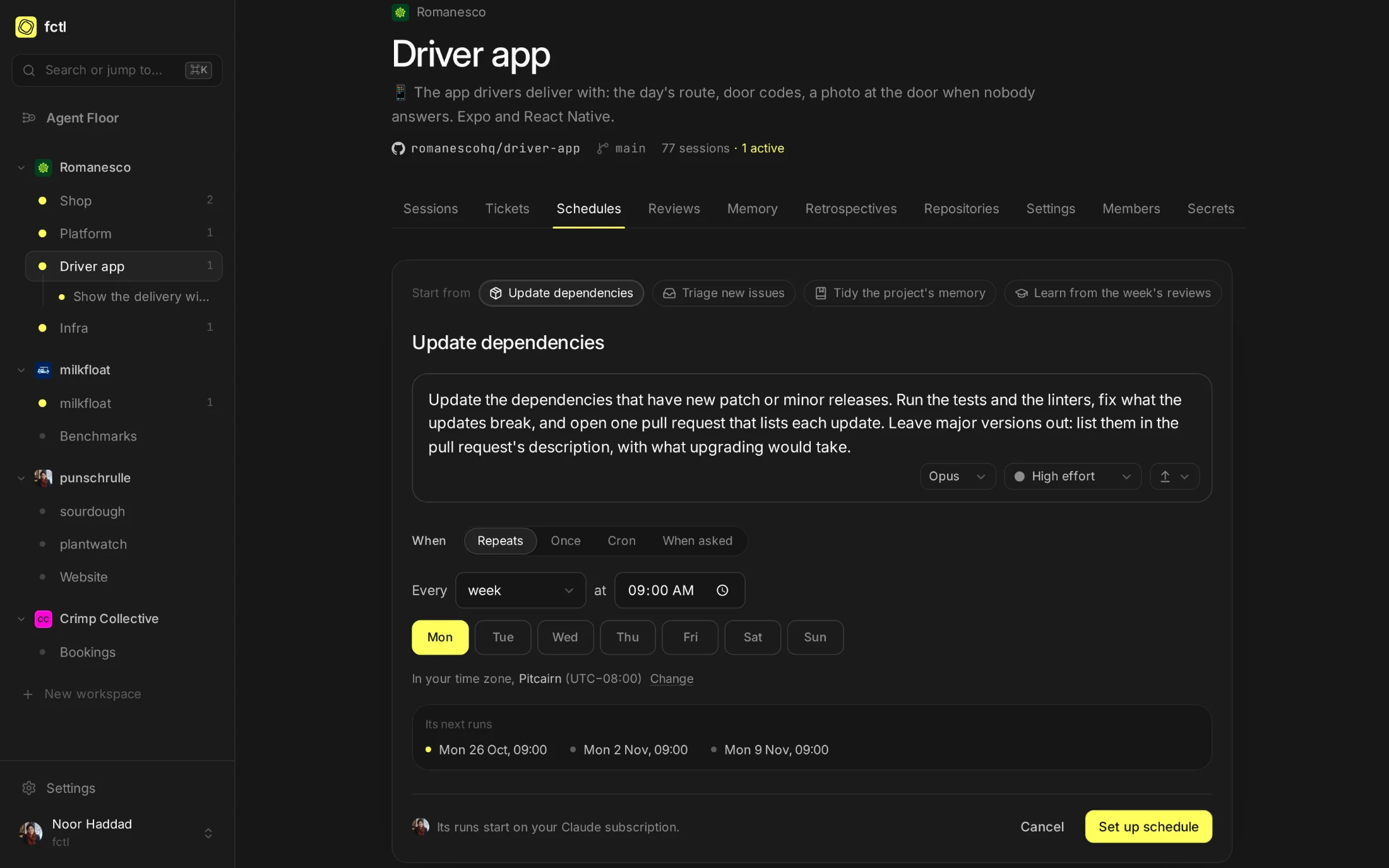
Not sure what to schedule? Start from an idea.
A project without schedules shows what they're good for, and four ideas that most projects can use tomorrow: update dependencies, triage new issues, tidy the project's memory, and learn from the week's reviews. Pick one, and the form fills itself in for you to adjust.
A task, a time, and how hard to think.
A schedule is what you'd write in the task box, with a time. Choose the model and effort its sessions start with, the branch they start from and how much they may do on GitHub: a triage run that only labels and comments never needs to push.
- Your time zone, not UTC. 09:00 on Monday stays 09:00 through summer time.
- From the task box, too. Write the task, then pick Schedule rather than Start.
- Paused, not forgotten. Pause one for the holidays, and it waits until it's resumed.
Every run, a session.
At two in the morning, the shop's weekly dependency updates ran. The agent got its task and a note from fctl: which schedule started it, how the last run went, and that nobody was watching, so it should decide what it can and say plainly what only a person can. By breakfast it had updated nine packages, left two majors for a person, and opened the pull request.
Follow it like any session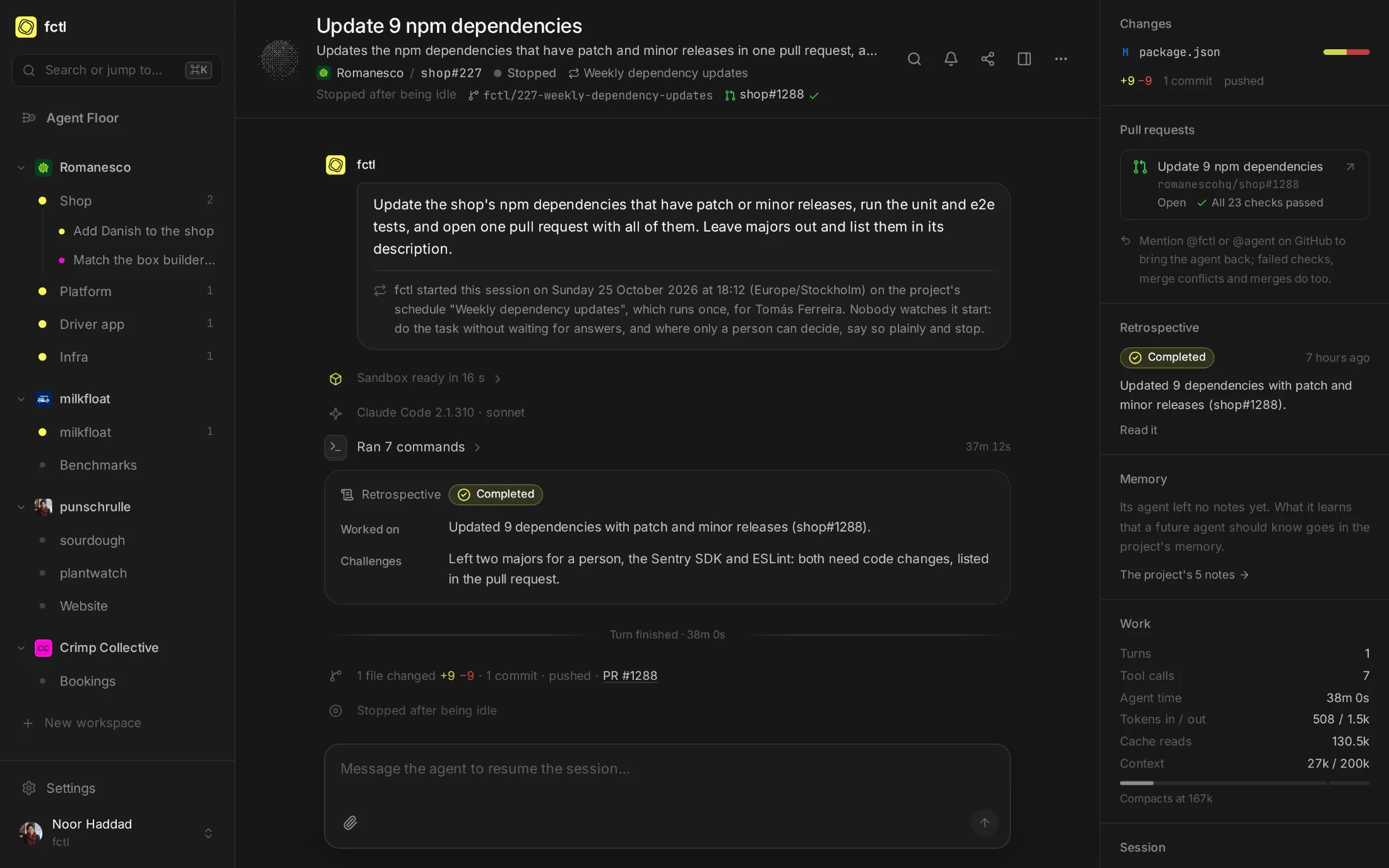
Or from the terminal.
Everything the tab does, fctl schedules does too, with --json for scripts. A schedule
that runs only when asked is a task another tool can start with one call, with context of its own: an
issue that was just opened, a deploy that just went out.
fctl schedules add "Triage new issues" -p milkfloat --cron "0 8 * * 1-5" --github comment -m "Label the issues opened since yesterday, ask for what's missing, and close duplicates."
✓ Set up Triage new issues in milkfloat
Runs every weekday at 08:00 (Europe/Stockholm) · next in 22h 50m
Its runs start on your Claude subscription. Run it now: fctl schedules run sch_01K8ZTQ3W6M2HB0XKD4PVC9N7E
fctl schedules -p milkfloat-bench
● Nightly benchmarks sch_01K2M7RW4E8XQ5TB9CJZ3HDN6P
Runs every day at 01:00 (Europe/Stockholm) · next in 15h 50m · on Noor Haddad's Claude subscription
last run started session #41 Benchmark main on 356 instances · on time · 8h ago
In the docs
Times and time zones, whose subscription a run uses, and running one from elsewhere.
Start a factory tonight.
curl -fsSL https://fctl.sh/install | sh